Icon
Command
Shortcut Key
Toolbar

COPYLAYER
Modify
Copy a selection set to a specified layer.
|
Icon |
Command |
Shortcut Key |
Toolbar |
|
|
COPYLAYER |
|
Modify |
This function allows you to copy entities in a drawing from one layer to another, by selecting the entities and specifying the layer to copy the selected entities to.
 Layer names that are greyed out indicate that the layer is not visible, and entities copied to this layer will not be drawn until the layer's visible state is changed. Use the Layer Settings or the Set Visible Layers options to change the visibility.
Procedure
The entities in this example are all drawn in a separate layer with different colours, as shown below.
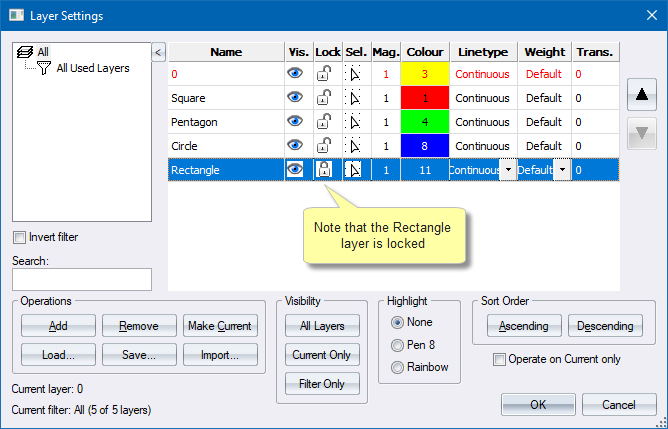
The square is in the Square layer, the pentagon in the Pentagon layer, the circle in the Circle layer and the rectangle in the Rectangle layer.
Because they are drawn in ByLayer colours, the colour of the entity is determined by the layer colour.
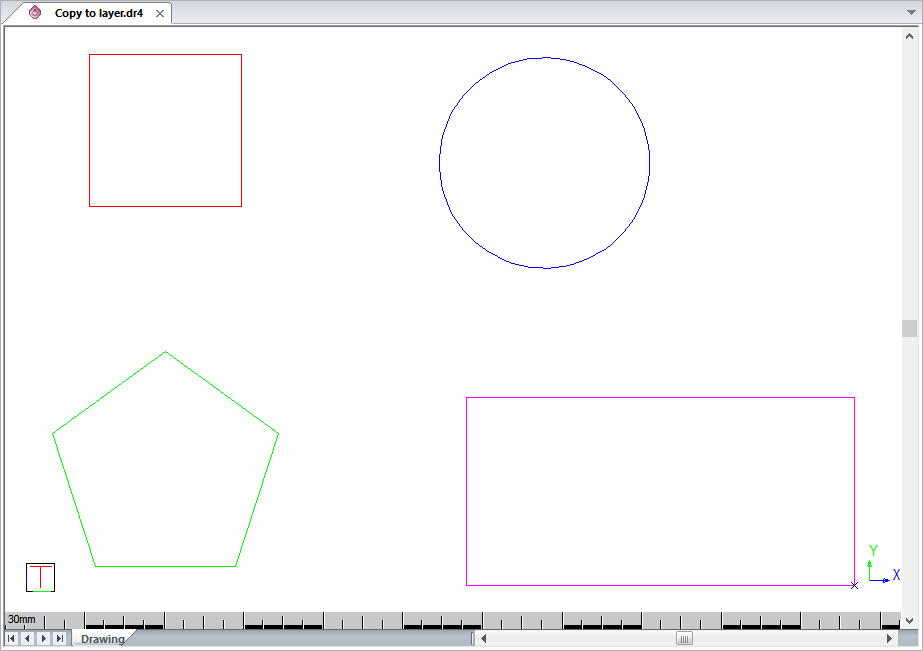
To copy entities in a drawing from one layer to another:
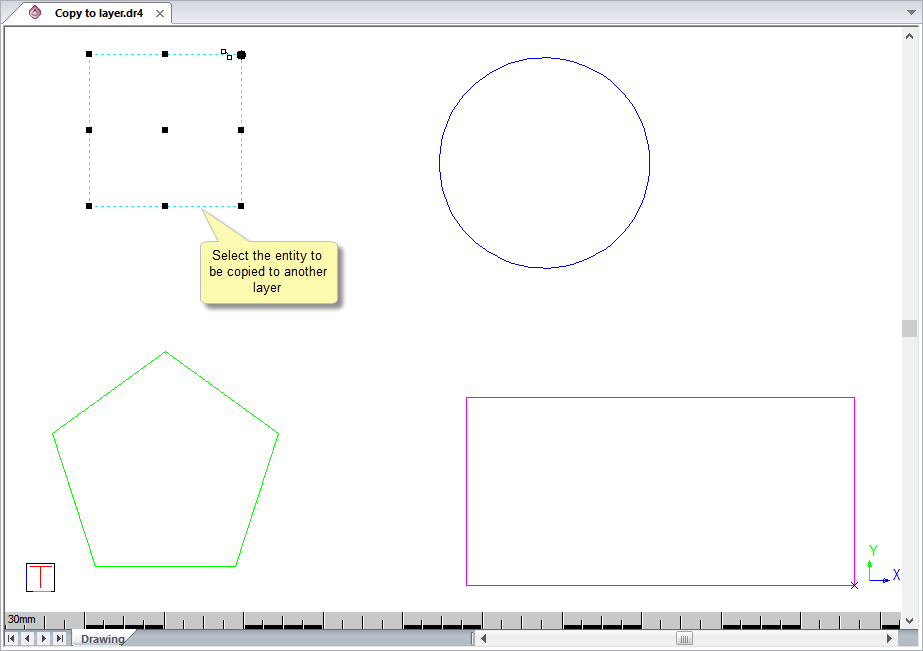
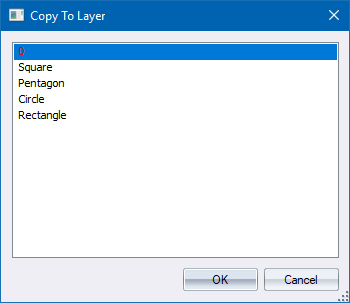
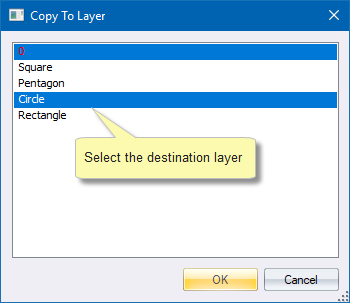
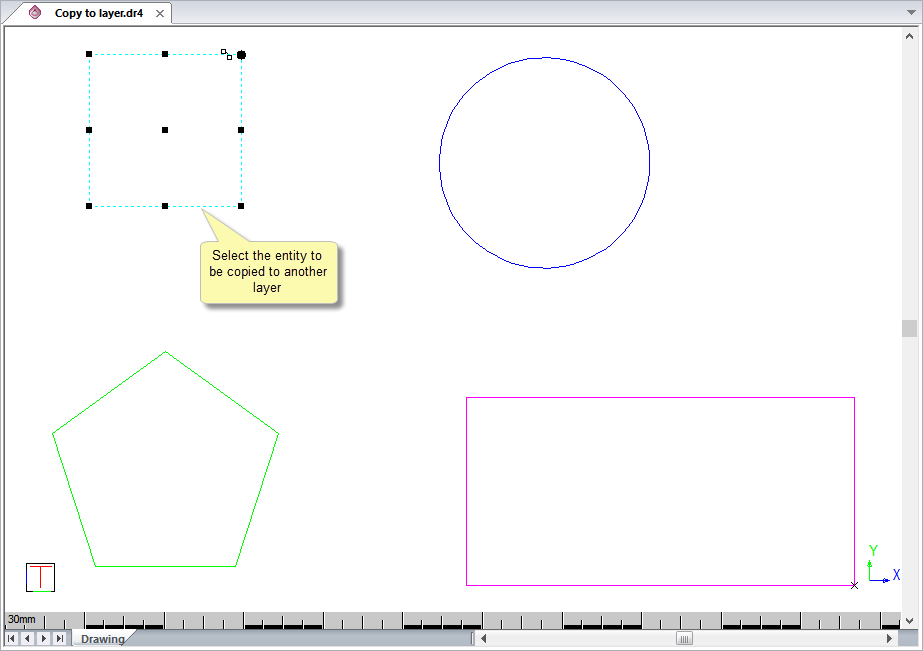
The entities remain selected and you can press [Esc] to deselect them.
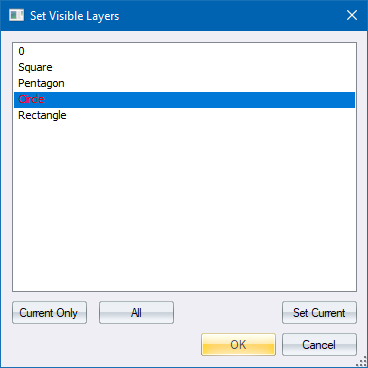
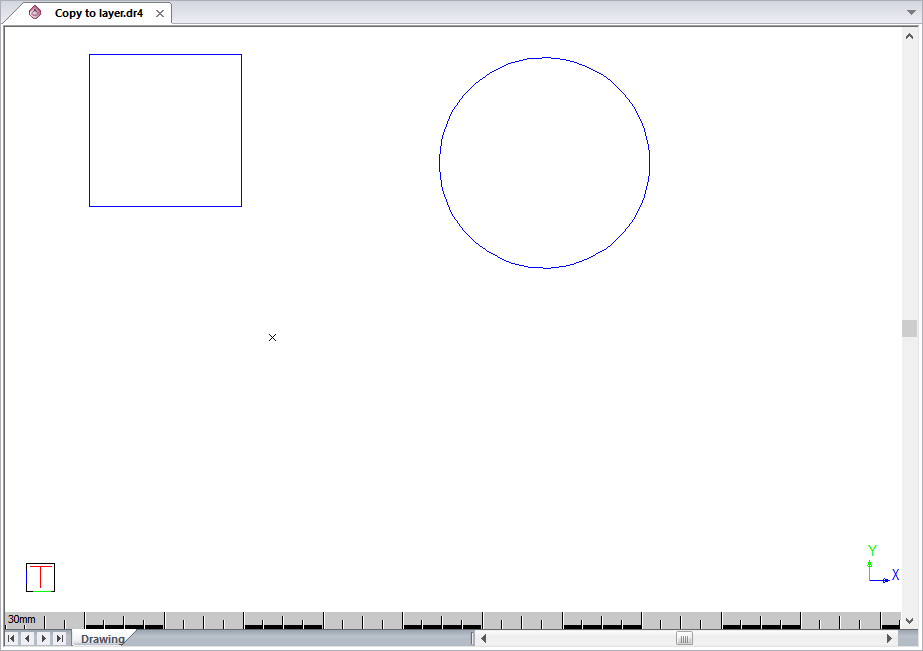
The original red square is still in the Square layer and a copy has been created in the Circle layer.
Use the Move to Layer function if you want to move the square into another layer.