Icon
Command
Shortcut Key
Toolbar

VISIBLELAYERS
[L]
Settings
Set the visibility of layers in the drawing.
|
Icon |
Command |
Shortcut Key |
Toolbar |
|
|
VISIBLELAYERS |
[L] |
Settings |
This function allows you to quickly set the visibility of layers in a drawing.
 The current layer cannot be made invisible.
Procedure
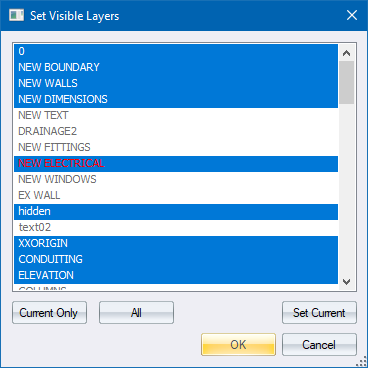
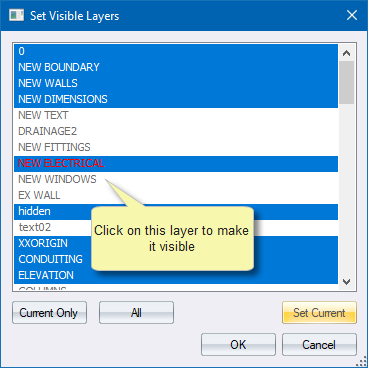
Hold down [Shift] and click to highlight a range of layers.
Hold down [Ctrl] and click to add multiple individual layers to the current set of selected layers.
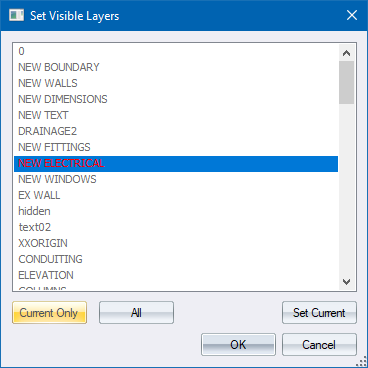
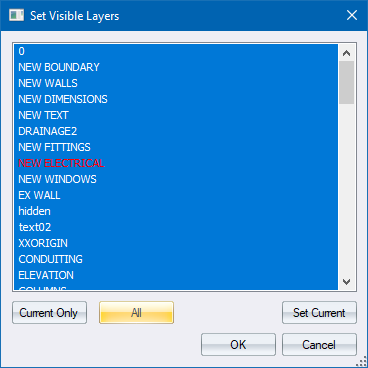
Select the layer and then click Set Current.
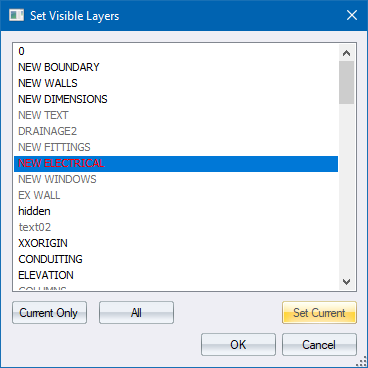
The Set Current Layer window displays with the current layer highlighted in blue with red text.
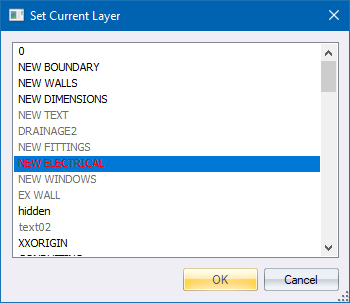
Click on the layer you would like to be the current layer and then click OK to return to the Set Visible Layers window.