Delete Selection
Delete all currently selected entities.
|
Icon |
Command |
Shortcut Key |
Toolbar |
|
|
DELSELECT |
[Delete] |
Main |

This function allows you to remove currently selected entities from the drawing.
 Use the Undo function to restore entities that you have deleted accidentally.
Procedure
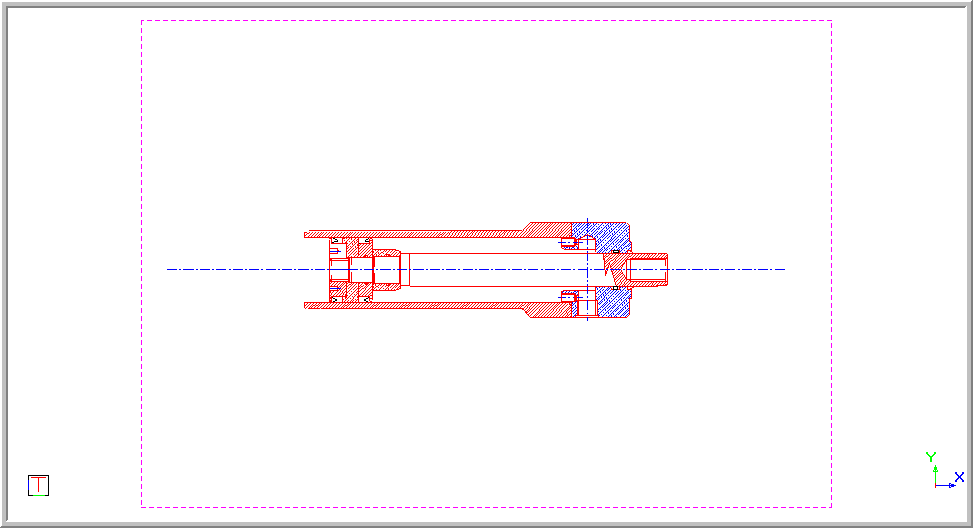
- Select the parts of the drawing that you want to delete by clicking on them, dragging a selection box or using the Selection Filters. The selected parts are shown in a black dashed line in the drawing below.
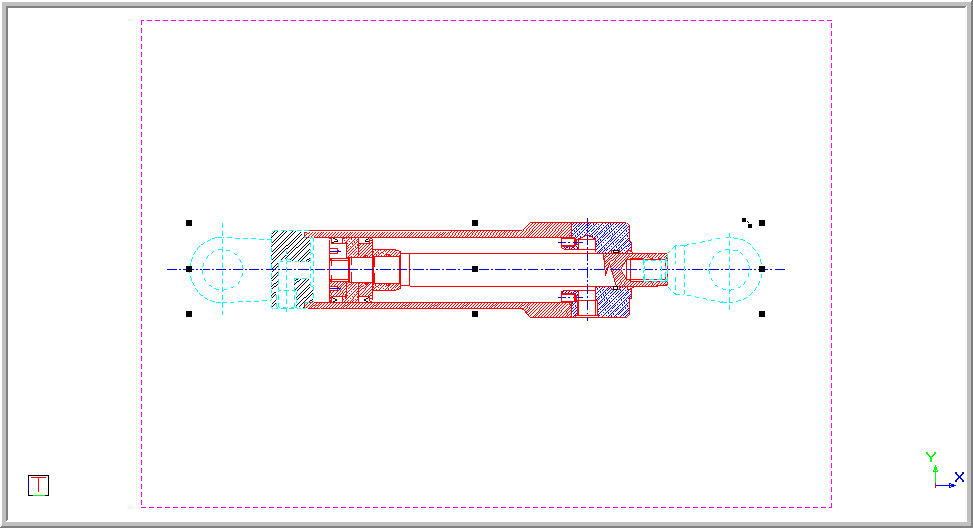
-
Select Edit ► Delete Selection or press [Delete].
- If the Confirm on entity deletion message option has been set in the Messages page of the System Settings, you are asked to confirm the deletion of all selected entities.
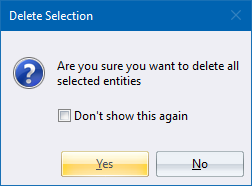
If the Confirm on entity deletion message option has not been selected or you click Yes, the selected entities are immediately removed from the drawing.
- Click Yes to continue and delete the entities from the drawing.