Icon
Command
Shortcut Key
Toolbar

AXISDP
View Axis
Set the view axis to the drawing plane normal.
|
Icon |
Command |
Shortcut Key |
Toolbar |
|
|
AXISDP |
|
View Axis |
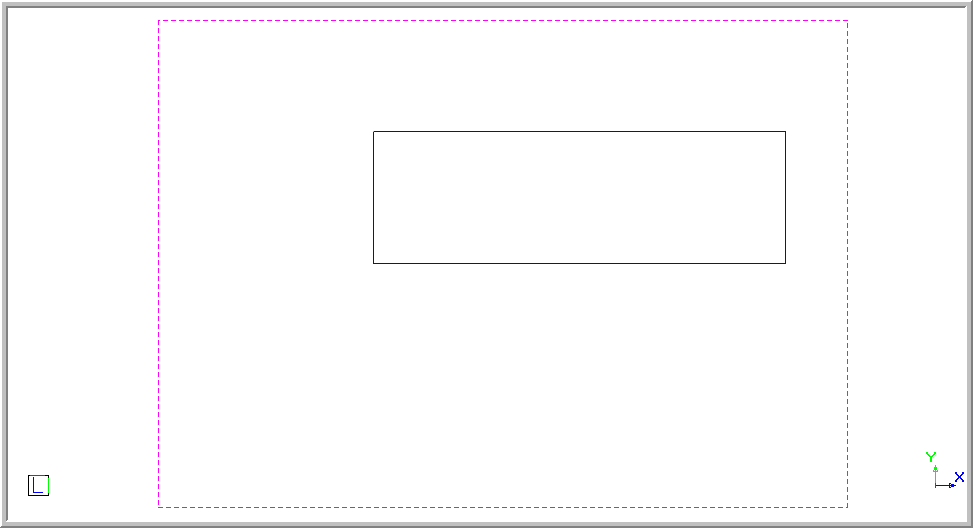
This function allows you to set the view direction to the current drawing plane.
The view and drawing plane are co-incident, so entities have the expected appearance when drawn.
 Use the Manual function for a custom view. You can also use this function to set the view to the plane of a specific entity by first setting the Drawing Plane using the DP from Entity command.
Procedure
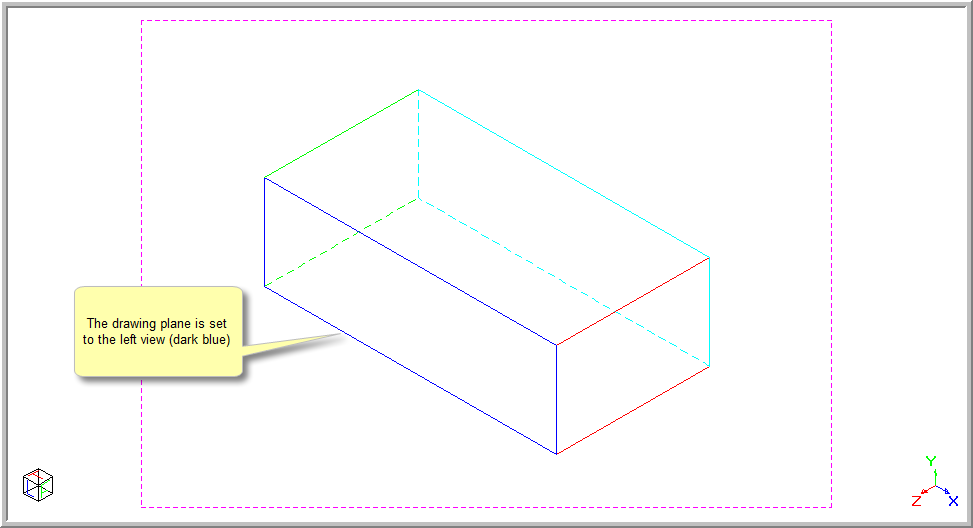
The drawing below shows a rectangular box with the drawing plane set to the left side (dark blue).
To set the View Axis to the drawing plane normal: