Icon
Command
Shortcut Key
Toolbar

REPLACETEXT
Tools
Find and replace text.
|
Icon |
Command |
Shortcut Key |
Toolbar |
|
|
REPLACETEXT |
|
Tools |
This function allows you to find a specific text string and replace it with another text string. You can specify the text to be found and the text to replace it with.
Procedure
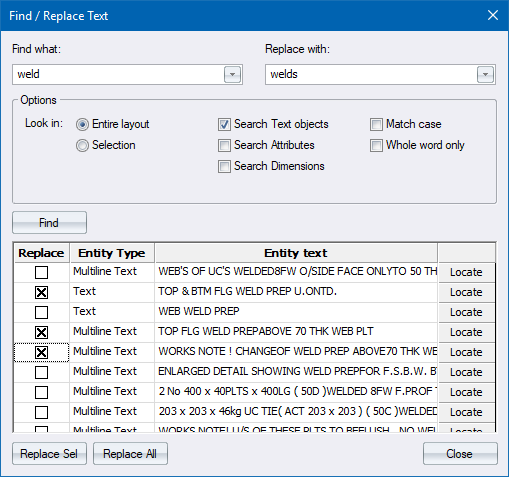
You can use the options to find and view text items.
Find Text Items
In the Find what field, type in the text to find.
In the Replace with field, type in the text you want to replace the text with.
Select the appropriate search options and then click Find.
To view one of the selected text entities:
Click Locate.
The selected text is zoomed.
Specify which items are to be replaced.
To replace specific text entities, select the specific entities to replace and then click Replace Sel.
To replace all text entities, click Replace All.
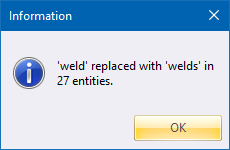
A message displays, informing you which text has been replaced, and what it has been replaced with.