Icon
Command
Shortcut Key
Toolbar

ISO120
[.]
Tools
Switch the cursor lock angle between the three angles (30°, 90° and 150°) suitable for isometric drawing.
|
Icon |
Command |
Shortcut Key |
Toolbar |
|
|
ISO120 |
[.] |
Tools |
This function allows you to switch the cursor lock angle between 30°, 90° and 150° each time [.] (period key) is pressed. The angles are measured anti-clockwise from the zero (three o'clock) position.
Procedure
To quickly switch the cursor lock angles between 30°, 90° and 150°:
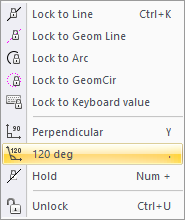

The lock angle switches between 30°, 90° and 150° each time you press [.].The angles are measured anti-clockwise from the zero (3 o'clock) position.
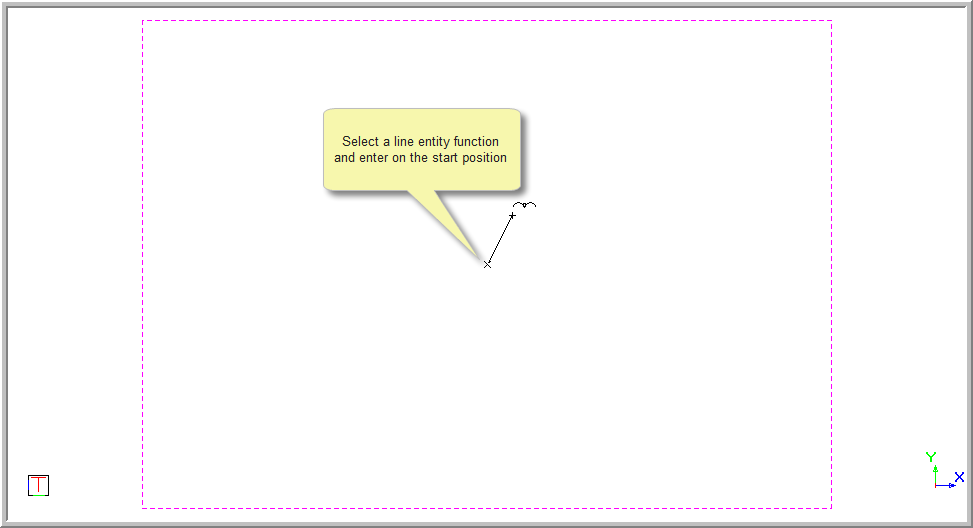
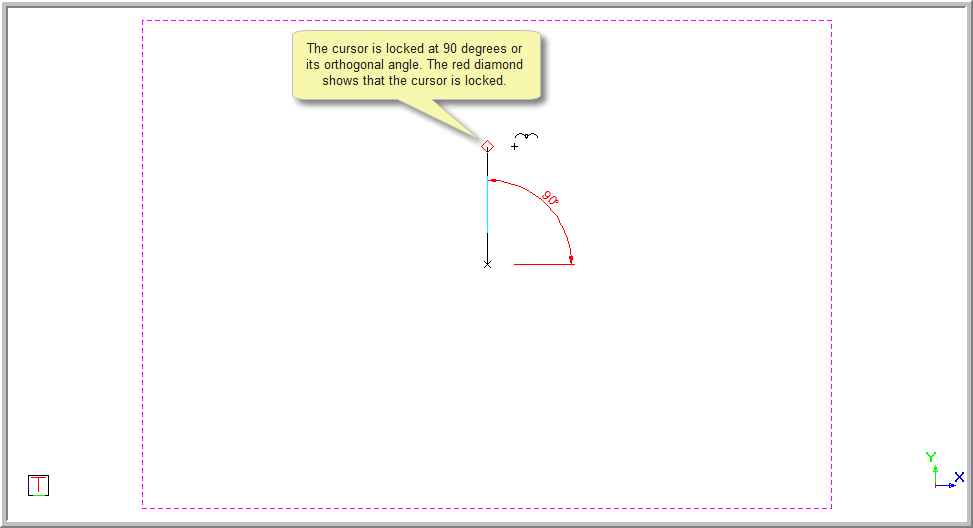
If the cursor lock is indicated in black text, it is not active. Press [+] on the numeric keypad to activate the lock. The cursor lock is indicated in red text when the lock is active.

A red diamond is indicated on the screen when the cursor is locked. The diamond will only move at the locked angle or it's orthogonal whilst the cursor is free to move anywhere.
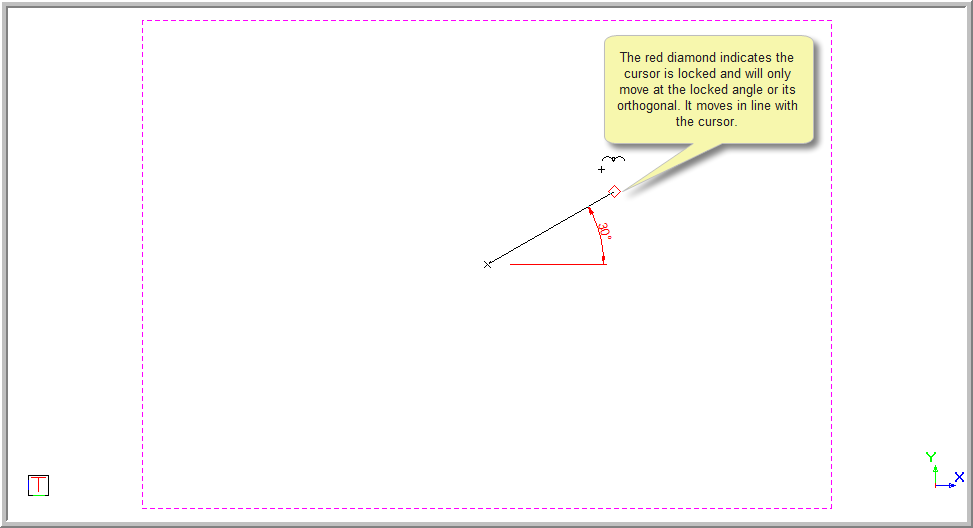

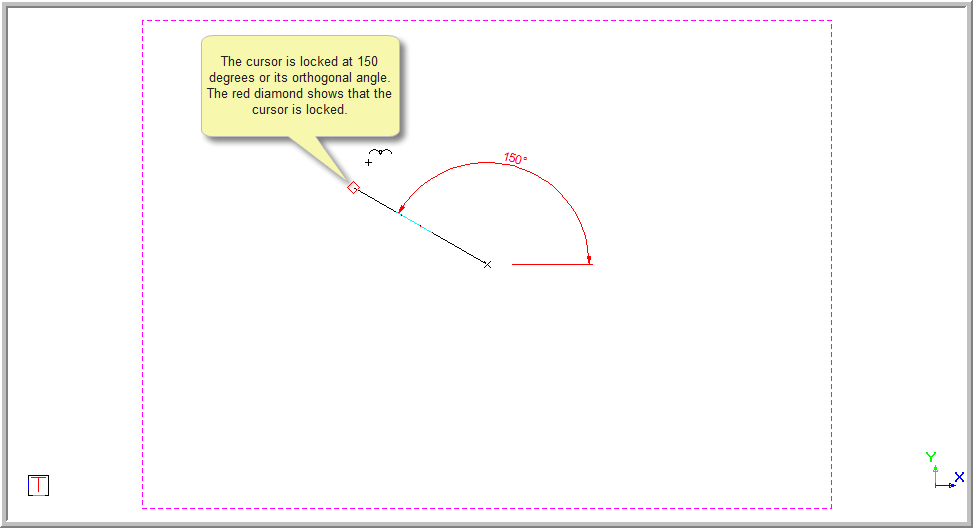

To deactivate the cursor lock, press [+] on the numeric keypad. Alternatively, you can unlock the cursor by pressing [Ctrl+U] or [K]+[U]; or selecting Tools ► Lock Cursor ► Unlock.