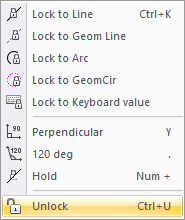
Icon
Command
Shortcut Key
Toolbar

LOCKANGU
[Ctrl+U] or [K]+[U]
Tools
Release the cursor from the current cursor lock.
|
Icon |
Command |
Shortcut Key |
Toolbar |
|
|
LOCKANGU |
[Ctrl+U] or [K]+[U] |
Tools |
This function allows you to remove the cursor lock and move it around freely.
Procedure
When the cursor lock has been selected it is shown in the Status Bar. If the cursor lock is indicated in black text then it is not active.

The cursor lock is indicated in red text when the lock is active.

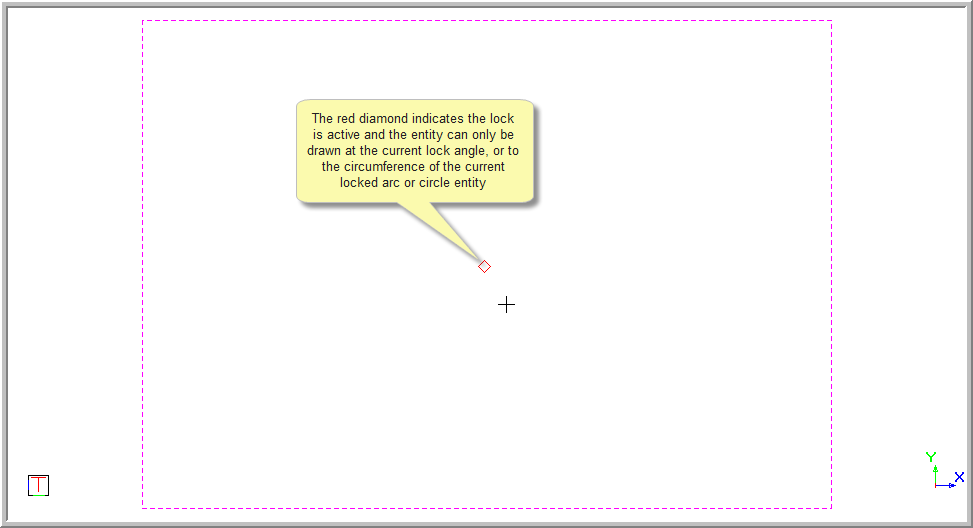
A red diamond is indicated on the screen when the cursor is locked.
To remove the cursor lock: