Icon
Command
Shortcut Key
Toolbar

GEOMDELALL
Geometry
Delete all the geometry entities in the current drawing.
|
Icon |
Command |
Shortcut Key |
Toolbar |
|
|
GEOMDELALL |
|
Geometry |
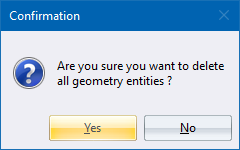
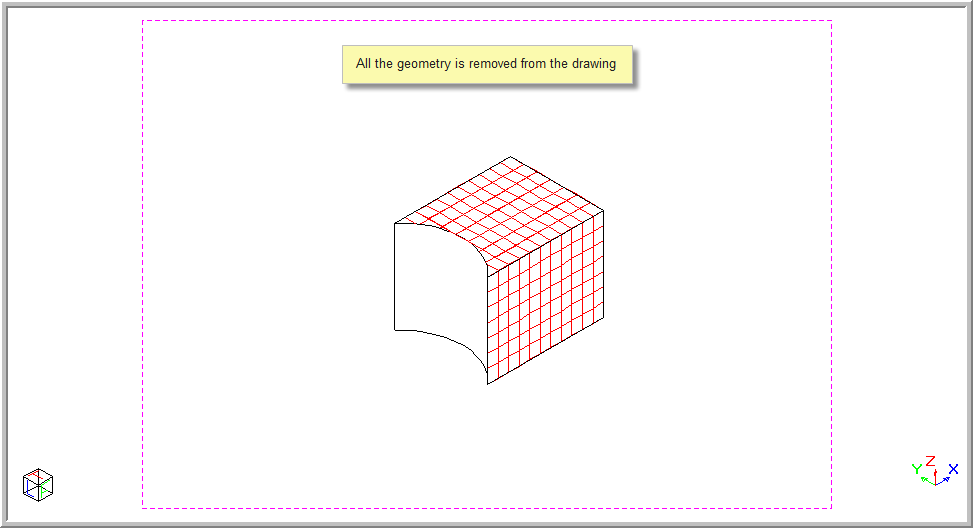
This function allows you to delete all the geometry elements from a drawing.
You can use the Undo command to restore any deleted geometry entities.
You can use the Switch Geometry On/Off function to hide or display geometry entities as required.
Procedure
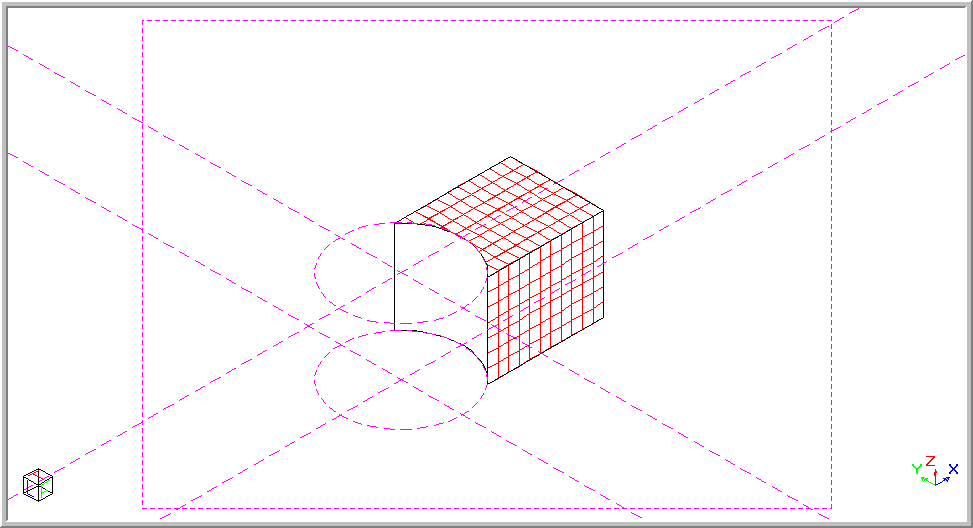
To delete all the geometry elements from the drawing below: