Icon
Command
Shortcut Key
Toolbar

GEOMTOGGLE
Geometry
Toggle the display of geometry entities on and off.
|
Icon |
Command |
Shortcut Key |
Toolbar |
|
|
GEOMTOGGLE |
|
Geometry |
This function does not permanently delete the geometry entities, it simply switches between displaying or hiding the geometry entities. You can follow the same steps to turn the geometry on again.
Procedure
In this example, geometry is currently switched off.
To hide/display geometry:
Select Geometry ► Switch Geometry On/Off.
The geometry is shown as in the drawing below.
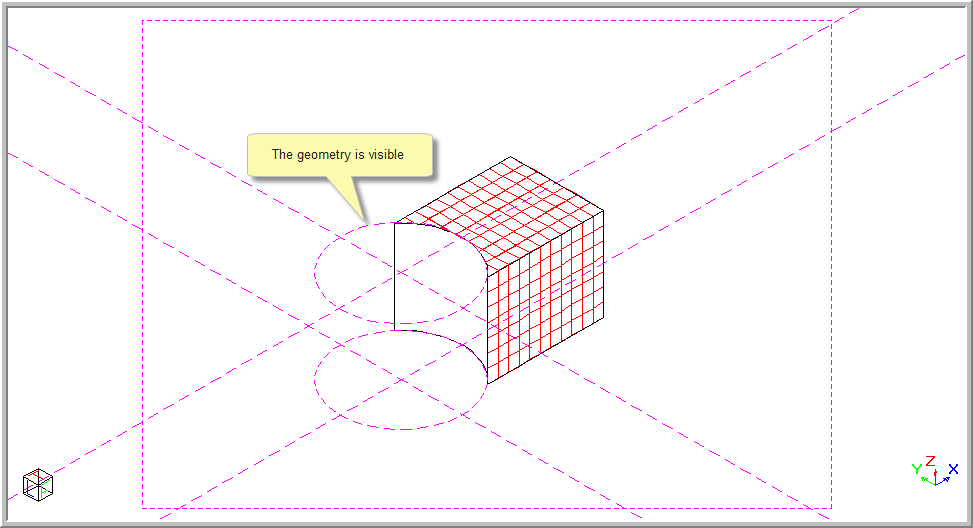
The following prompt displays:
Geometry display is now ON
To hide the geometry, select Geometry ► Switch Geometry On/Off again.
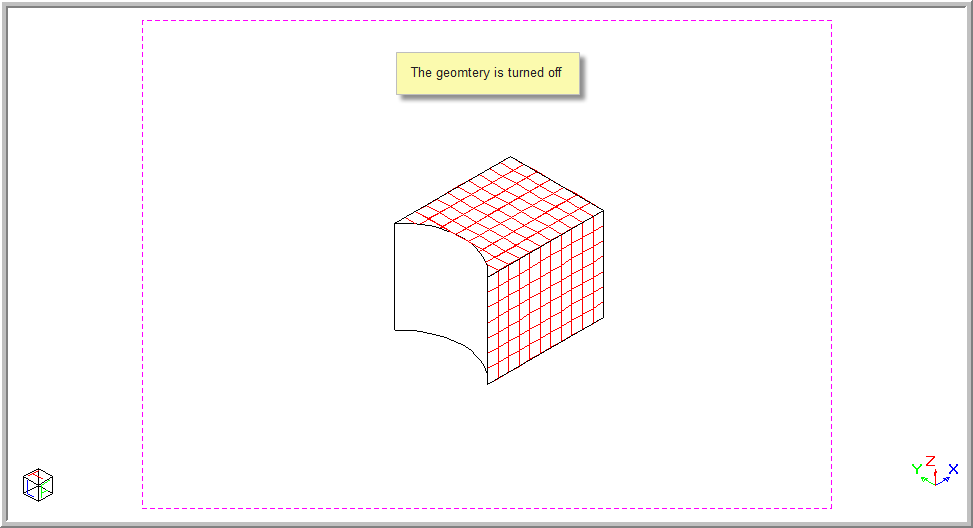
The following prompt flashes in the Command area:
Geometry display is now OFF