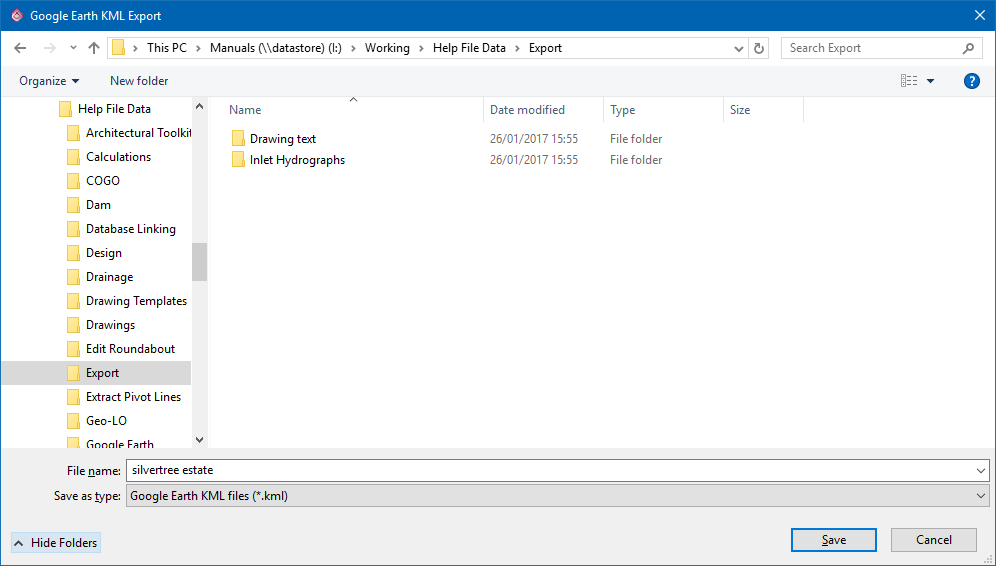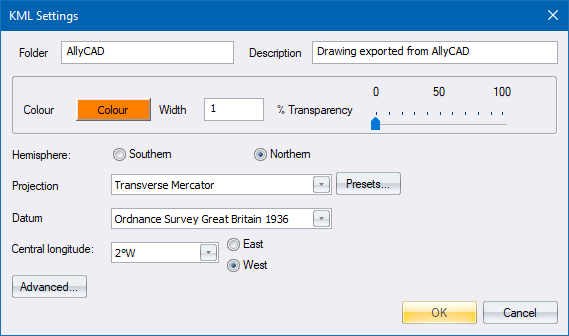
Export visible, or all layers, to Google Earth format.
Icon |
Command |
Shortcut Key |
Toolbar |
|
EXPORTKML |
|
|
This function allows you to export all the lines, lightweight and 3D polylines, arcs and circles on visible layers to a Google Earth KML file, and open it in Google Earth if it is installed on your PC.
Procedure