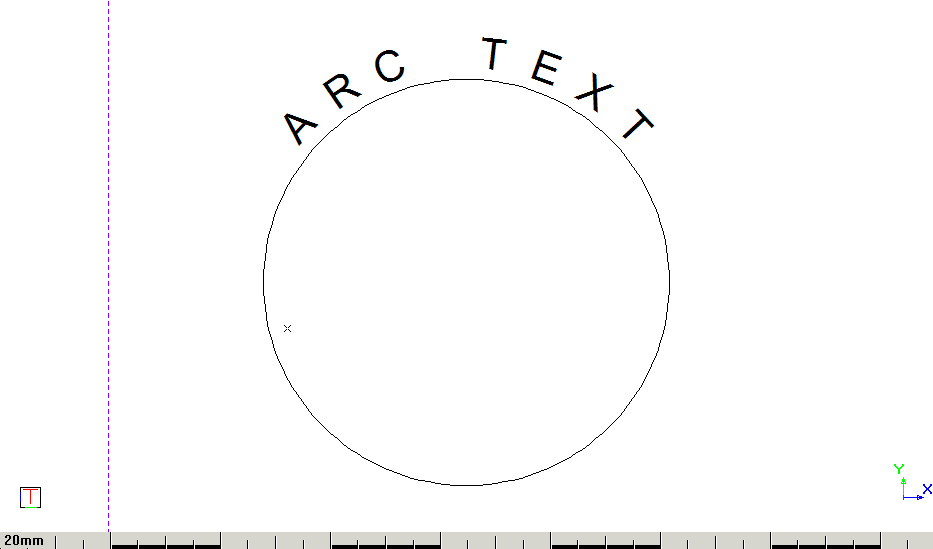
Arc-Aligned Text

Draw text aligned and relative to an existing arc.

Icon

Command

Shortcut Key

Toolbar


ARCALIGNEDTEXT


Drawing

This function allows you to add text aligned around an existing arc or circle.

Procedure

  1. You are prompted to select the existing arc with which to align the text.

Indicate point position

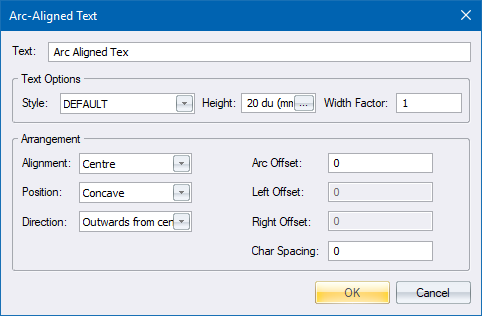
  1. The Arc-Aligned Text options display.

  1. Configure the relevant settings, including the text to be displayed.
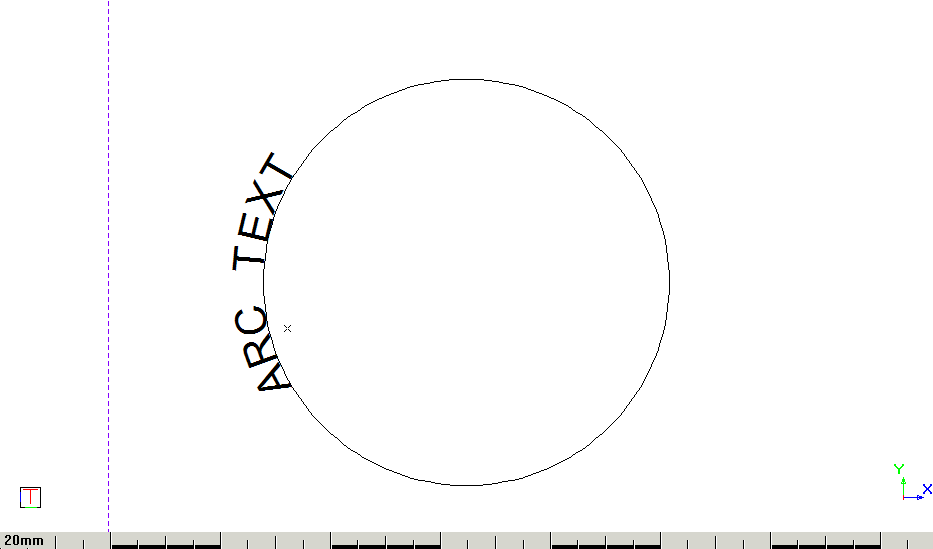
  2. Click OK to add the text to the drawing.

  1. Adjust the Arc Offset, Left Offset and Right Offset properties to position the arc text. All values are based on the start point of the arc or circle.