Icon
Command
Shortcut Key
Toolbar

FACE
Drawing
Draw a 3D face entity, which is used to build up objects.
|
Icon |
Command |
Shortcut Key |
Toolbar |
|
|
FACE |
|
Drawing |
This function allows you to draw a 3D face by indicating the four points that form the corners of the face. A face cannot be given a thickness.
Faces that face towards the user should be drawn anti-clockwise.
Faces that face away from the user should be drawn clockwise.
This is because the renderer uses the "anti-clockwise facing outwards" rule when determining if the face is facing towards the camera/eye.
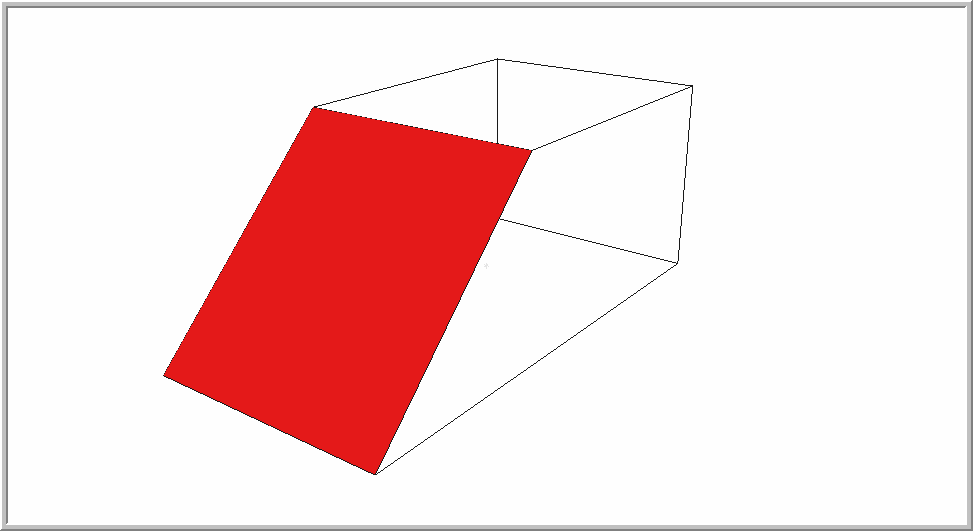
If the current render mode is Flat Shading or above, the face will be drawn as filled.
Procedure
Indicate first point of the 3D Face
Click in the drawing to indicate the first point of the face. You are prompted to:
Indicate next point of the 3D face
A line rubberbands when the mouse is moved.
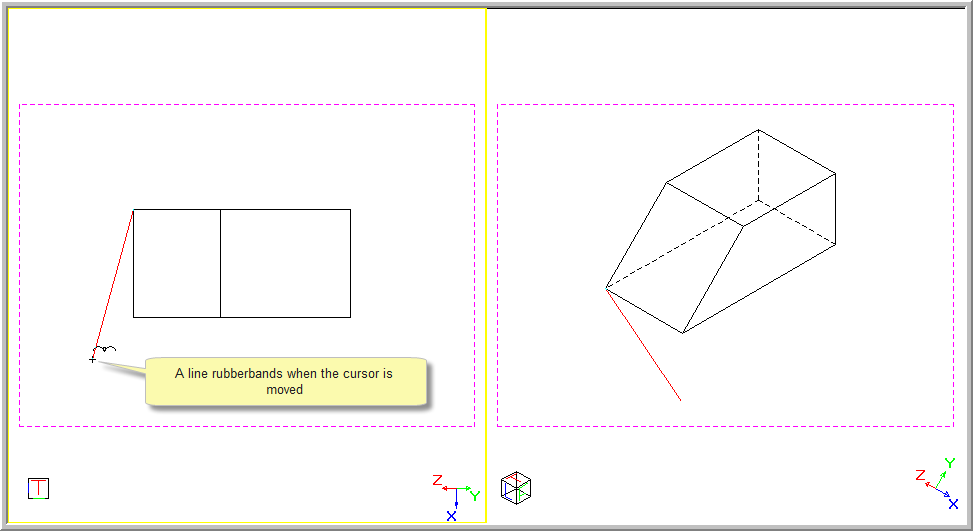
Move the cursor to the position of the second point and click to indicate the point.
Indicate next point of the 3D face
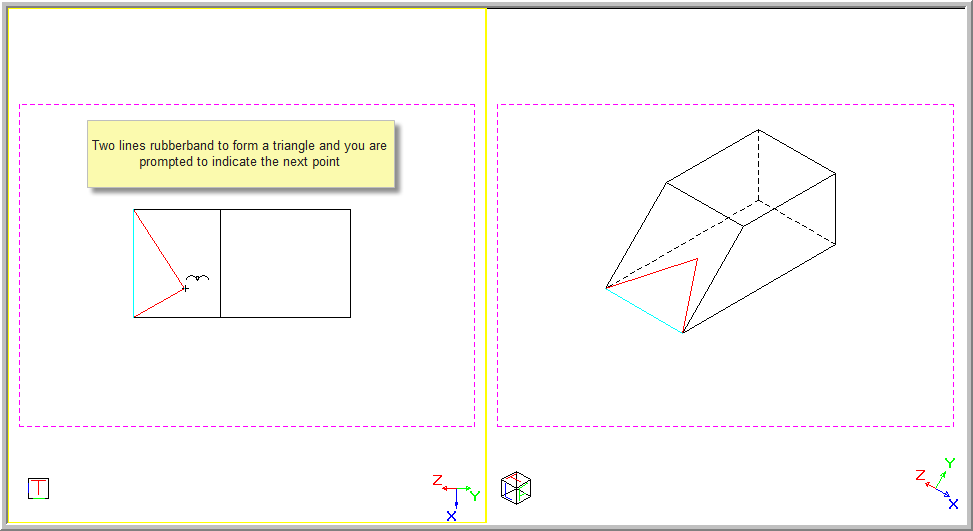
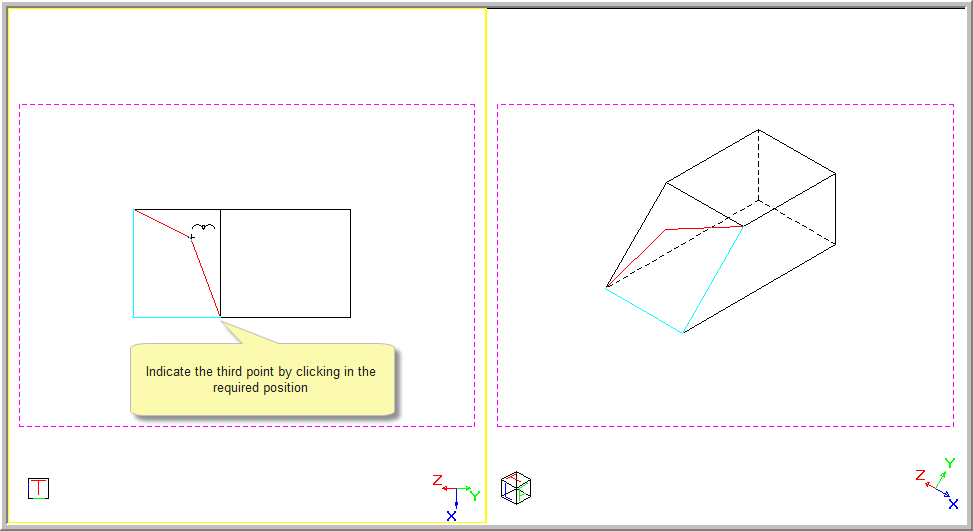
Move the cursor to the position of the third point and click to indicate the point.
Indicate next point of the 3D face
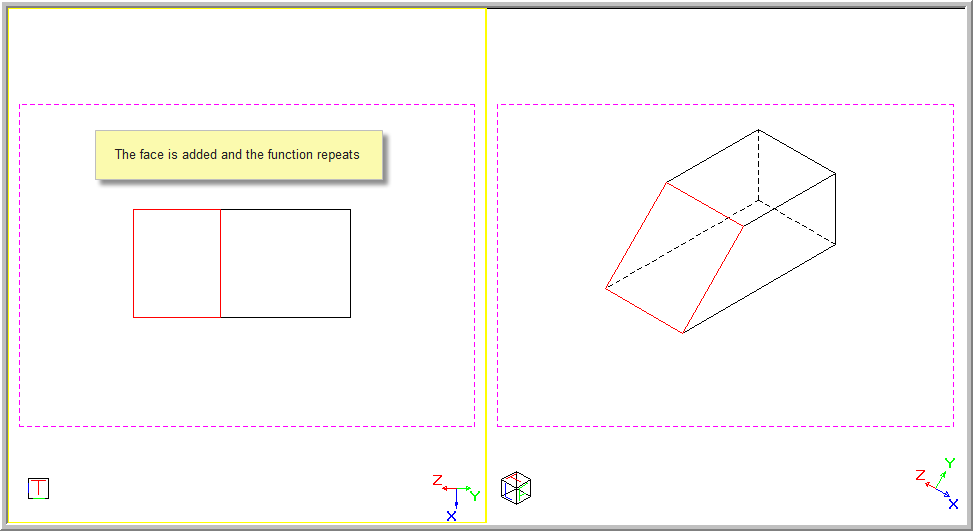
The first two lines of the face are drawn and two lines rubberband to form the face.