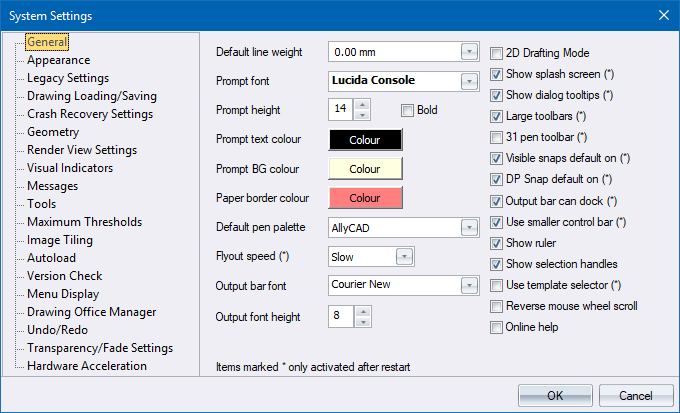
Configure settings that control the entire system. The options consist of a number of pages. Click the links in the table below to see help on the relevant page.
|
Option
|
Description |
|
General settings. |
|
|
The window and menu colours. |
|
|
Interface compatibility settings with AllyCAD V3.x |
|
|
Save options. |
|
|
|
|
|
Geometry display settings. |
|
|
View render settings. |
|
|
Indicator display settings. |
|
|
Message settings. |
|
|
Tool settings. |
|
|
Threshold settings. |
|
|
Where image tiles are stored. |
|
|
Automatic application load. |
|
|
Schedule new version check. |
|
|
Recently used file list. |
|
|
Drawing Office Manager settings. |
|
|
Enable/disable the Undo/Redo system. |
|
|
Enable/disable entity transparency and XRef and locked layer fade. |