Icon
Command
Shortcut Key
Toolbar

PLOTDELETE
Misc
Delete an entire plot set.
|
Icon |
Command |
Shortcut Key |
Toolbar |
|
|
PLOTDELETE |
|
Misc |
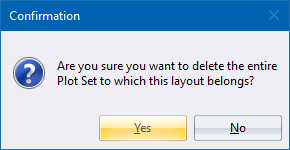
This function allows you to delete an entire plot set of layouts as opposed to deleting a single layout.
 This function cannot be undone.
Procedure
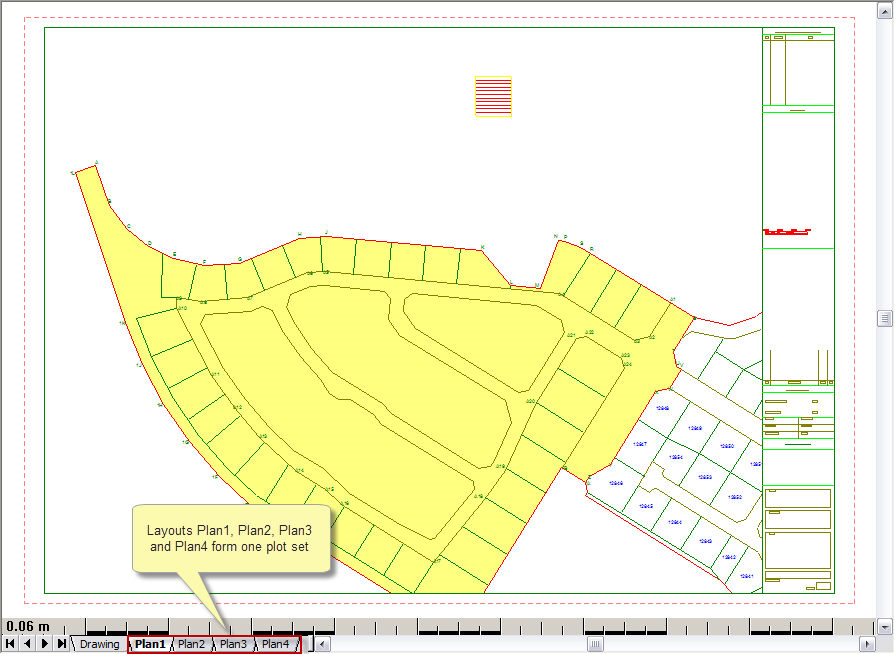
In the drawing below, you have a plot set with the layout tabs Plan1 through to Plan4. Use this function if you want to delete all four layouts in one operation.
Select one of the layouts that belongs to the plot set you wish to delete.
Select the function from the menu, or click the icon in the toolbar.