Icon
Command
Shortcut Key
Toolbar

WINDOWTILEVERT
Tools
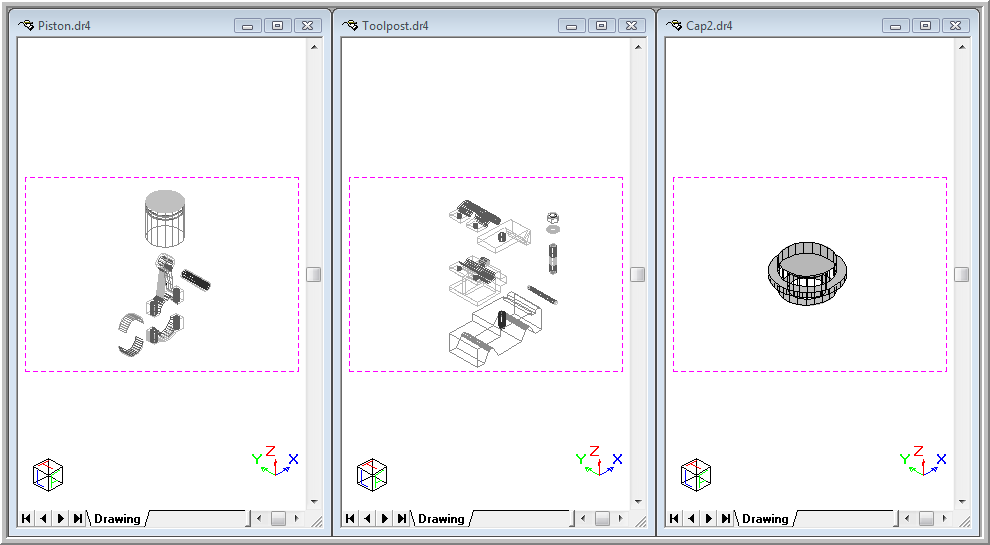
Arrange the open drawing windows vertically in the Workspace.
|
Icon |
Command |
Shortcut Key |
Toolbar |
|
|
WINDOWTILEVERT |
|
Tools |
This function allows you to arrange all the drawing windows that are not minimised vertically in the Workspace.
Procedure
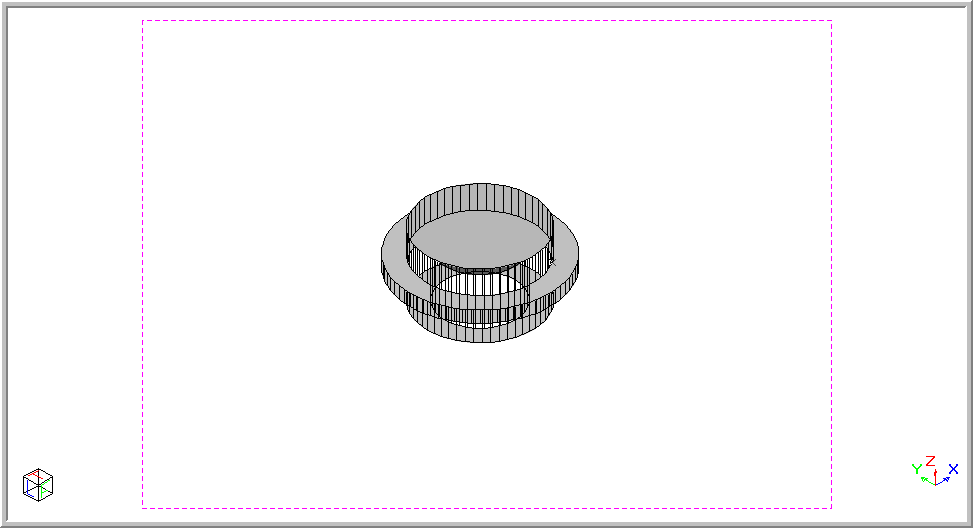
The drawing below shows the current drawing.
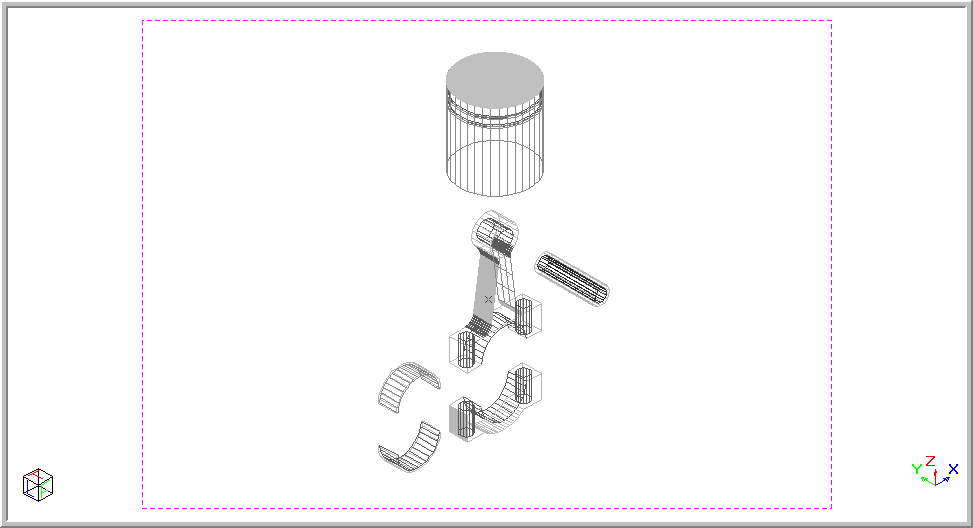
To view all the open drawings in a vertical style so as to be able to maximise the required drawing: