Icon
Command
Shortcut Key
Toolbar

WINDOWCASCADE
Tools
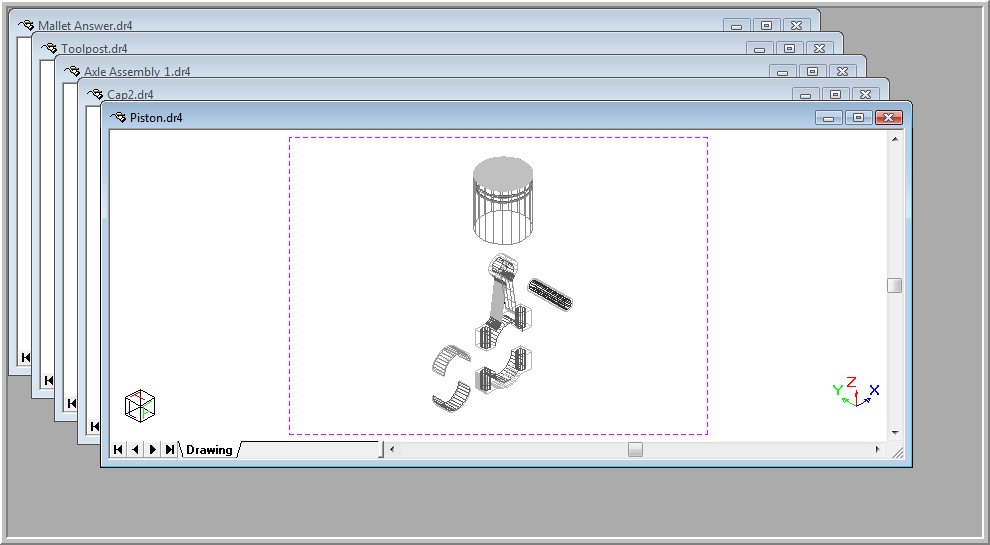
Arrange the drawing windows in a cascaded order.
|
Icon |
Command |
Shortcut Key |
Toolbar |
|
|
WINDOWCASCADE |
|
Tools |
This function allows you to view all the open drawings in a cascaded style. All the drawing windows that are not minimised will be arranged as a “cascade” style in the Workspace.
Procedure
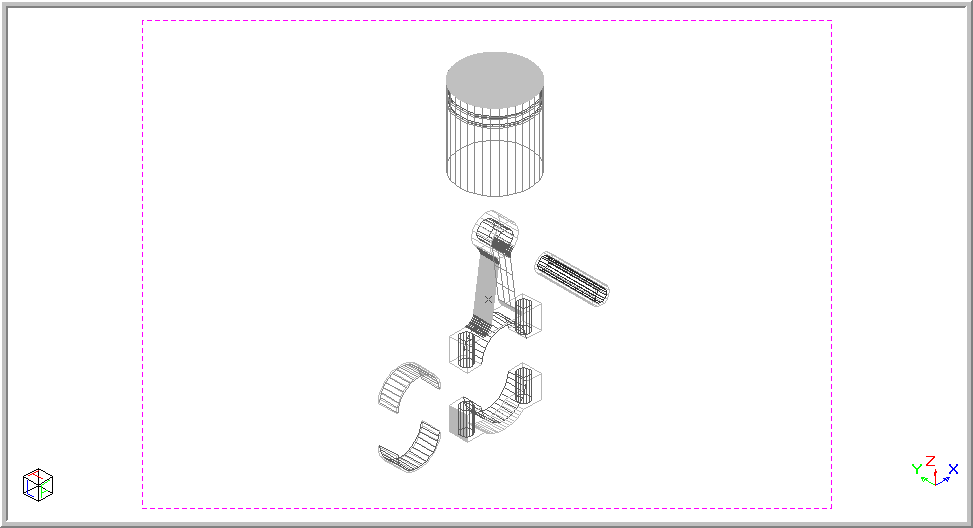
The drawing below shows the current drawing.
To view all the open drawings in a cascaded style so as to be able to maximise the required drawing: