Icon
Command
Shortcut Key
Toolbar

WINDOWARRANGE
Tools
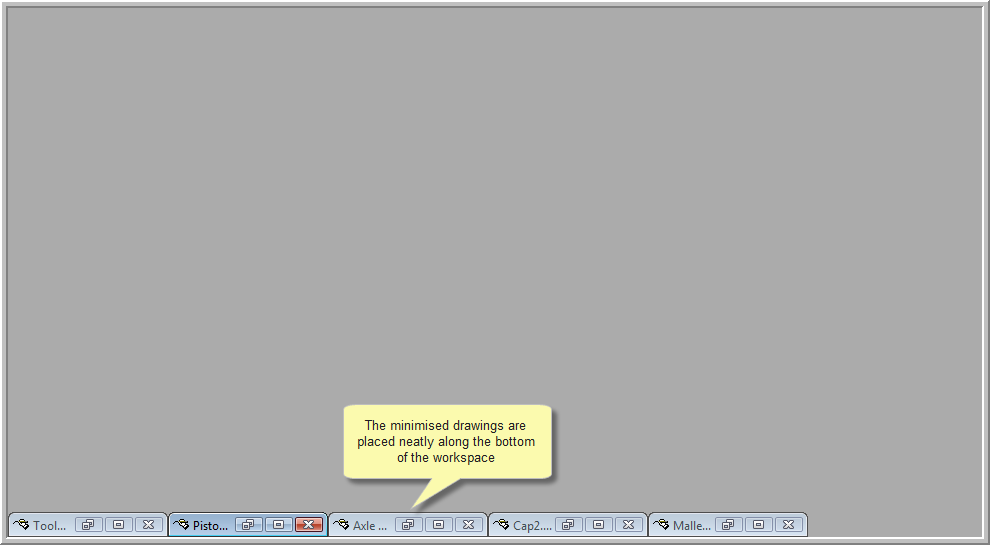
Arrange the minimised drawing windows neatly at the bottom of the Workspace.
|
Icon |
Command |
Shortcut Key |
Toolbar |
|
|
WINDOWARRANGE |
|
Tools |
This function allows you to arrange all the minimised drawings neatly at the bottom of the Workspace.
Procedure
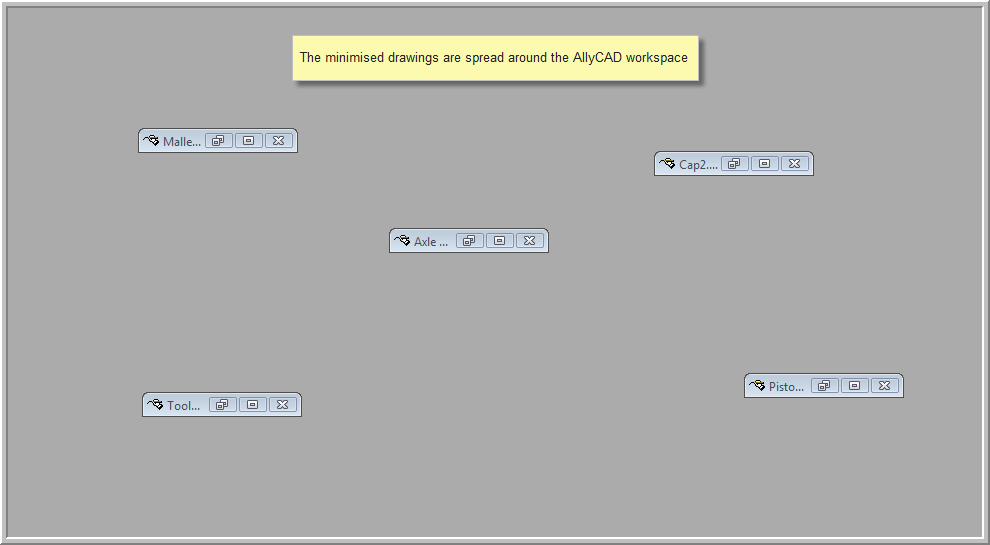
The drawing below shows the current drawings that have been minimised. The drawings are spread around the Workspace.
To arrange the minimised drawings neatly: