Icon
Command
Shortcut Key
Toolbar

ZOOMSEL
[Z]+[S]
Zooms
Zoom the active viewport to show just the selected entities.
|
Icon |
Command |
Shortcut Key |
Toolbar |
|
|
ZOOMSEL |
[Z]+[S] |
Zooms |
This function allows you to zoom to view all the selected entities in the drawing. The active viewport zooms to show all the selected entities in the drawing.
Procedure
If you have split the drawing into multiple viewports, you need to click in the viewport you want to zoom to make it the active viewport.
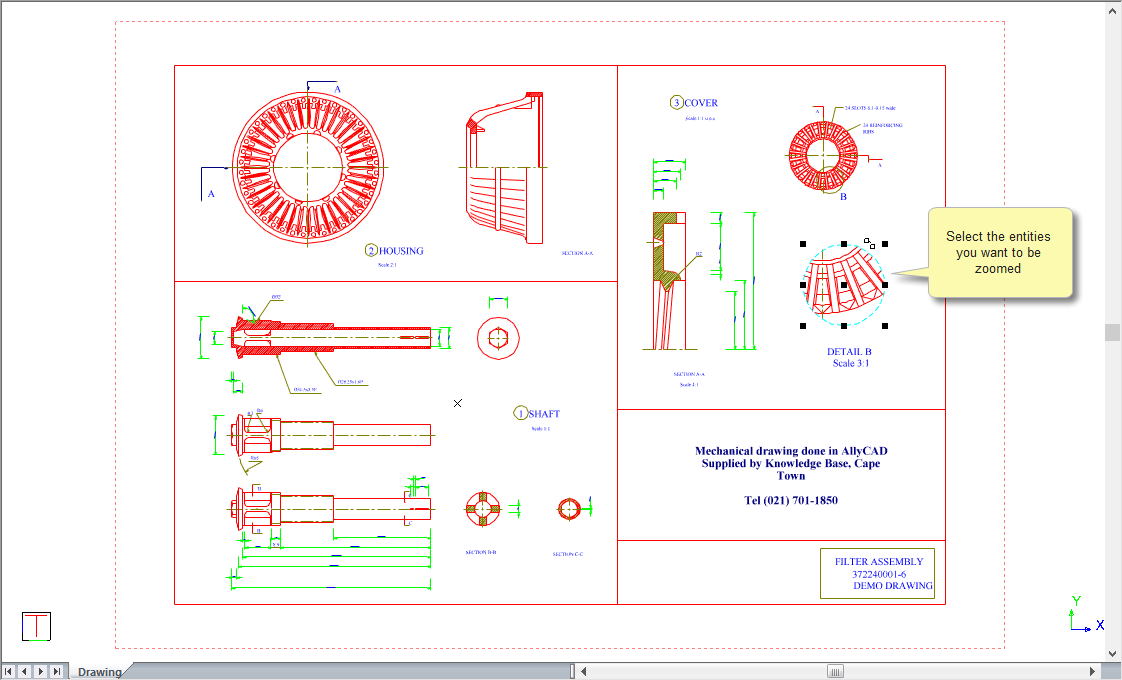
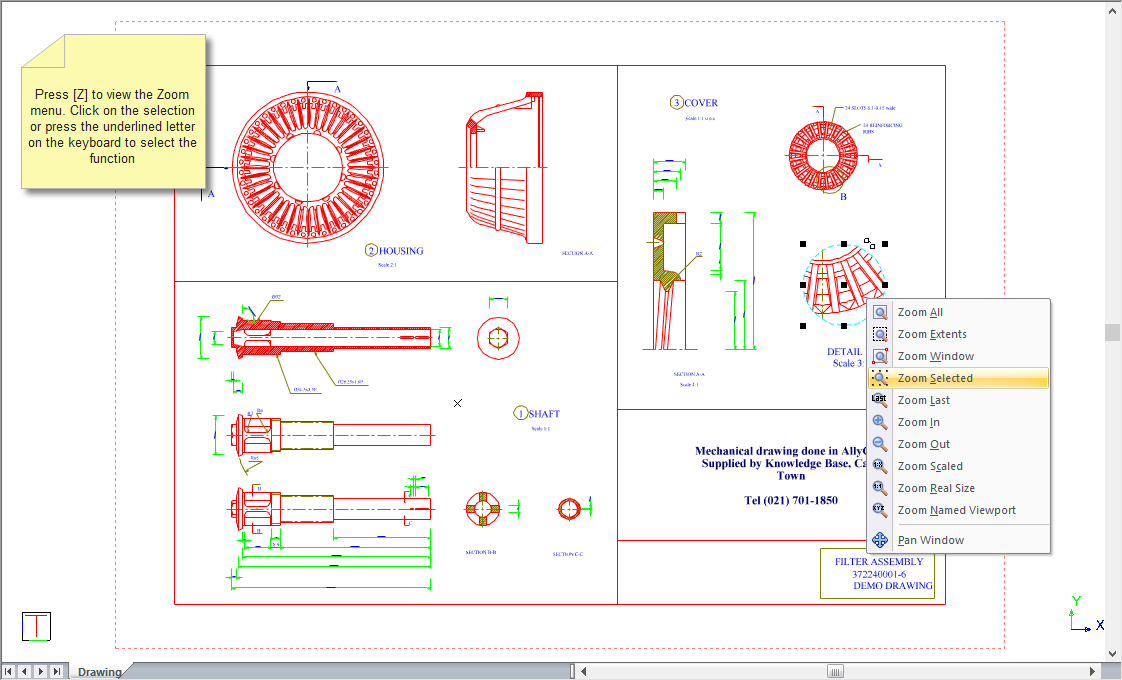
The active viewport zooms to show the selected entities in the drawing.
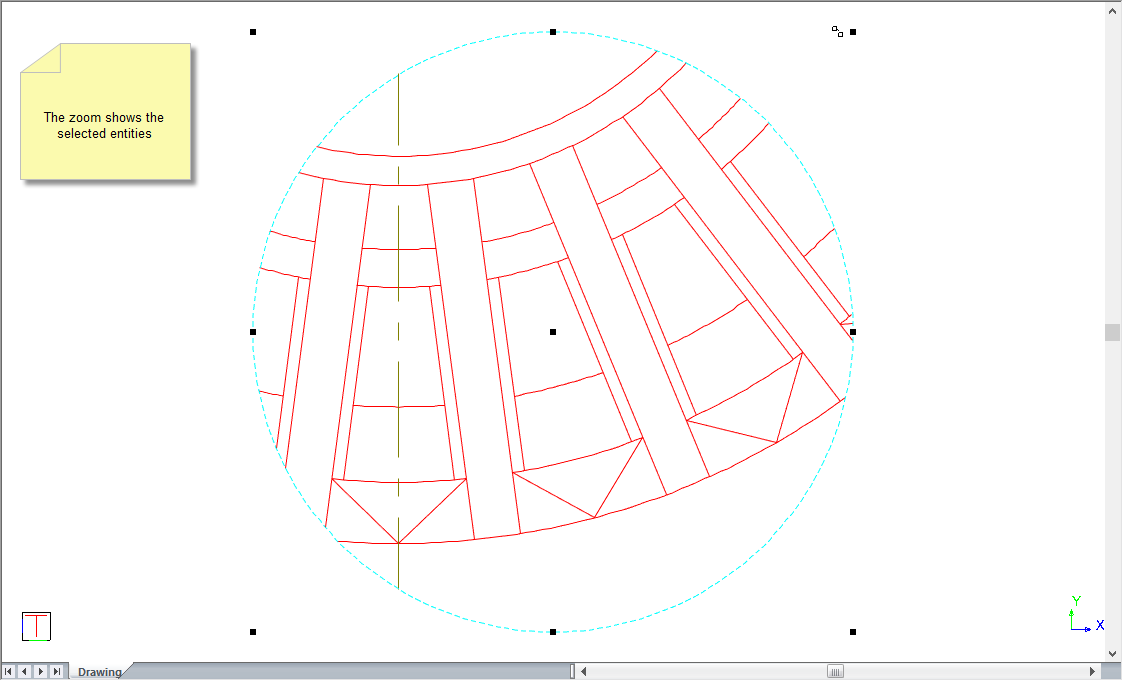
Press [R] to zoom back to the paper extents.