Icon
Command
Shortcut Key
Toolbar

ZOOMREALSIZE
[Z]+[R]
Zooms
Zoom the active viewport to show the actual physical size the drawing will appear on paper when it is plotted.
|
Icon |
Command |
Shortcut Key |
Toolbar |
|
|
ZOOMREALSIZE |
[Z]+[R] |
Zooms |
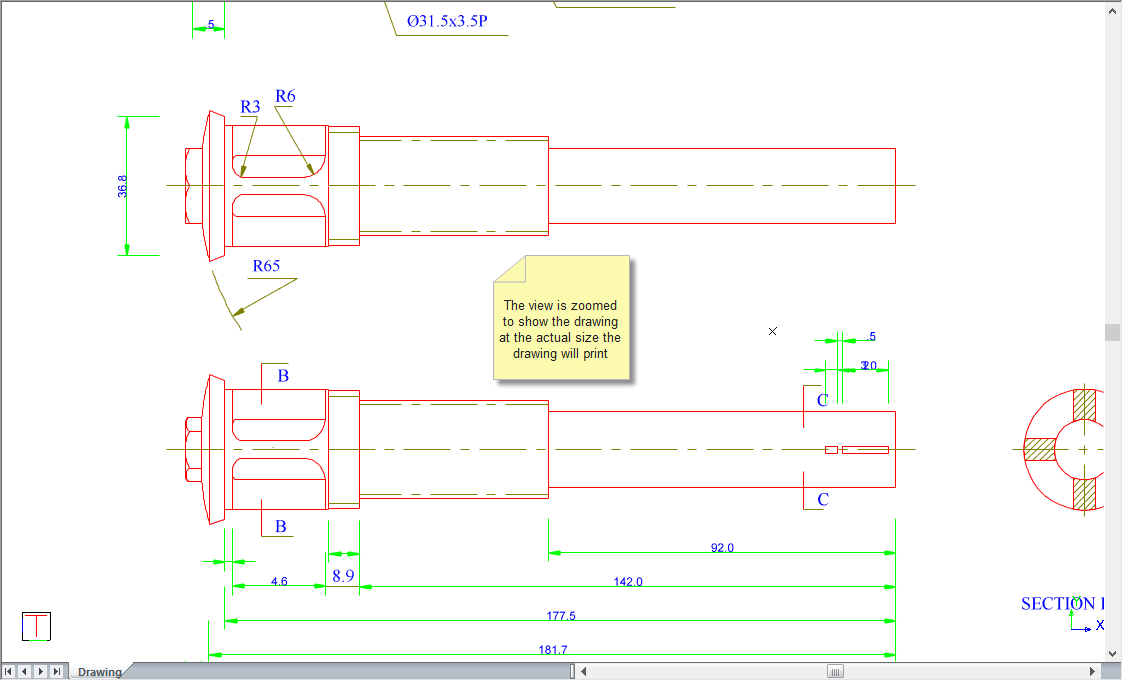
This function allows you to view the drawing at the actual size it will appear on paper when it is plotted. This function helps you to estimate the level of detail and size at which drawing entities will appear in a final plot.
 Use the Zoom Last function to return to the previous zoom.
Procedure
The full view of the drawing does not give the actual size of the drawing when plotted.
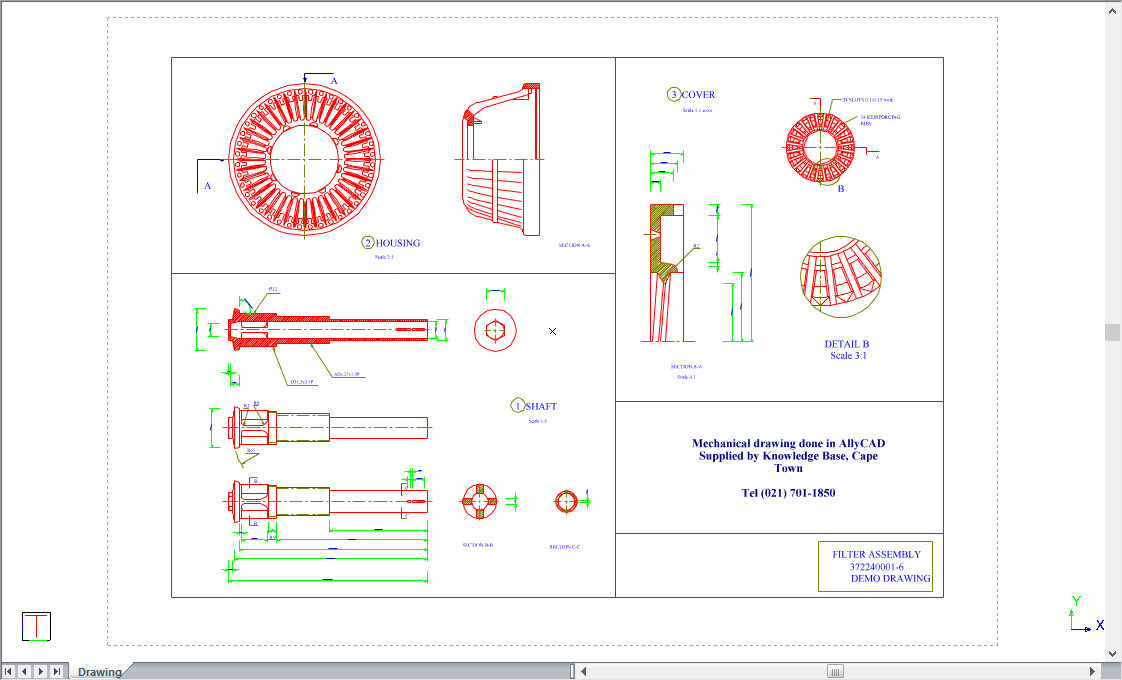
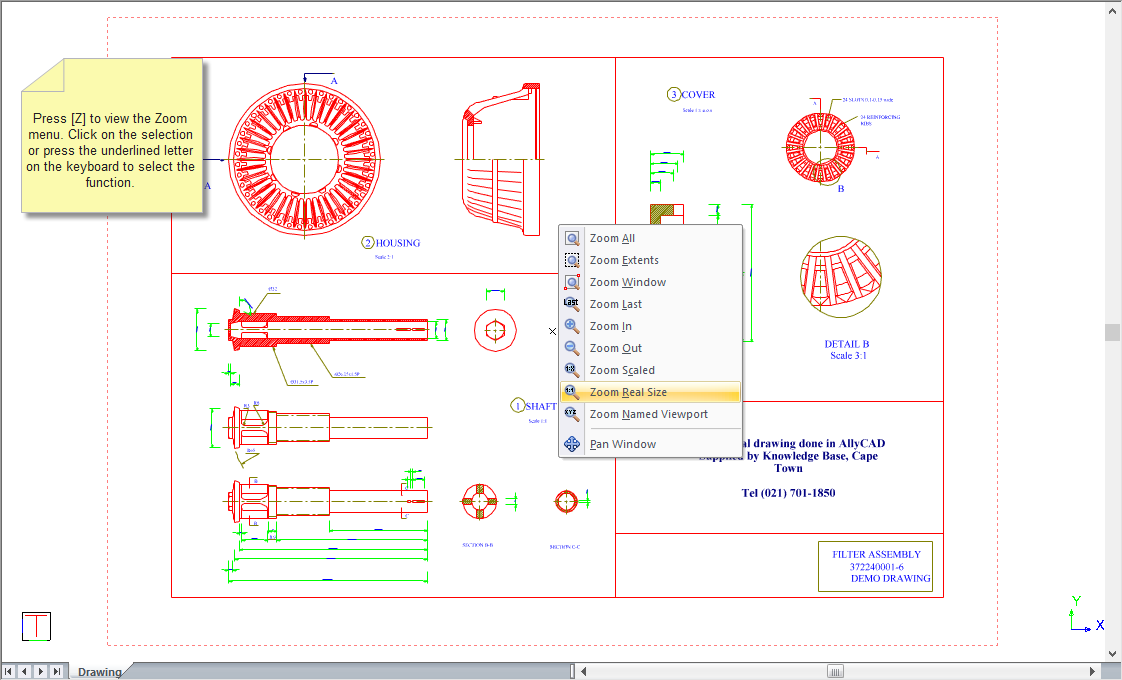
To view the drawing at the physical size the drawing will appear in the plot:
You can now view the drawing at the physical size the drawing will appear in the plot.