Icon
Command
Shortcut Key
Toolbar

ZOOMEXT
[Z]+[E]
Zooms
Zoom the active viewport to show the entire drawing extents, including elements drawn on layers which are not visible.
|
Icon |
Command |
Shortcut Key |
Toolbar |
|
|
ZOOMEXT |
[Z]+[E] |
Zooms |
Zoom Extents differs from Zoom All in that it includes invisible entities i.e. entities on layers which are not visible.
Procedure
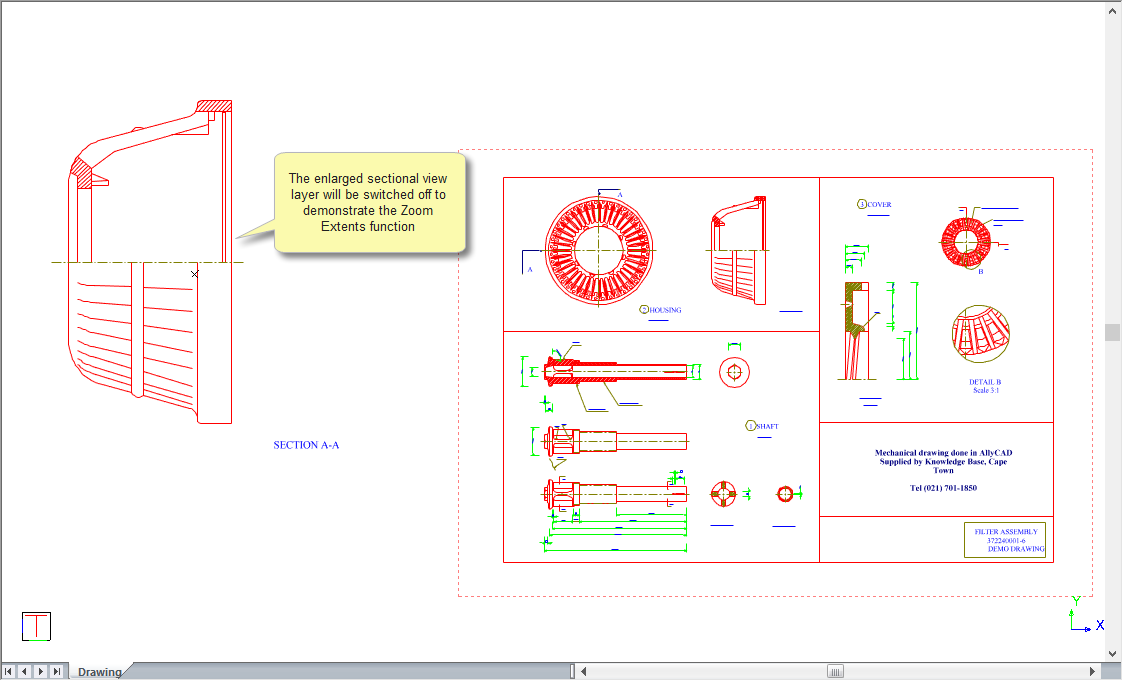
The Zoom All function has been used in the drawing below to shows all the entities in the drawing. The enlarged sectional view of the Housing is drawn on another layer which will be switched off (made invisible) to demonstrate the extent of the view.
The enlarged sectional view is now switched off (made invisible) and the Zoom All function is again used. Note the difference - Zoom All shows all entities which are visible.
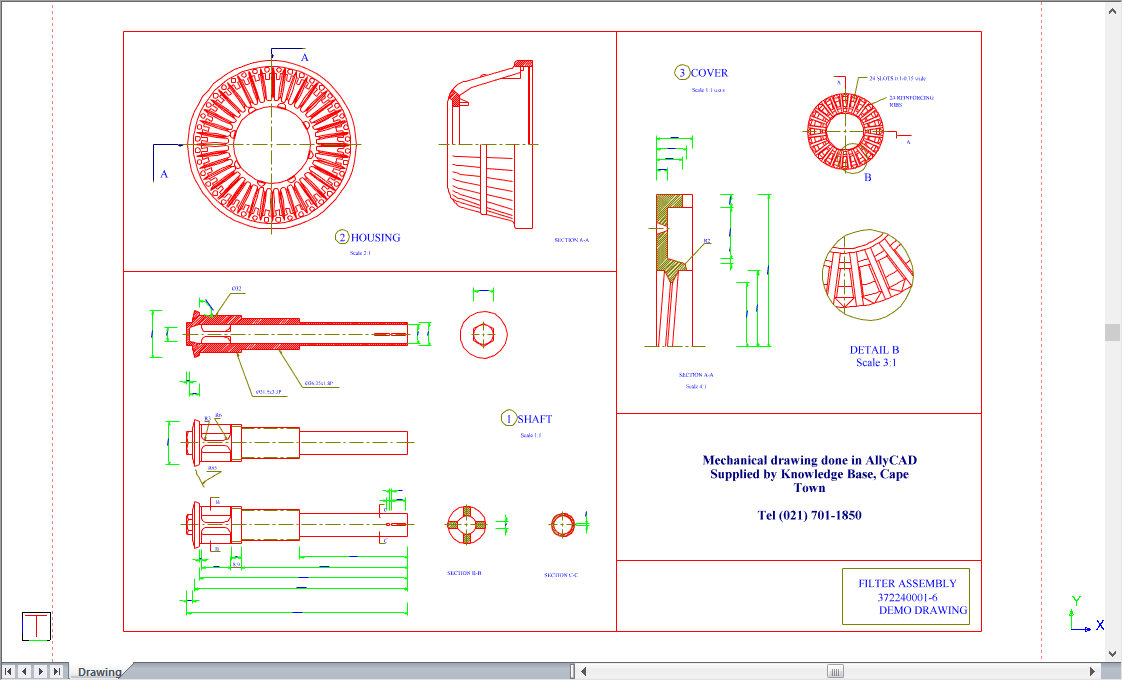
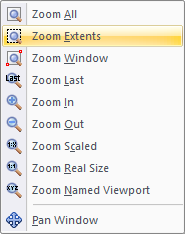
To view the extents of all the entities in the drawing, including entities on a layer which is not visible:
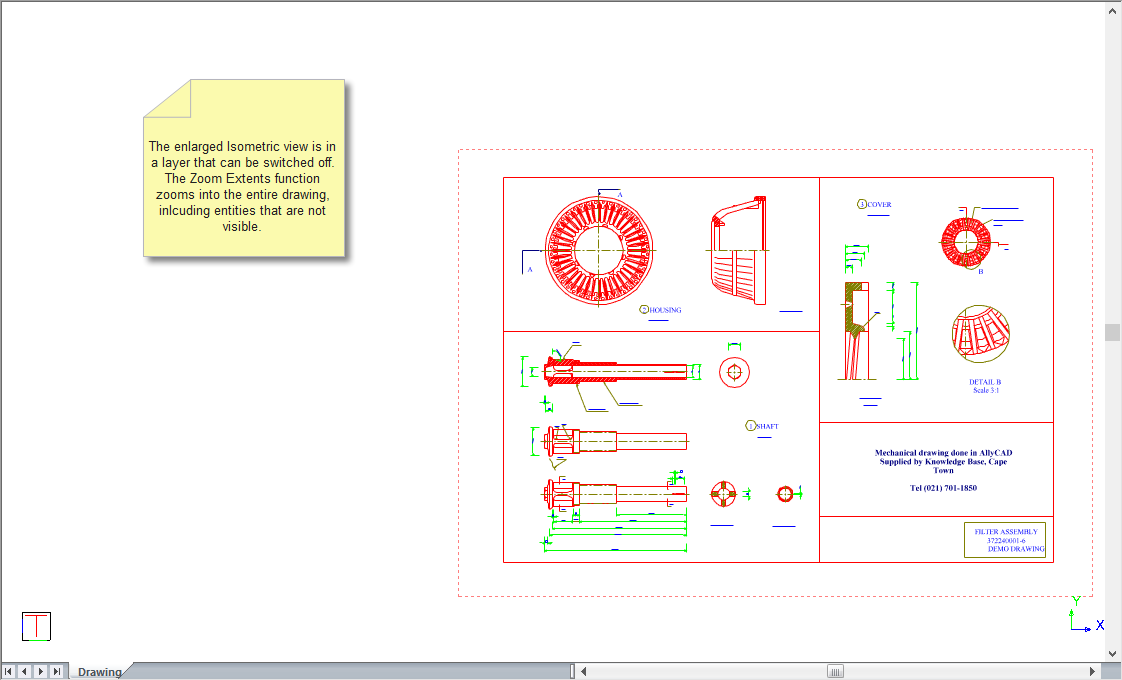
 Use the Zoom Last function to return to the previous zoom.