Icon
Command
Shortcut Key
Toolbar

VIEWSPLITHOR
Misc
Split the active view into two views divided horizontally.
|
Icon |
Command |
Shortcut Key |
Toolbar |
|
|
VIEWSPLITHOR |
|
Misc |
This function allows you to split the active view into two views along a horizontal axis.
 Use the Join Views function to merge adjacent views.
Procedure
In the example below, you have a view layout with the view on the right being the active view.
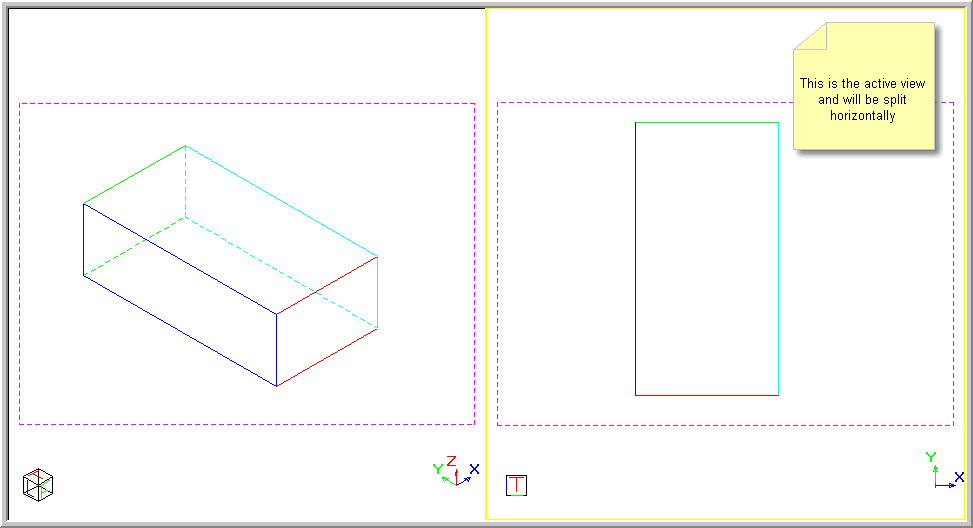
To split the active view into two views divided horizontally:
Select View ► Split Views ► Horizontal or click the icon in the Misc toolbar.
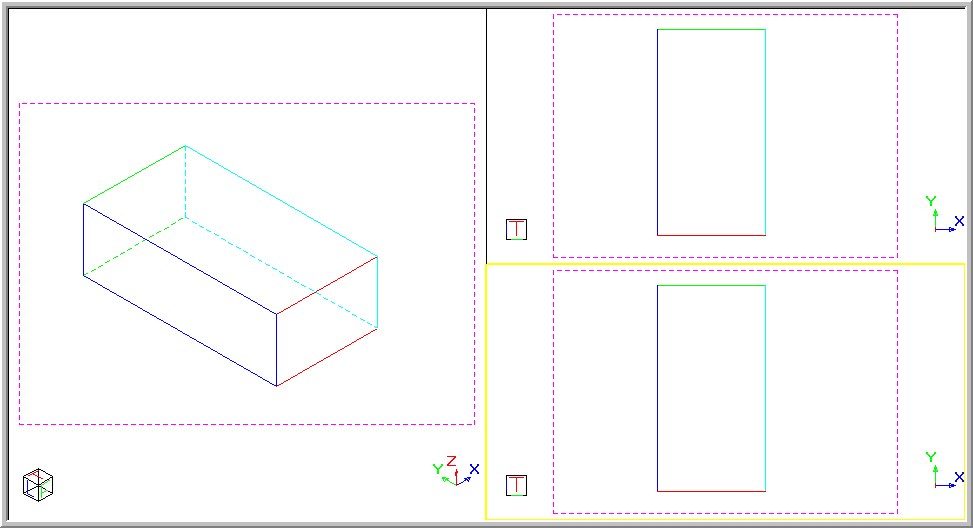
The active view splits horizontally into two views, one of which is active as indicated by the yellow border.