Icon
Command
Shortcut Key
Toolbar

PAN
[Z]+[P]
Misc
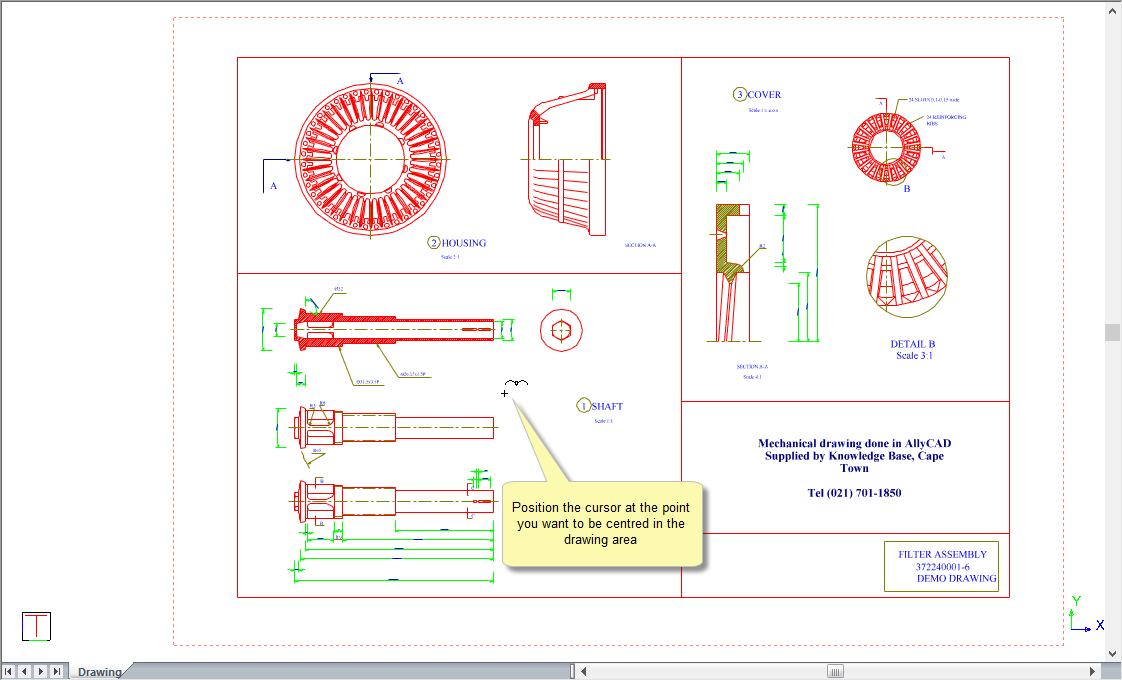
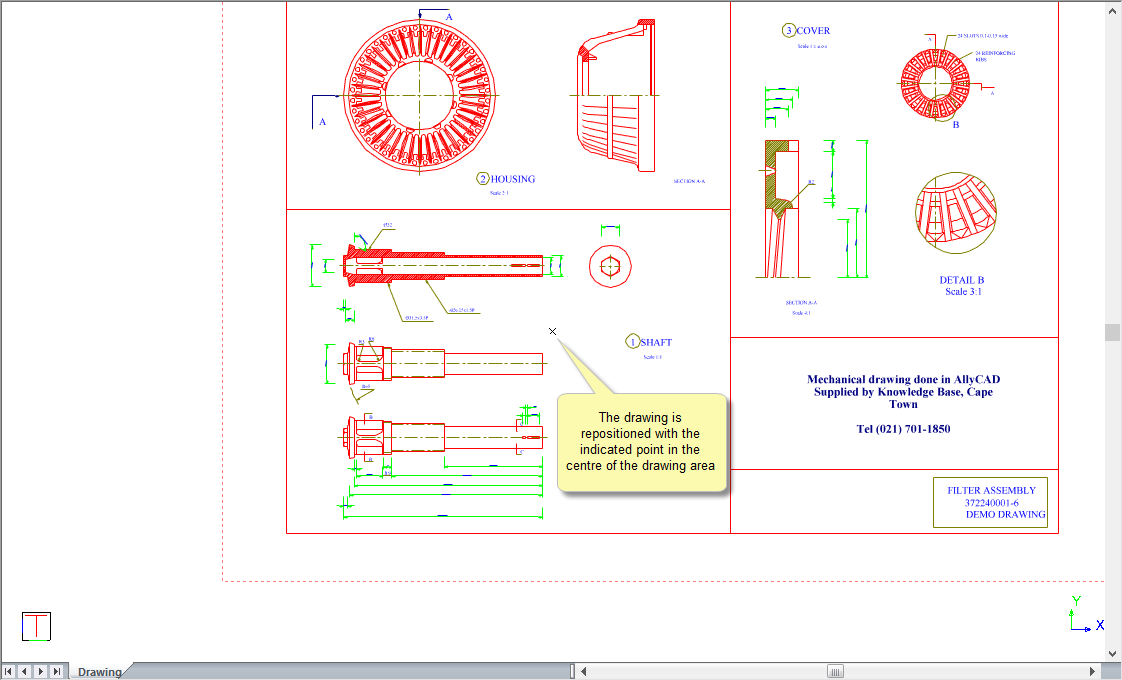
Shift the view of the drawing in the active viewport so that it is centred on the point you indicate.
|
Icon |
Command |
Shortcut Key |
Toolbar |
|
|
PAN |
[Z]+[P] |
Misc |
This function allows you to shift the view of the active viewport by indicating the new position that must be the centre of the view.
 It is very similar to moving your cursor to a particular position and pressing [W].
Procedure
If you have split the drawing into multiple viewports, you need to click in the viewport you want to zoom to make it the active viewport. The active viewport will be highlighted with a yellow rectangle on it's borders.
To shift the drawing so that it is centred on a point that you indicate:
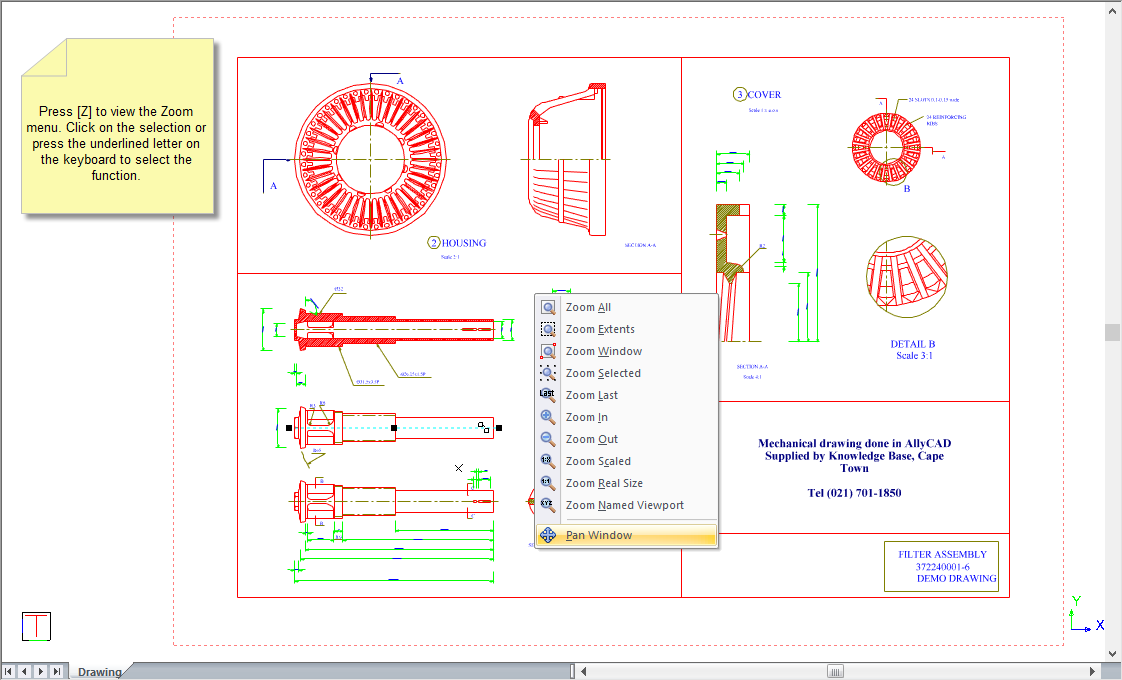
You are prompted to:
Indicate new centre position