Icon
Command
Shortcut Key
Toolbar

AXISLEFT
View Axis
Set the view axis to the left view.
|
Icon |
Command |
Shortcut Key |
Toolbar |
|
|
AXISLEFT |
|
View Axis |
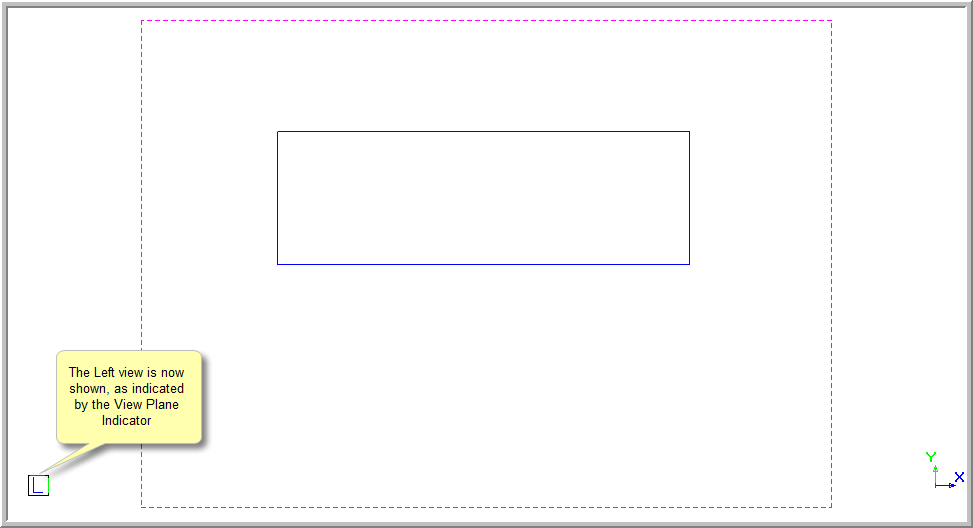
This function allows you to set the view direction to the left view of the drawing space.
The drawing plane is not changed, so until you change it the drawing surface will not face the view direction.
 Use the Manual function for a custom view.
Procedure
The drawing below shows a rectangular box viewed from the Southwest corner.
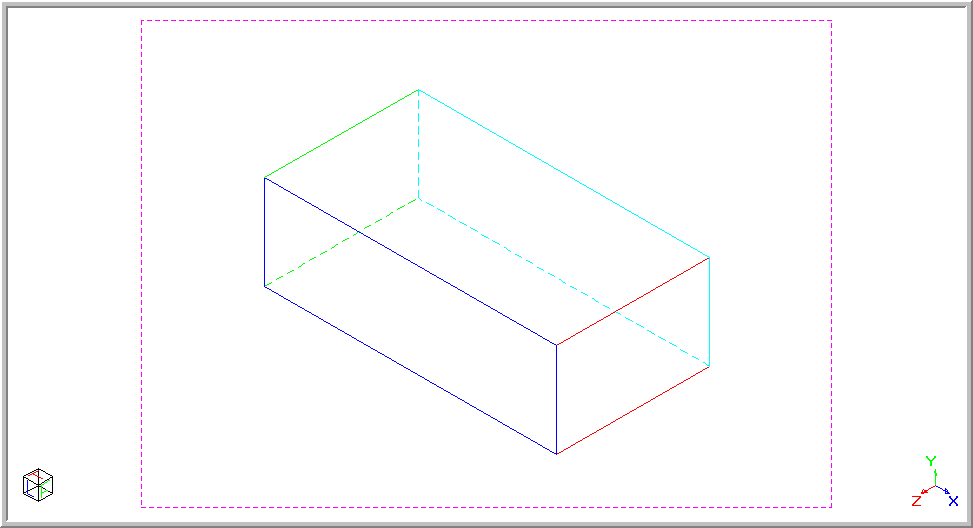
To set the view direction to view the left view of the drawing: