Icon
Command
Shortcut Key
Toolbar

DPORIGIN
Drawing Plane
Set the origin of the drawing plane by indicating the new position.
|
Icon |
Command |
Shortcut Key |
Toolbar |
|
|
DPORIGIN |
|
Drawing Plane |
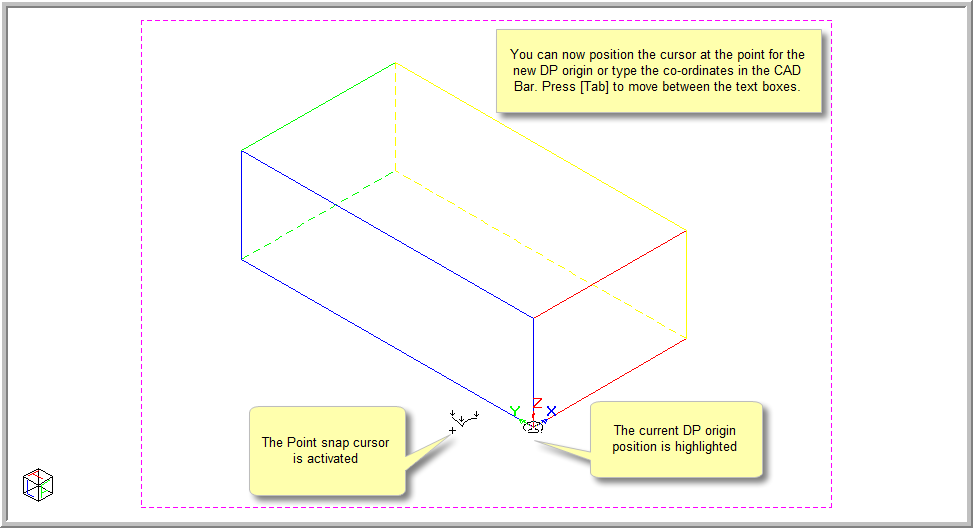
This function allows you to set the origin of the drawing plane, which determines the co-ordinates of points in the drawing plane co-ordinate system. You can use the mouse, snap to the required position, or type in the co-ordinates for the new position.
Procedure
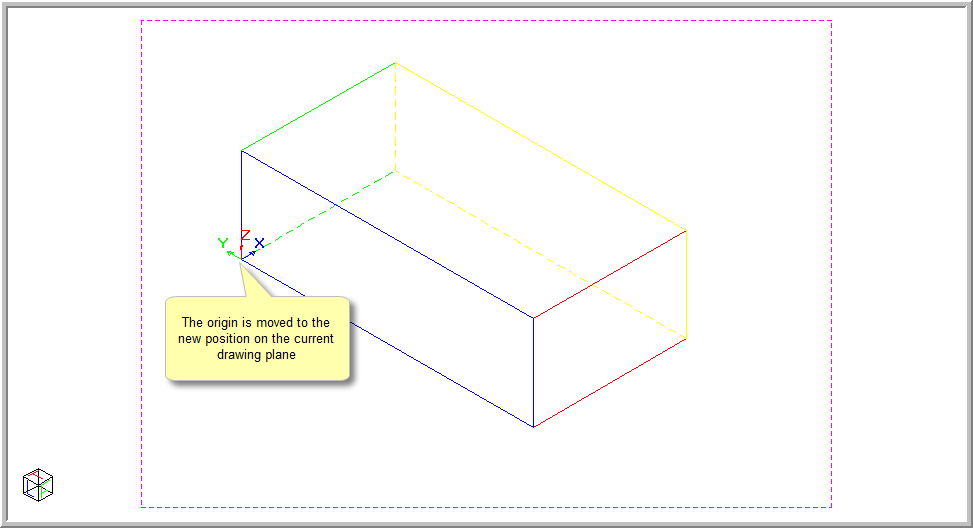
In the drawing below, the Drawing Plane Indicator has been set to be displayed at the drawing plane origin.
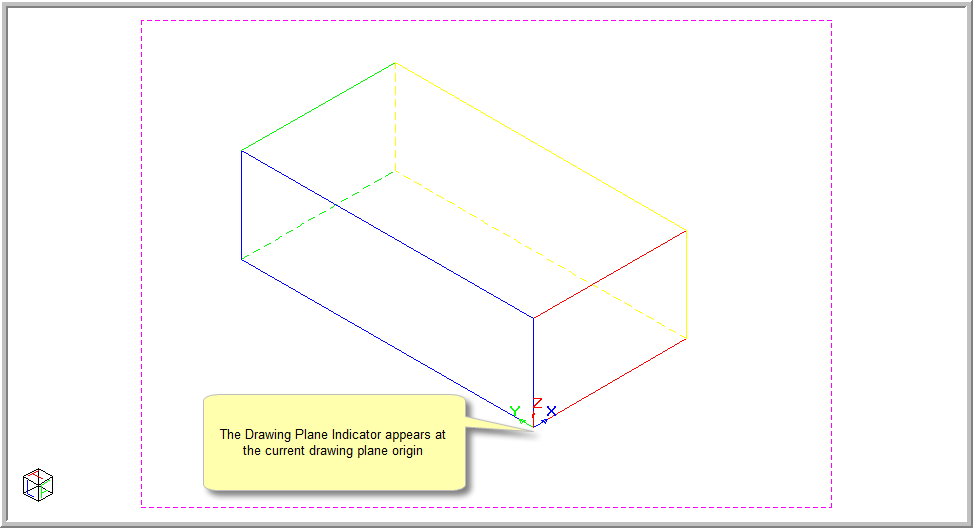
To set the origin of the drawing plane to a new position:
Select View ► Drawing Plane ► Origin or click the icon in the Drawing Plane toolbar.

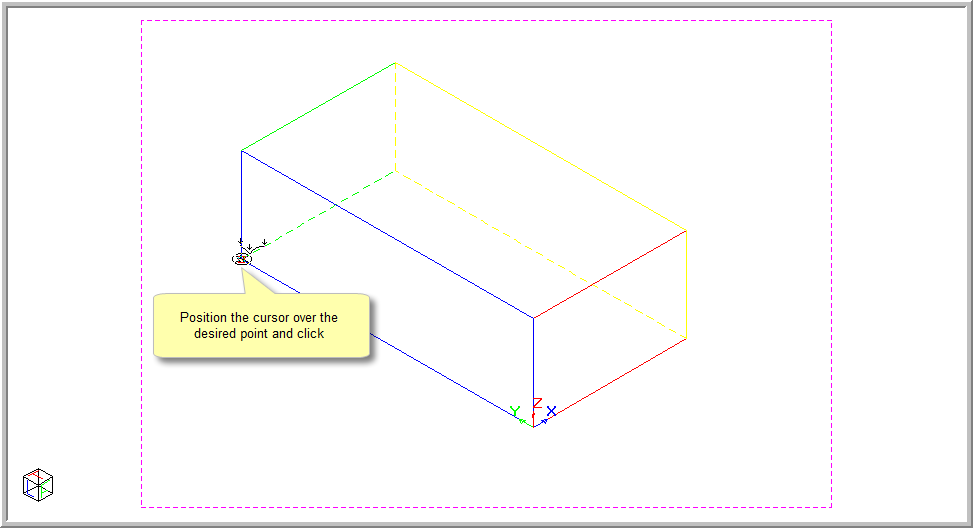
Press [Enter] or click Enter.
Press [Esc] to end the function.
When you refresh the screen, the origin is updated to its new position. This will change the origin to another point on the current drawing plane. The new drawing plane has the same normal, but will not necessarily have the same elevation.