Icon
Command
Shortcut Key
Toolbar

LINESTOPOLY
Tools
Create a polyline from a series of connected lines.
|
Icon |
Command |
Shortcut Key |
Toolbar |
|
|
LINESTOPOLY |
|
Tools |
This function allows you to create a polyline from a series of connected arc/line entities, with the option of keeping the original lines or deleting them. The algorithm only finds lines in one direction.
If you click in the middle of a sequence of chained lines, only one part of the chain forms the polyline, while the other section of the lines is not included.
 Keeping the original lines may lead to problems with some CAD functions. If, at some point, you want to remove the lines, the Remove Duplicates function will not find them as they are not duplicates of the polyline.
Procedure
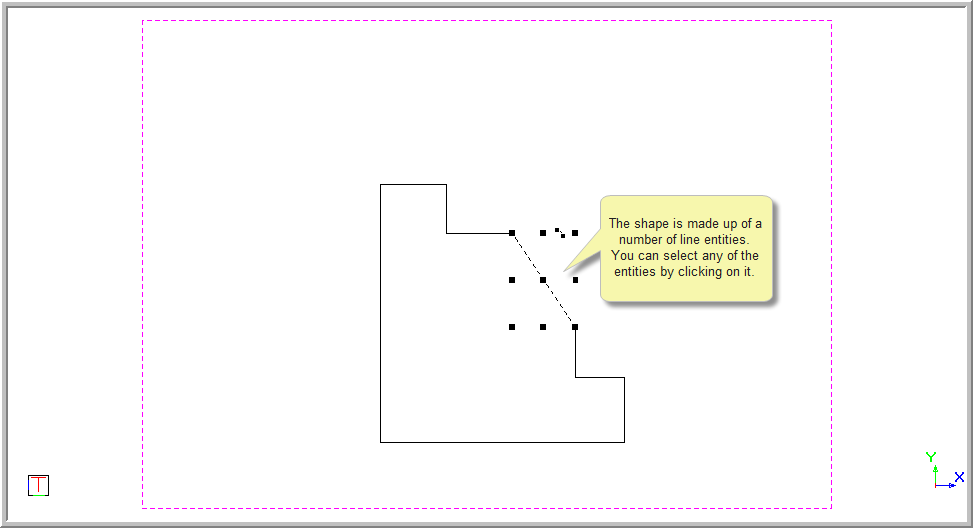
The shape below is made up of a number of line entities. You can select any of the lines by clicking on them.
To create a polyline from a series of connected line entities:
Select Tools ► Line to Polyline.
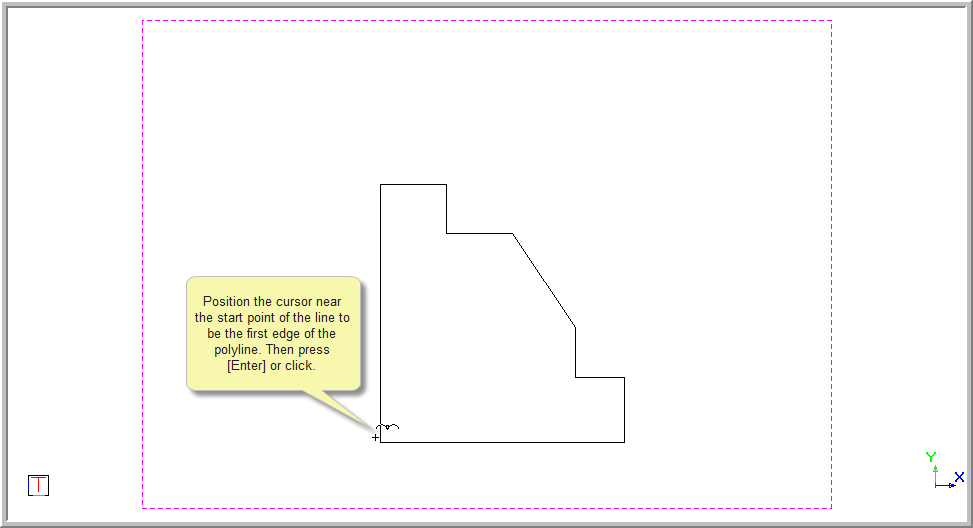
Indicate start of line sequence
Position the cursor near the start point of the line to be the first edge of the polyline. Press [Enter] or click to select it.
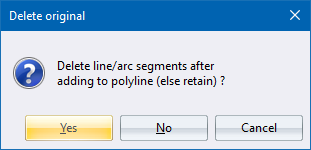
You are asked if you want to delete the line segment. Click Yes to delete the original line segments and replace them with the lightweight polyline, or No to retain the original lines.
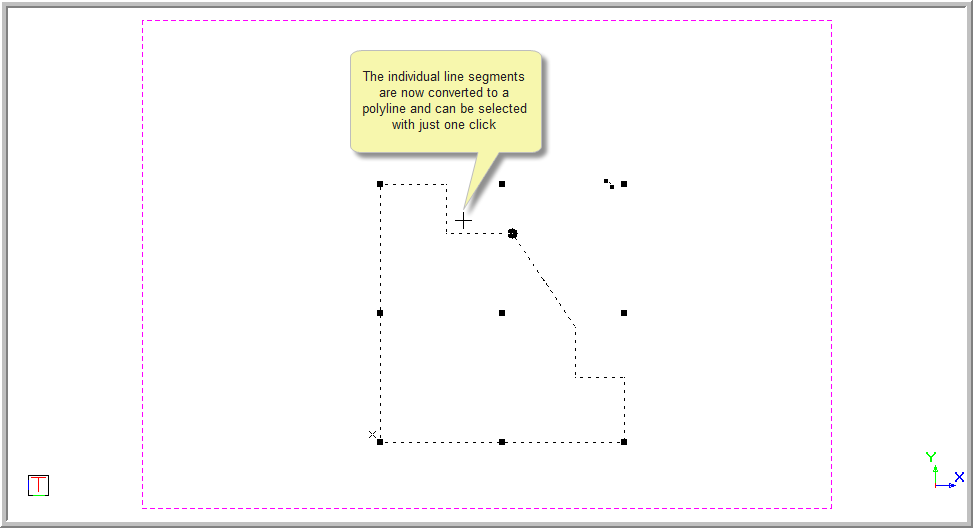
If you select No, the lightweight polylines fall underneath the original line segments. When you click near the entities, the single entity is selected. It can be deleted and the polyline entity remains.