Icon
Command
Shortcut Key
Toolbar

EXPLODETEXT
Tools
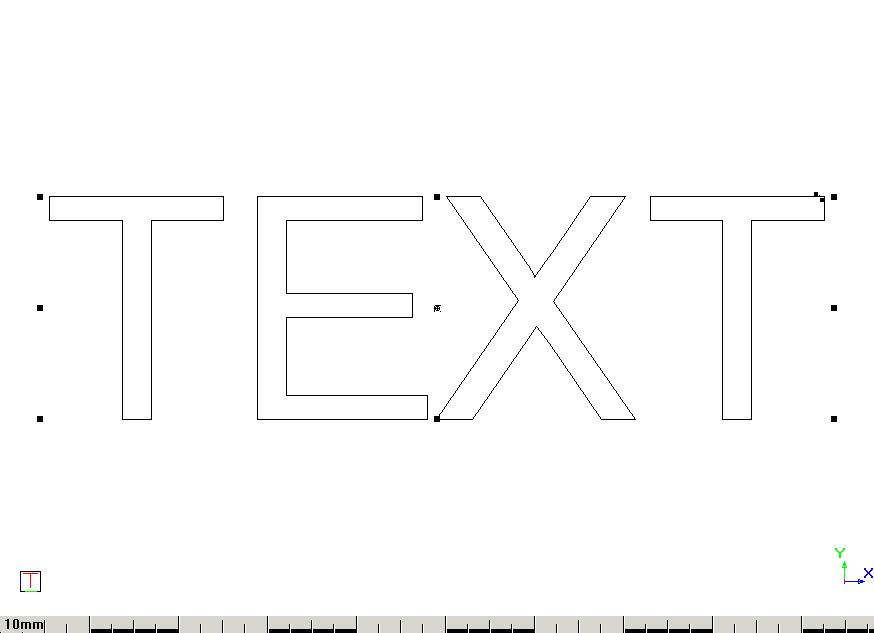
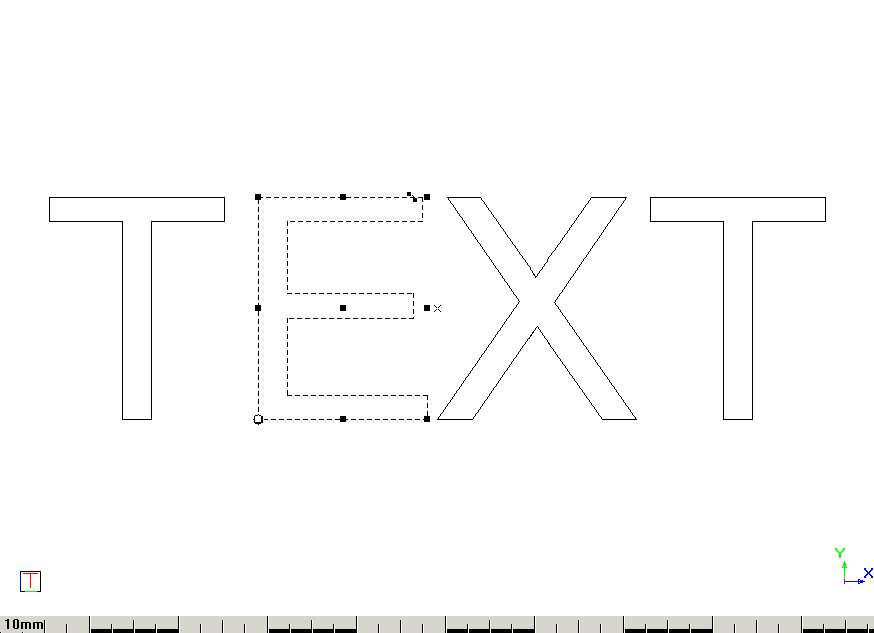
Explode text into lightweight polylines.
|
Icon |
Command |
Shortcut Key |
Toolbar |
|
|
EXPLODETEXT |
|
Tools |
This function allows you to change a selected text item into the lightweight polylines that form the outline of the text item.
Procedure