Display statistics about the current drawing.
Icon |
Command |
Shortcut Key |
Toolbar |
|
ENTITYSTATS |
|
Tools |
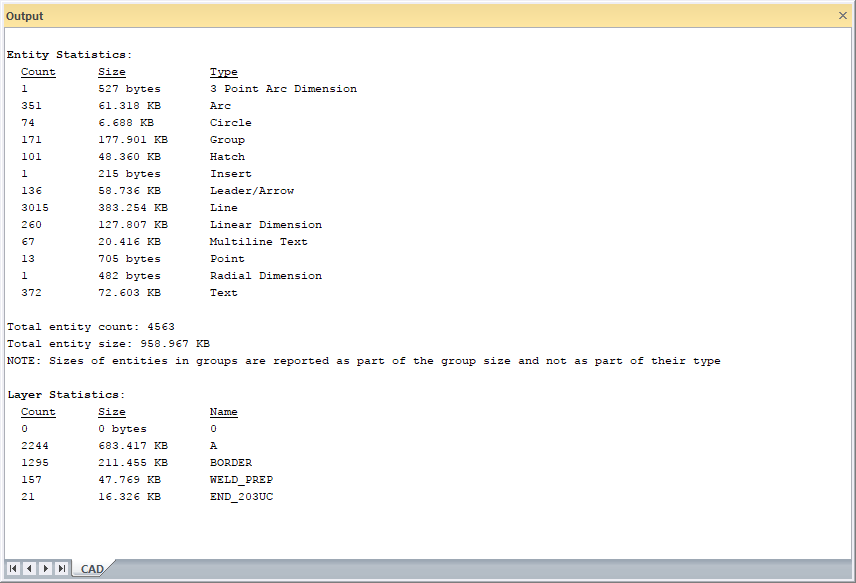
This function allows you to quickly view how many entities of each type are contained in the current drawing.
Optionally, you can also view statistics for the layers, blocks and styles in the drawing.
Procedure
Select Tools ► Entity Stats or click the icon.
You will be prompted if you also want to see layer/block/style statistics. Click No.
If you click Yes to also see layer/block/style statistics, the following also display in the Output Bar:
Layers
Blocks
Text Styles
Line Styles
Dimension Styles
Materials
Annotation Scales