Clean up lines.
|
Icon |
Command |
Shortcut Key |
Toolbar |
|
|
TIDYSNAP |
|
|
This function allows you to perform the following functions based on the options you set:
Joins lines where one line's end or terminal point under or overshoots another line where the over or undershoot is greater than the "Dangle Tolerance".
Deletes lines whose length is below a defined threshold ("Minimum Entity Length").
Removes overlapping lines ("Remove Overlapping Entities").
Join the end points of lines within a certain tolerance ("Snap Tolerance").
Procedure
The tidy options display in the Control bar.
Select the options you want to apply and press [Enter] or click on  .
.
If Nothing Is Selected
You are prompted to:
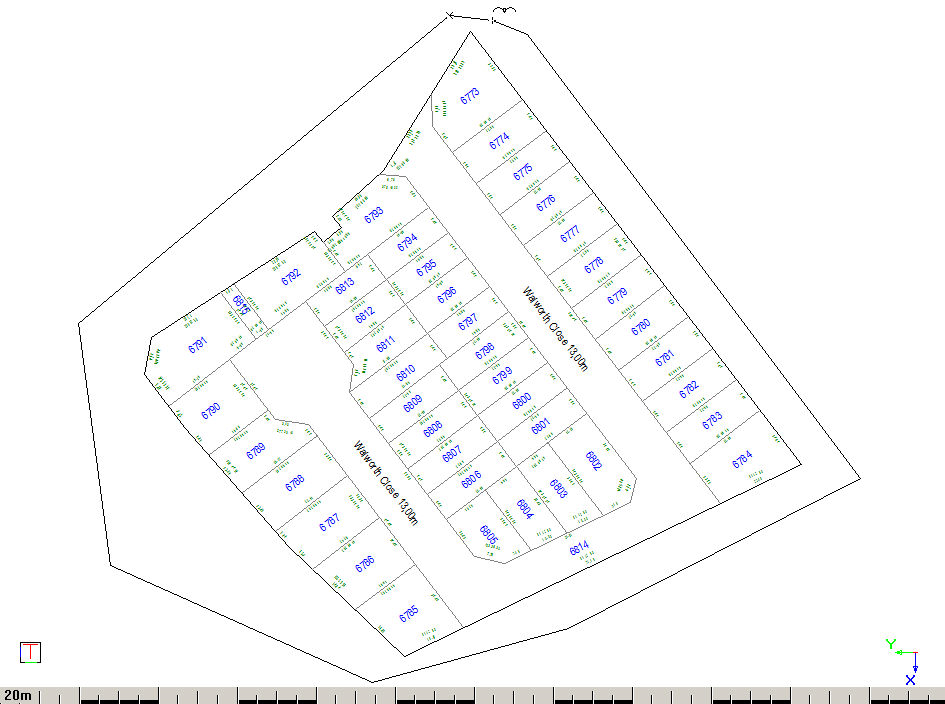
Indicate polygon around elements to be selected
Start the polygon selection.
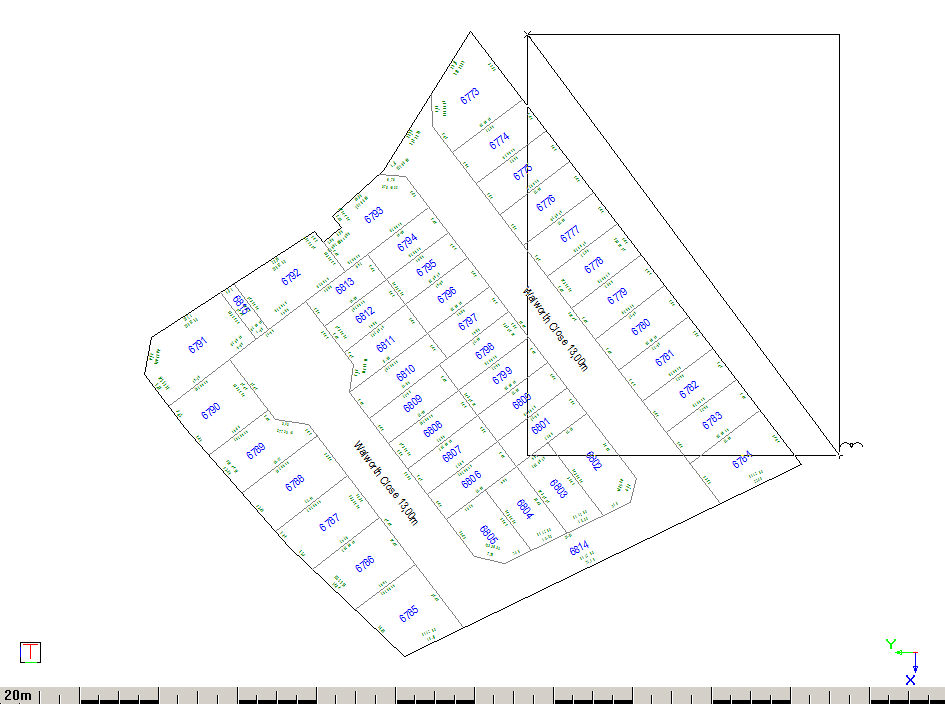
Indicate next point of polygon (Right click to finish with rectangle)
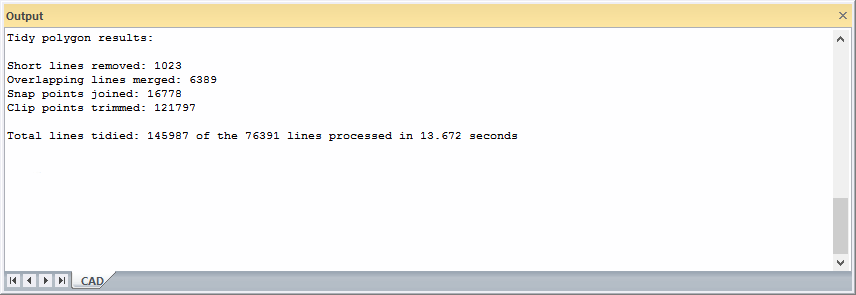
The snap tidy statistics are shown in the Output Bar to indicate the removal of minimum length lines, overlapping lines and line end or terminal points moved respectively.