Icon
Command
Shortcut Key
Toolbar

LAYERFROMENTITY
Tools
Make a certain layer the current active layer by selecting an entity in the layer.
|
Icon |
Command |
Shortcut Key |
Toolbar |
|
|
LAYERFROMENTITY |
|
Tools |
This function allows you to indicate an entity in a specific layer so you can make the indicated entity's layer the current layer.
 The active layer changes to the layer of the nearest entity to the cursor when you click or press [Enter].
Procedure
To make a layer the current active layer by indicating an entity in the layer:
Select Tools ► Pick ► Layer or click the icon in the Tools toolbar.
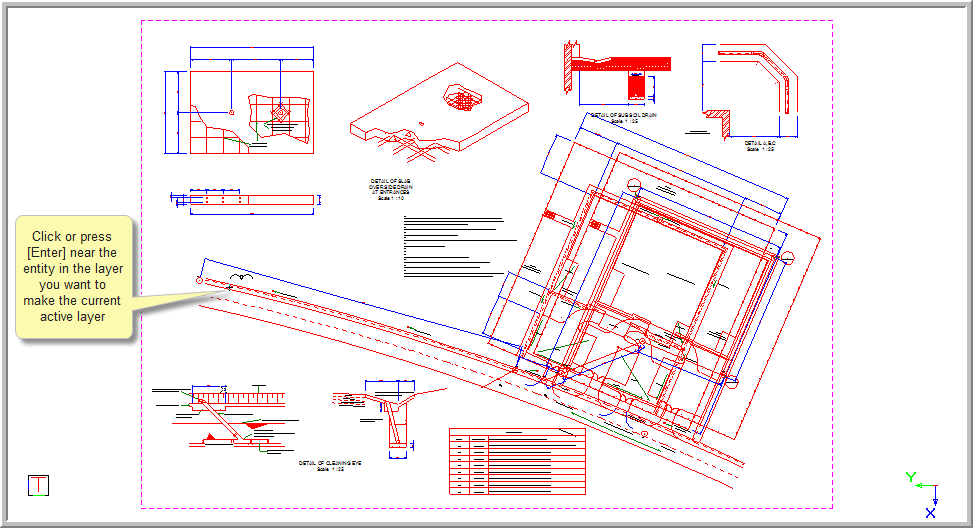
Indicate entity on layer to make current
Position the cursor near the entity whose layer you want to make the current active layer, and then press [Enter] or click.
The current active layer is changed and the Control Bar is updated.
