Icon
Command
Shortcut Key
Toolbar

PICKSETTINGS
Tools
Select either the pen, line style, line weight or layer properties to pick from an existing entity.
|
Icon |
Command |
Shortcut Key |
Toolbar |
|
|
PICKSETTINGS |
|
Tools |
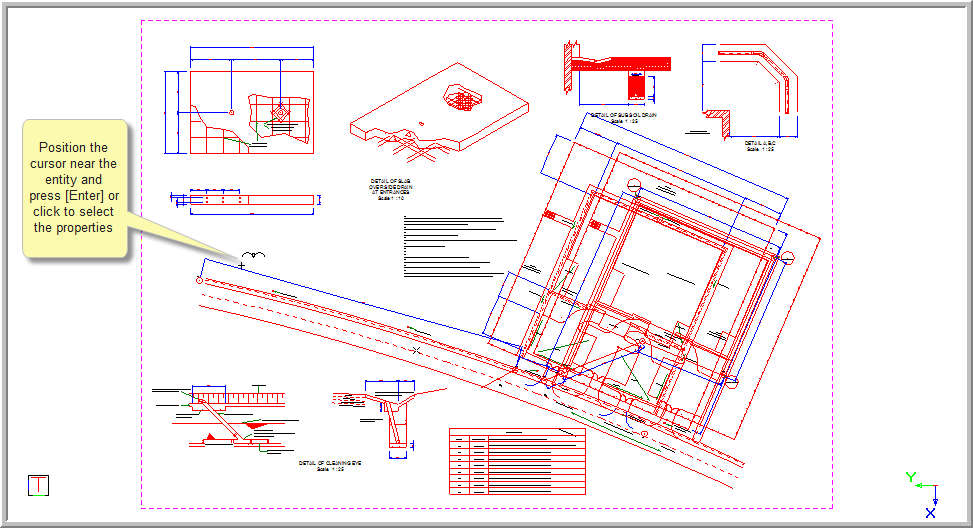
This function allows you to select the pen colour, line style, line weight or layer properties that you would like to use from an existing entity as the current settings, by indicating on the entity whose pen, line style, line weight or layer you want as the current settings.
Procedure
The current pen, line style, line weight and layer are shown below:

The pen colour is red.
The line style is dashdot.
The line weight is 0.00mm.
To pick either some or all the settings from an entity:
Select Tools ► Pick ► Settings or click the icon in the Tools toolbar.

Select the appropriate checkboxes to specify the properties you want selected from the entity.