Icon
Command
Shortcut Key
Toolbar

TAKELINEPEN
[T]
Tools
Pick the pen and line style from an existing entity.
|
Icon |
Command |
Shortcut Key |
Toolbar |
|
|
TAKELINEPEN |
[T] |
Tools |
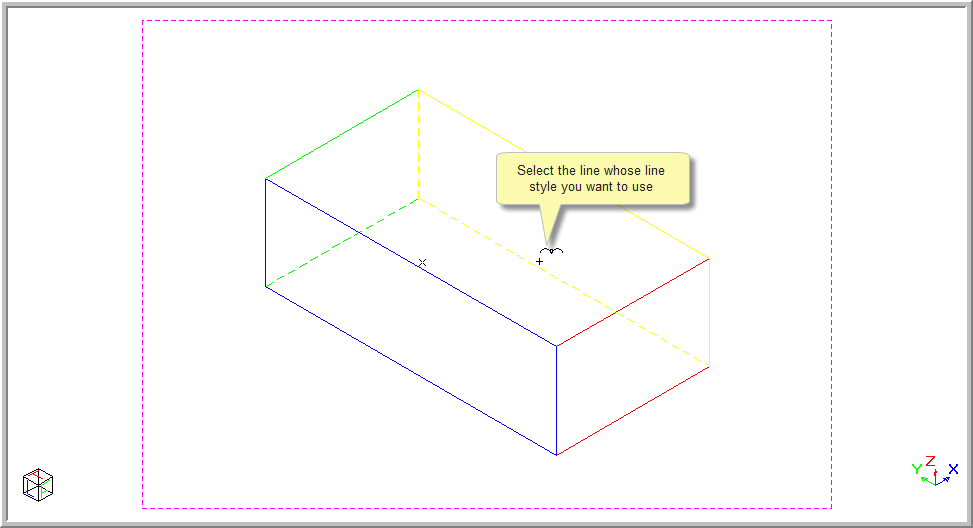
This function allows you to select a pen colour and line style from an existing entity, by indicating the entity whose pen and line style you want to set as the current pen and line style.
Procedure
The current line style is always displayed in the Control Bar.

To select a pen colour and line style from an existing entity:
Select Tools ► Pick ► Pen and line style. Alternatively, press [T] or click the icon in the Tools toolbar.
Indicate entity from which to pick pen and line settings