Icon
Command
Shortcut Key
Toolbar

CURRENTVISIBLE
Main
Set all layers, except the current layer, to invisible.
|
Icon |
Command |
Shortcut Key |
Toolbar |
|
|
CURRENTVISIBLE |
|
Main |
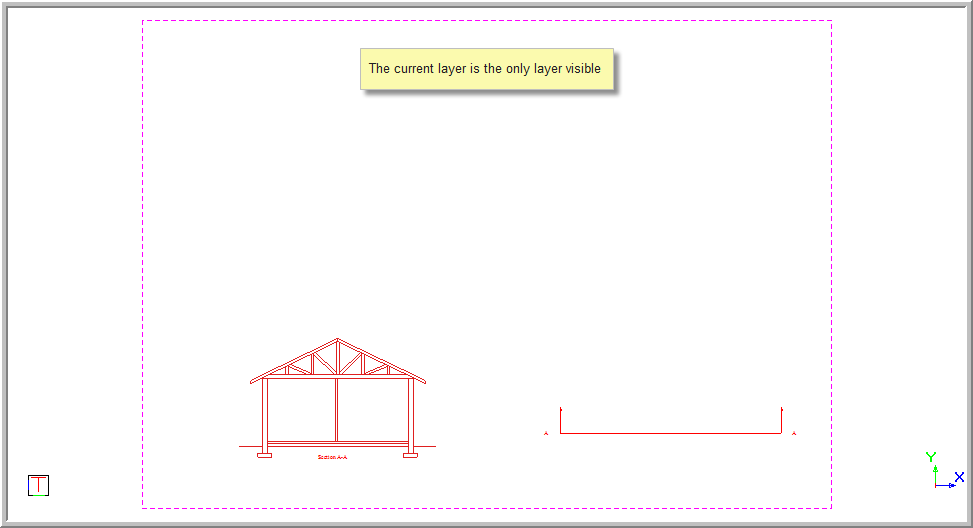
This function allows you to set only the current or active layer to be visible. All other layers are switched off.
Procedure
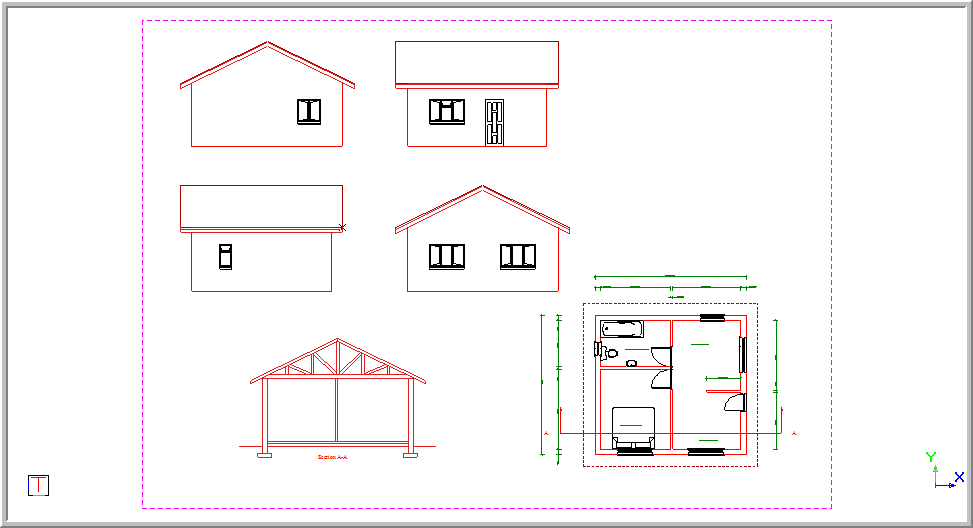
The example below shows all the layers in the drawing including the current layer called "SECTION".
The current layer in the drawing is the horizontal cross-section layer, as shown below.

To set the current layer as the only visible layer: