Icon
Command
Shortcut Key
Toolbar

RECENTREPAPER
Settings
Reposition the paper limits on the drawing.
|
Icon |
Command |
Shortcut Key |
Toolbar |
|
|
RECENTREPAPER |
|
Settings |
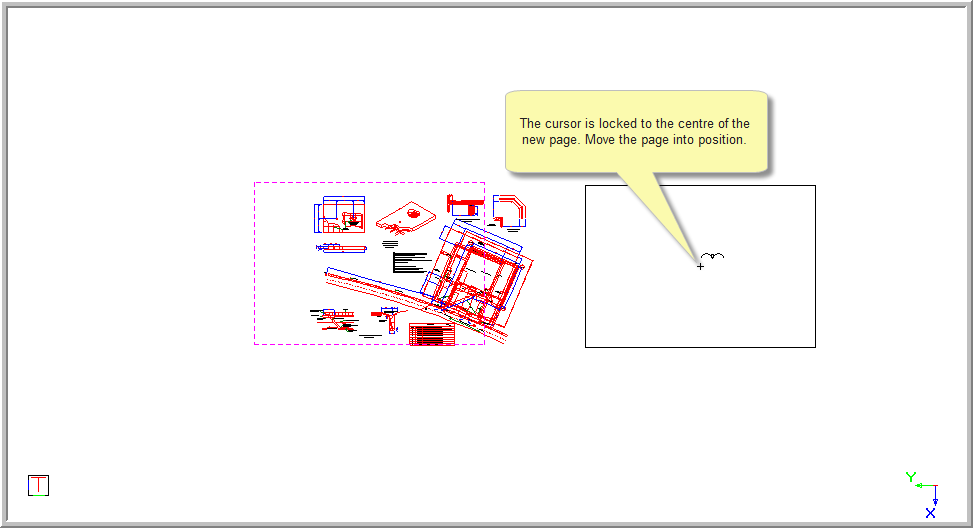
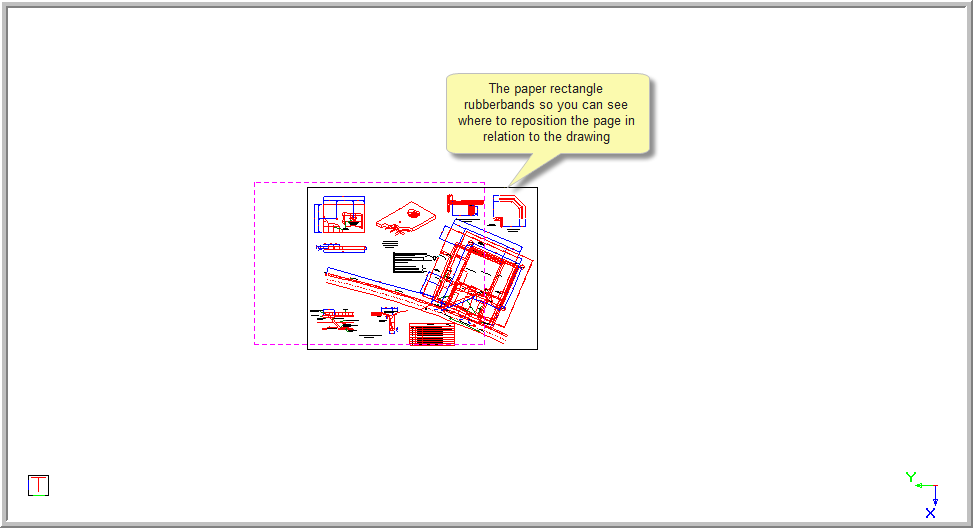
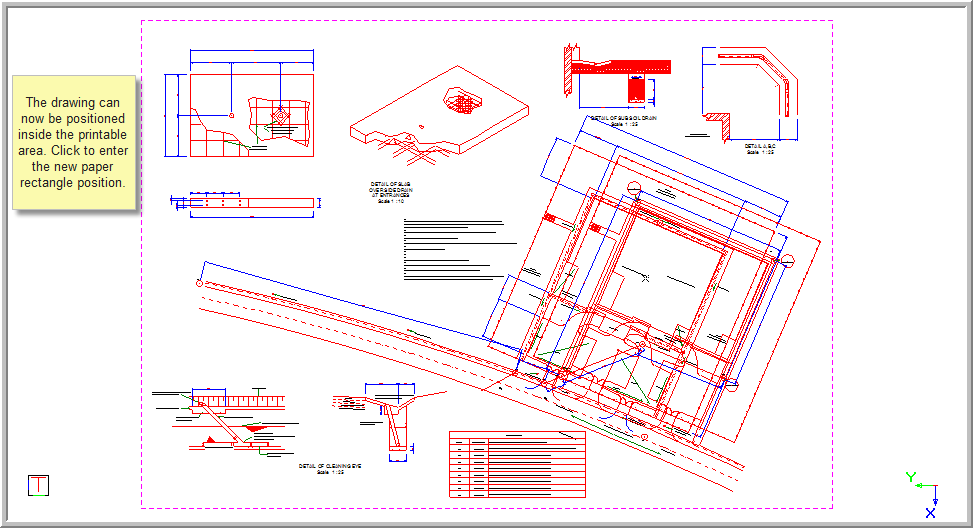
This function allows you to re-centre the paper so the drawing lies within the paper rectangle. The paper rectangle rubberbands and you can move the mouse to reposition the paper rectangle relative to the drawing.
This function is useful if you want to plot or print your drawing.
 Recentre Paper changes the coordinates of entities in the drawing if the coordinate system is in the Cartesian mode. The coordinates are retained if the drawing is in the Surveyor Coordinate mode.
Procedure
In the example below, the drawing is not drawn within the paper rectangle.
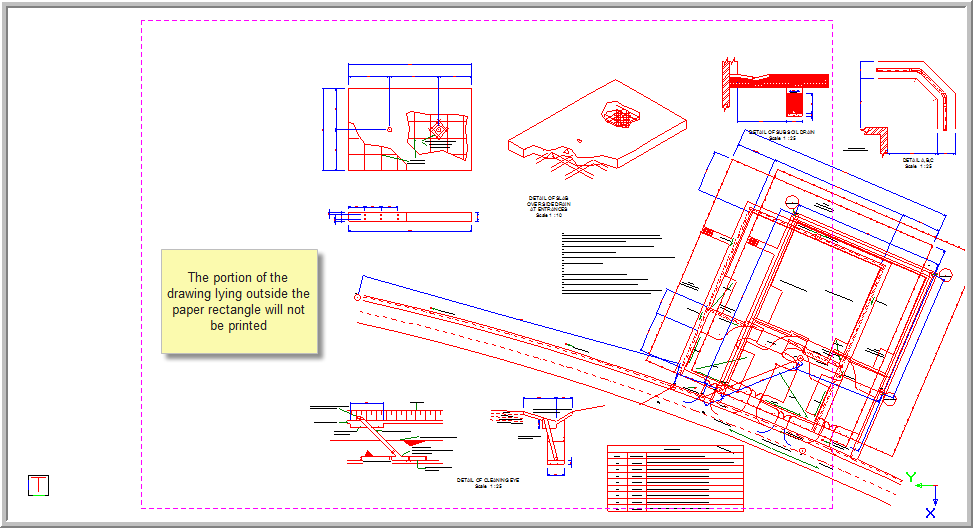
To re-centre the paper so as the drawing lies within the paper rectangle:
Select Settings ► Recentre Paper.
Indicate new paper centre