Icon
Command
Shortcut Key
Toolbar

TRIMLENGTH
Modify
Trim the length of an indicated line entity.
|
Icon |
Command |
Shortcut Key |
Toolbar |
|
|
TRIMLENGTH |
|
Modify |
This function allows you to trim or extend a line entity to a specified length.
Select the entity to modify and the current length of the entity is given. Type in the new length of the entity and press [Enter] or click Enter  .
.
 Select the entity on the side you want to keep.
Procedure
Indicate line entity to trim length (Click near end point to keep fixed)
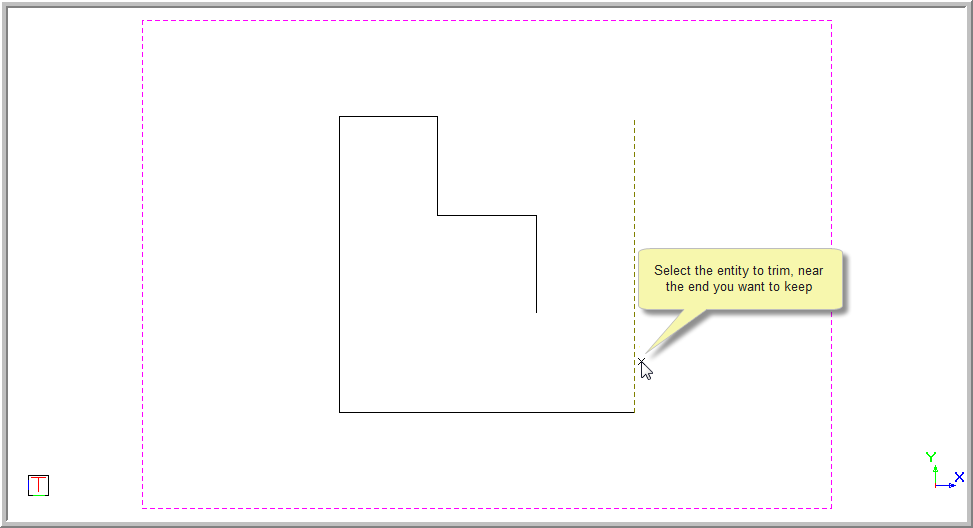

The current length of the line is given.

to trim the length of the indicated line entity.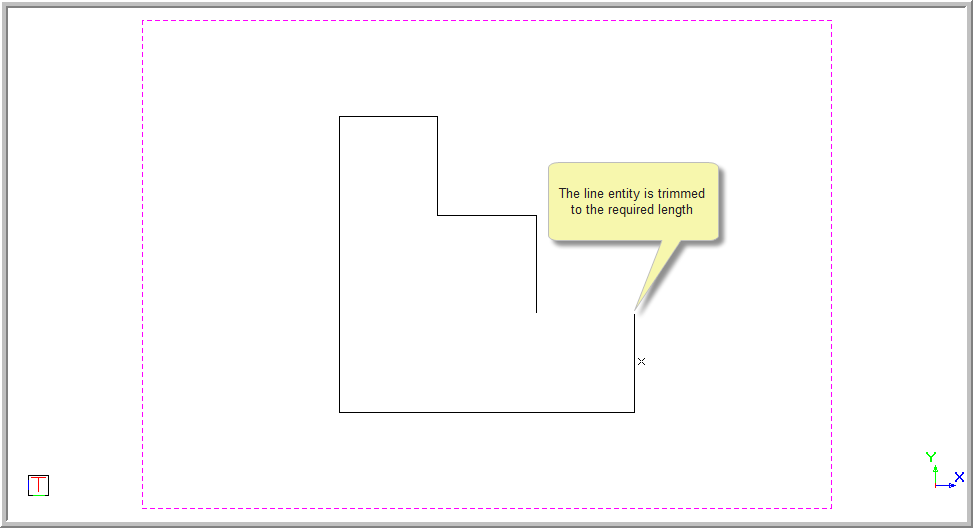
The function repeats.