Move Point
Move all entities connected to a point.
|
Icon
|
Command
|
Shortcut Key
|
Toolbar
|
|
|
MOVEPOINT
|
|
Drawing
|
This function allows you to move a point and update all the entities using the point as a reference point.
Procedure
- You are prompted to:
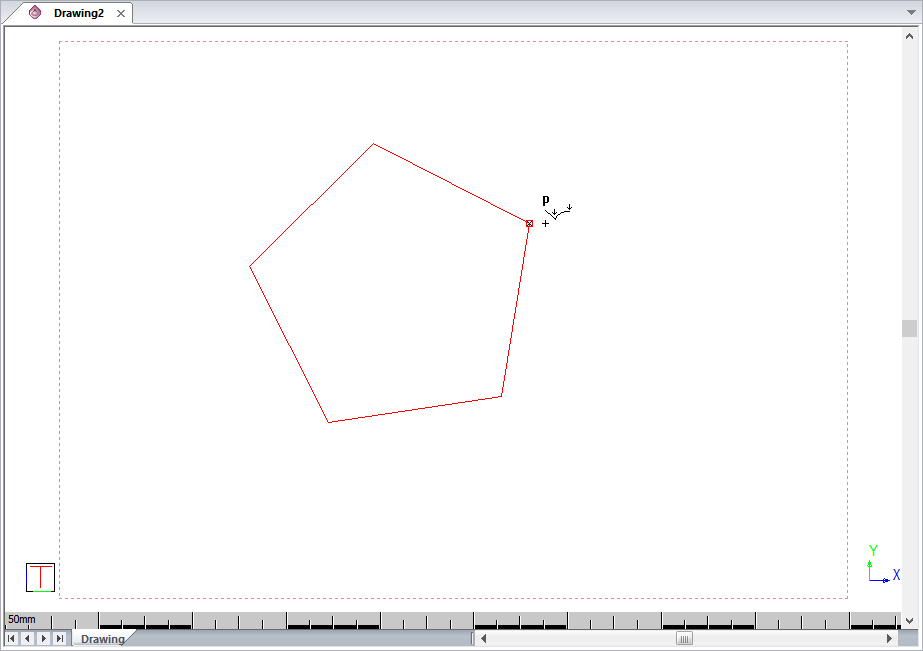
Select point to move
- The cursor switches to Point mode. Position the cursor close to the point you want to move, and then click or press [Enter]. The cursor jumps onto the point.
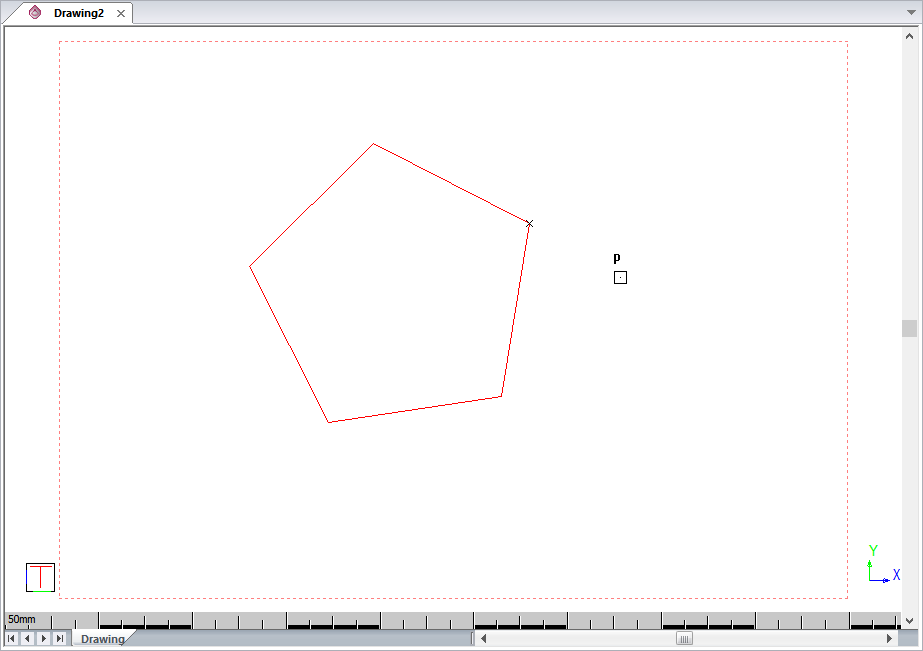
- You are prompted to:
Indicate point to which it should move
- The cursor switches to GrabAll snap mode. Move the cursor to where the point should move to.
- Press [Enter] to move the point.
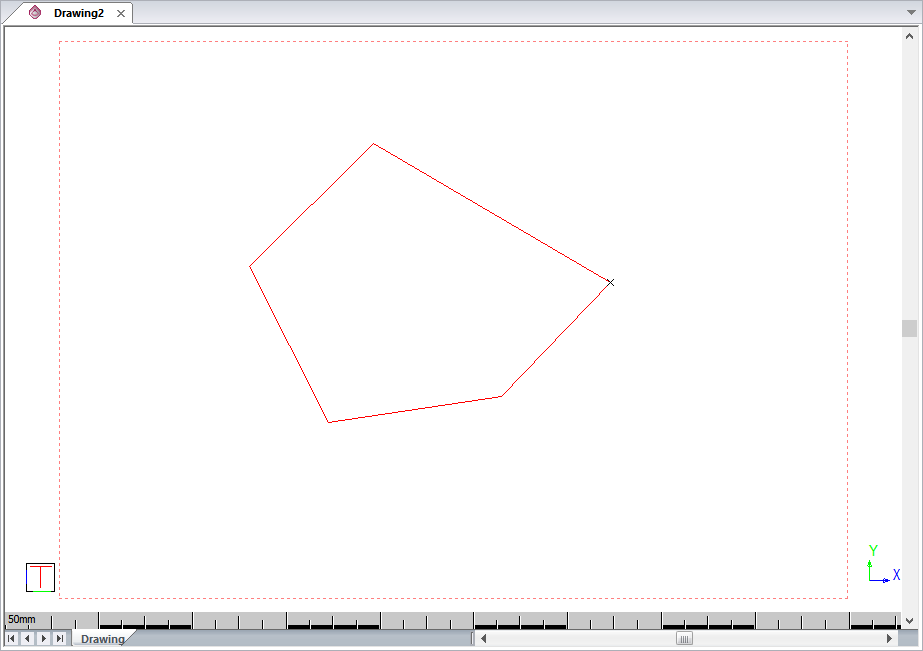
- You are prompted to:
Select point to move
- Select another point to move. Alternatively, cancel point moving by choosing another function or pressing [Spacebar] or [Esc].