Icon
Command
Shortcut Key
Toolbar

JOINLINES
Modify
Join two line entities into one line entity
|
Icon |
Command |
Shortcut Key |
Toolbar |
|
|
JOINLINES |
|
Modify |
This function allows you to join two line entities into one entity by indicating the first line entity near the end to remove and then the second line entity near the end to remove. The two line entities are then joined into one.
Procedure
To join two line entities into one entity:
Select Modify ► Join Lines or click the icon in the Modify toolbar.
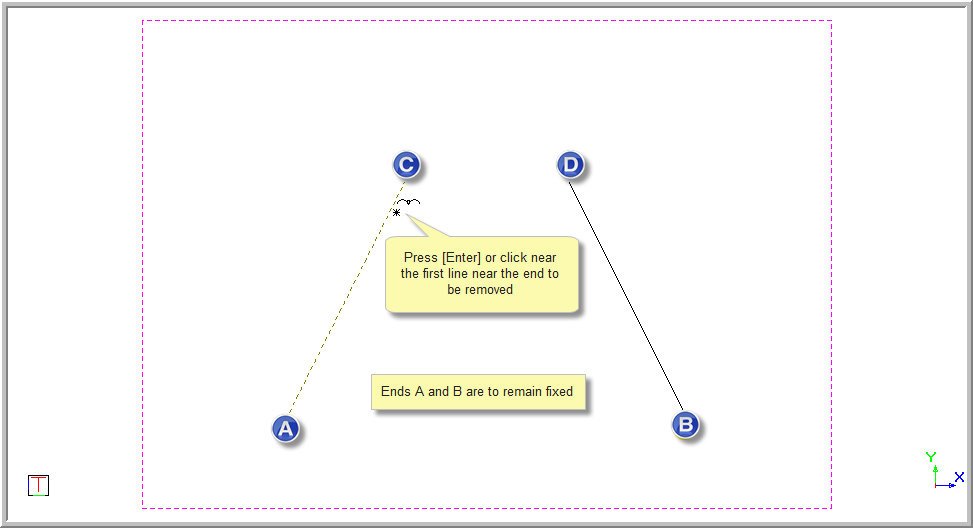
Indicate first line to join (Click near end point to remove)
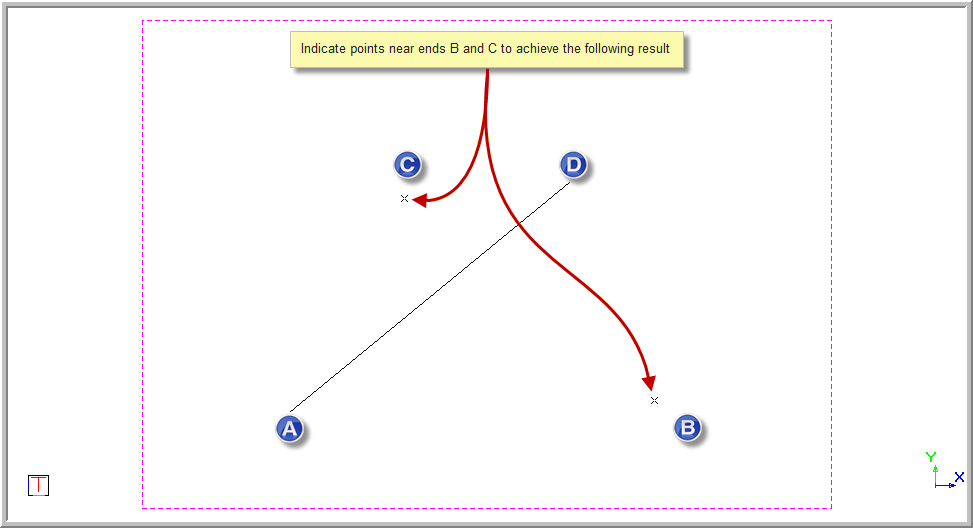
Three examples are shown with different ends remaining fixed. In this example ends "A" and "B" will remain fixed.
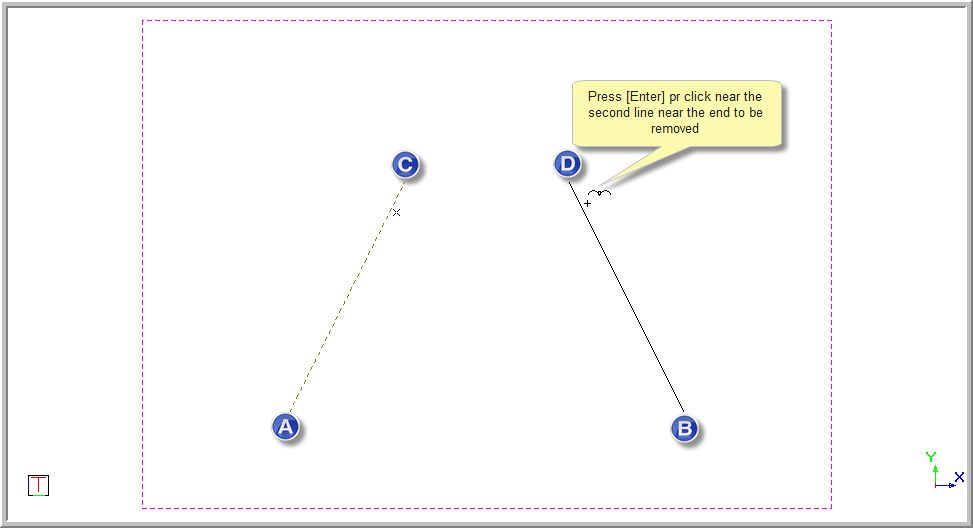
Indicate second line to join (Click near end point to remove)
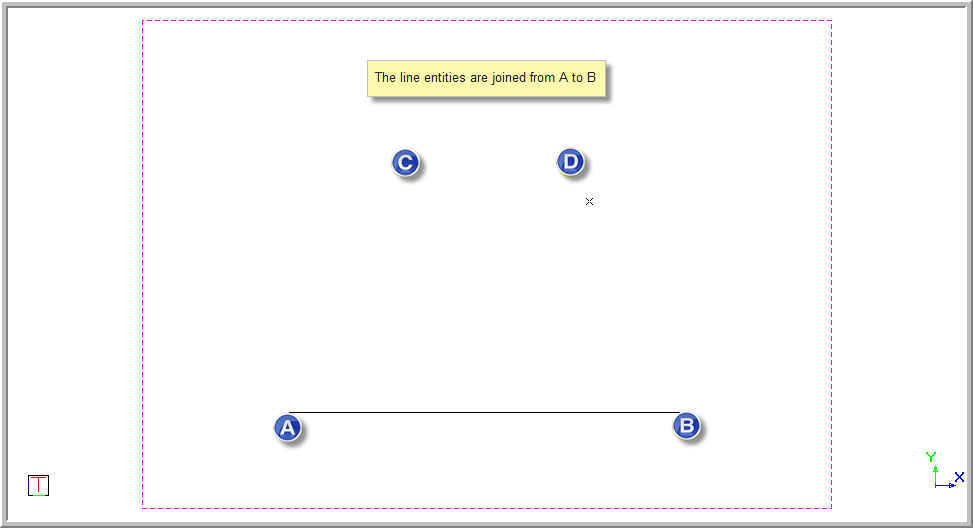
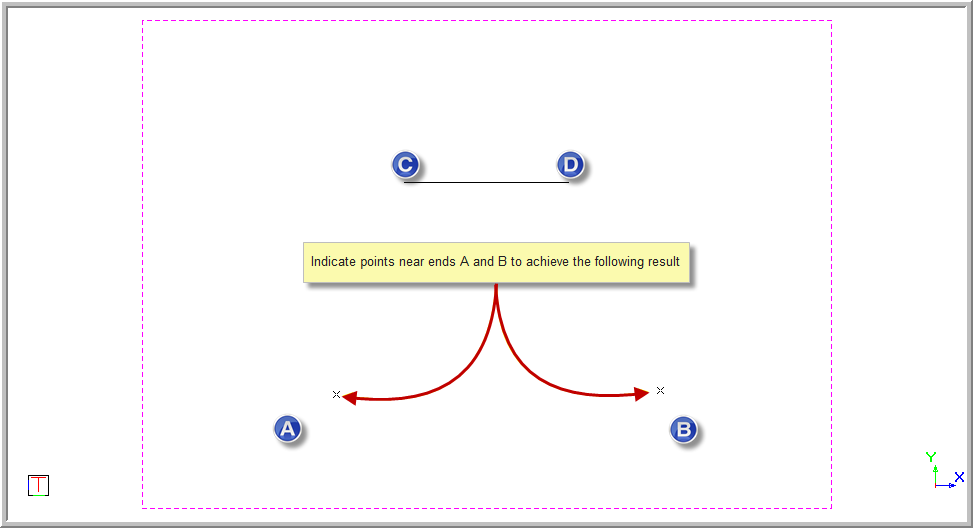
Indicate near end "B" and end "C" and ends "A" and "D' will remain fixed. The line will slope between points "A" and "D".