Icon
Command
Shortcut Key
Toolbar

FILLET
Modify
Fillet the edges of two valid entities.
|
Icon |
Command |
Shortcut Key |
Toolbar |
|
|
FILLET |
|
Modify |
This function allows you to draw an arc with a given radius between two intersecting entities.
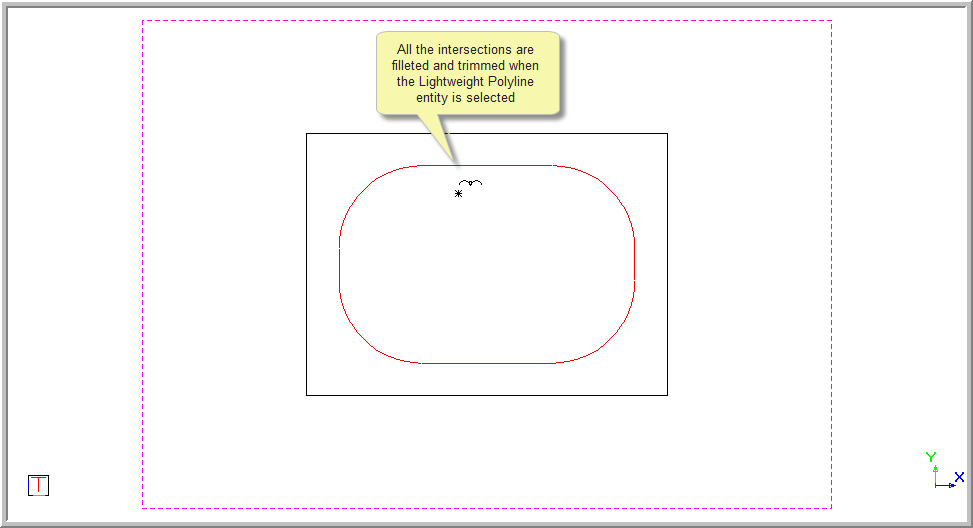
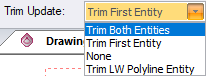
Use the Trim Update option in the bar to select to trim only the first entity, both entities, neither entities or Lightweight and 3D polylines.
You can fillet Arc, Elliptical Arc, Line, Leader/Arrow, Lightweight Polyline (Not Closed and No Bulges), Polyline (Not Closed) and Ray entities.
The indicated entities must be coplanar.
 This function automatically converts 3D polylines to 2D polylines.
Procedure
To draw an arc with a given radius between two intersecting entities:
Select Modify ► Fillet or click the icon in the Modify toolbar.


This is the first option.
This is the second option.
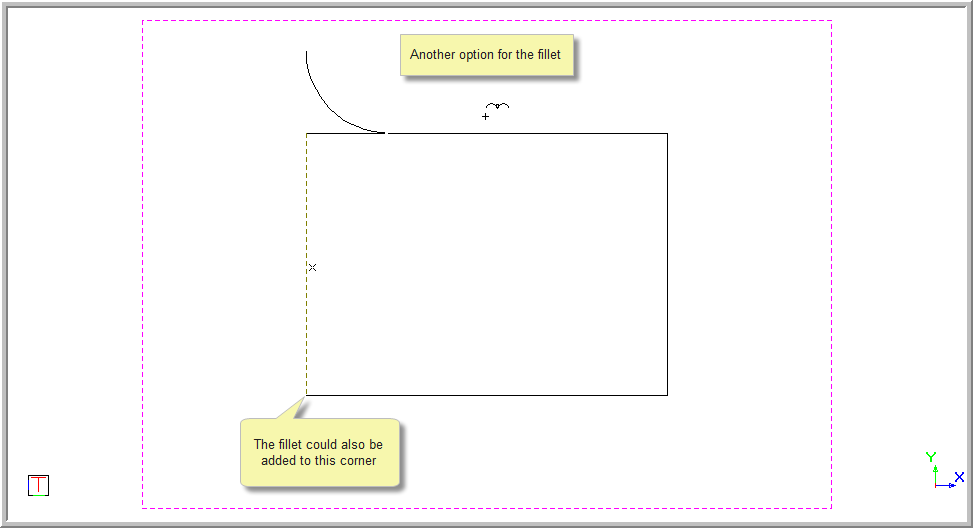
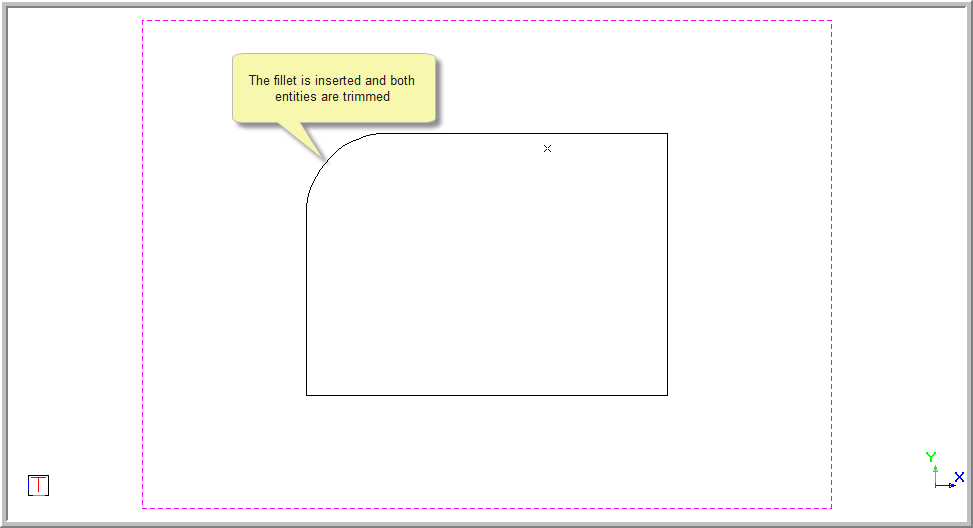
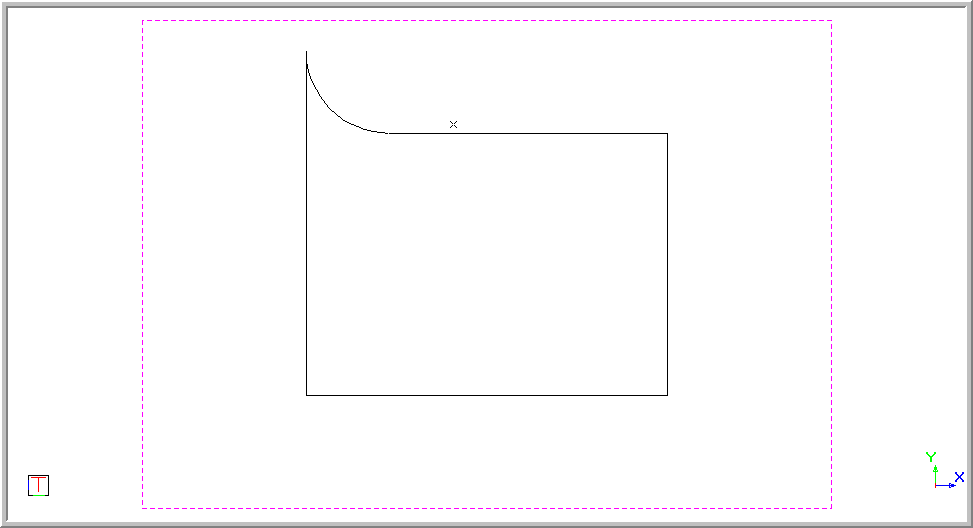

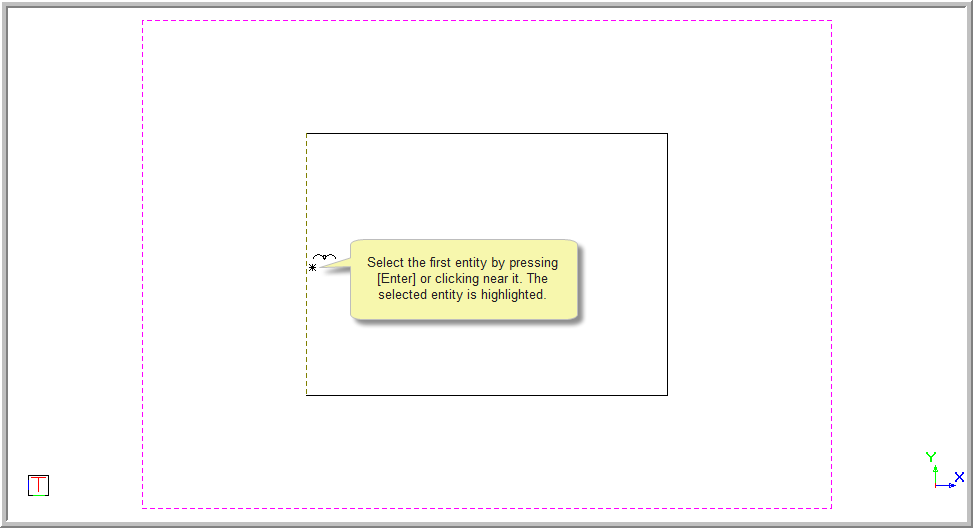
Position the cursor near the entity to be filleted and the entity to be trimmed, and then press [Enter] or click to indicate the entity to trim. The selected entity is highlighted.
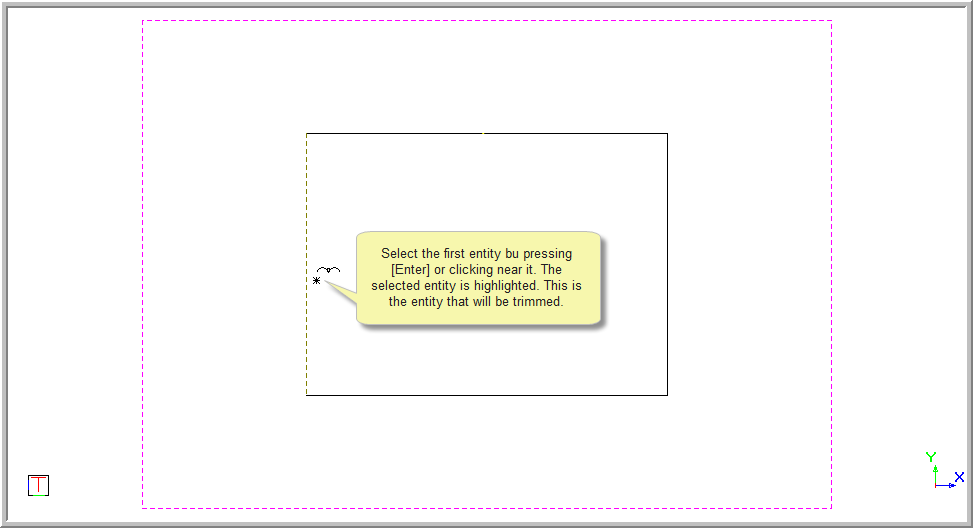
You are prompted to:

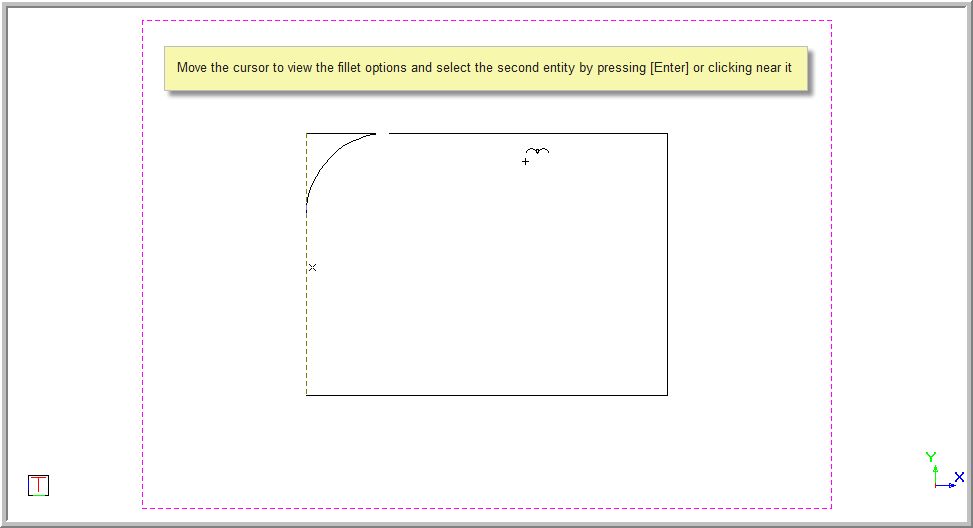
If you move the cursor you can view the two options and click to select the correct one.
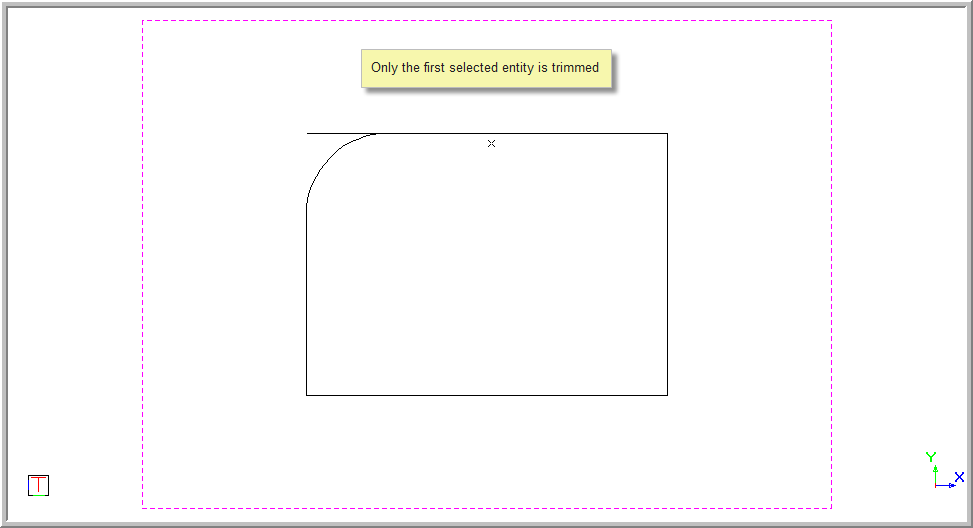
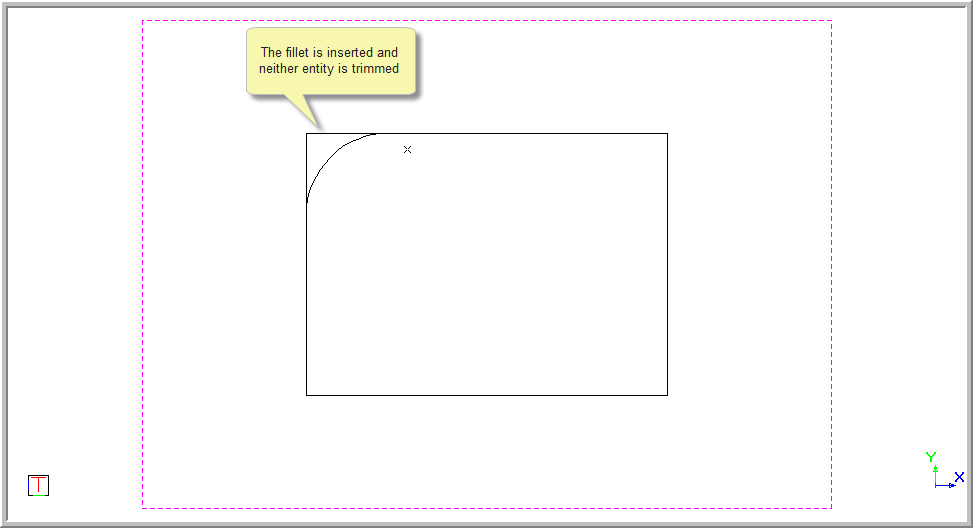
This option inserts the fillet and leaves both the entities as they are. It works with line entities.
The red rectangle in the example below is drawn with a polyline.