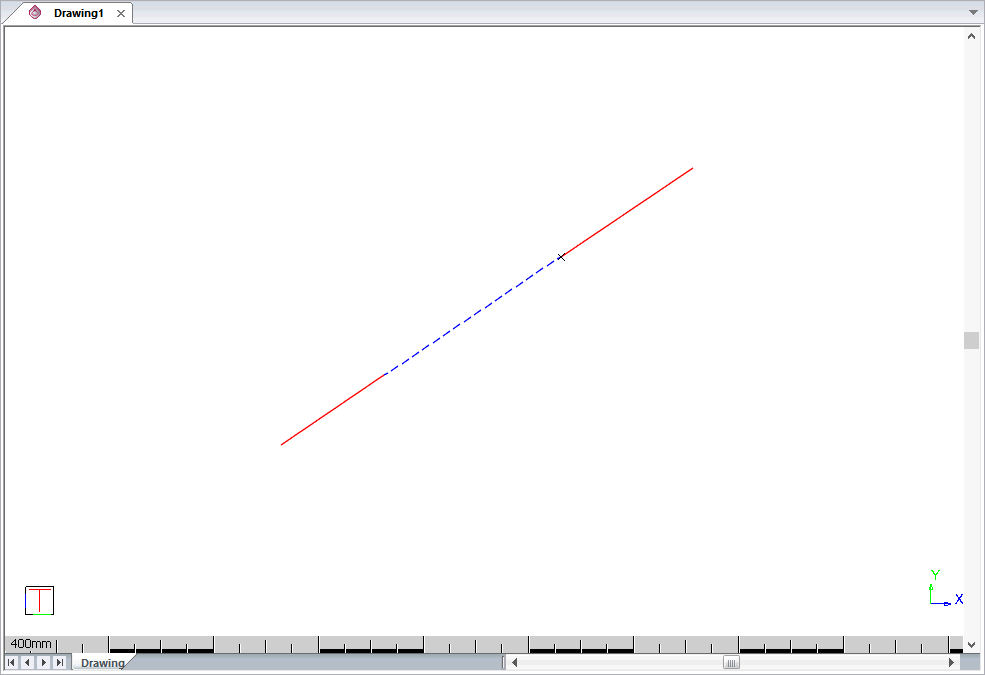
Divide an entity and edit one segment thereof.
|
Icon |
Command |
Shortcut Key |
Toolbar |
|
|
DIVEDIT |
|
Drawing |
Procedure
Select line or arch to edit (between divide points)
In this instance you want to divide the line into three segments, and change the line style and colour of the centre section.
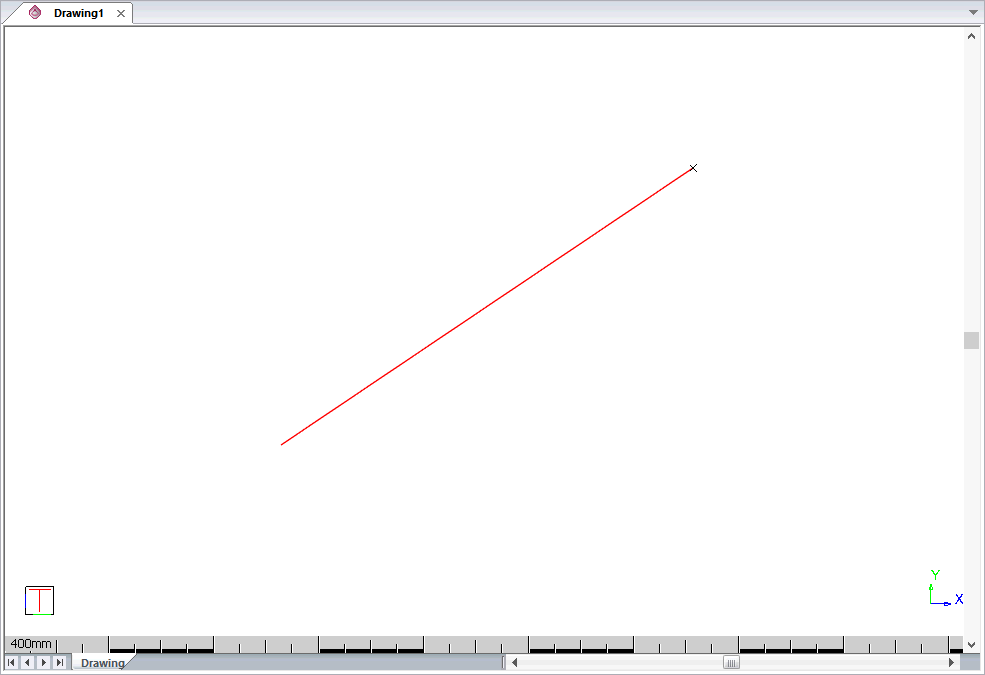
Select the line. It will be highlighted.
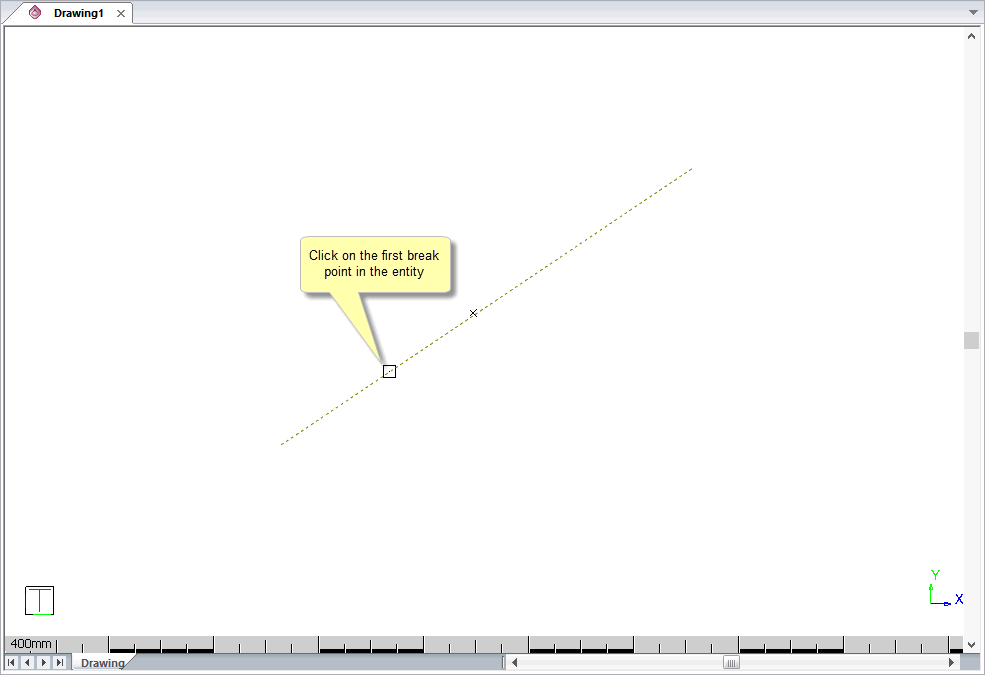
Indicate first divide point
Indicate second divide point
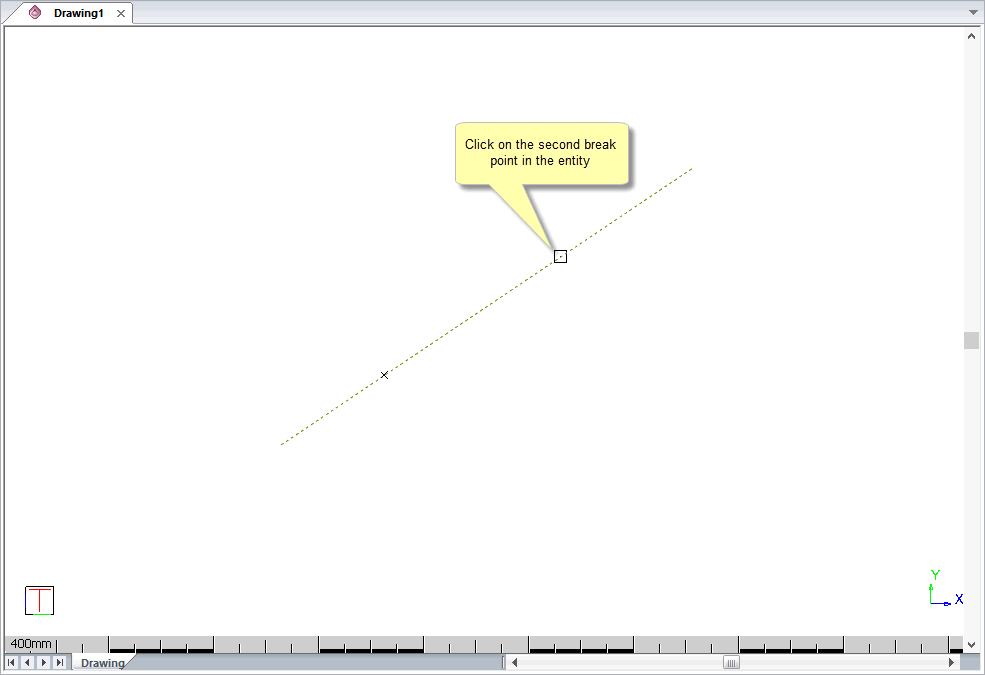
The line entity is divided into three segments and the centre segment is selected.
Edit the selected line in Properties Bar, Esc when done
The Properties Bar displays so you can change the attributes of the selected segment. In this instance you will change the line style and colour.
Press [Esc] to apply your changes.