Icon
Command
Shortcut Key
Toolbar

DIVIDEEXTEND
Modify
Divide or extend an entity.
|
Icon |
Command |
Shortcut Key |
Toolbar |
|
|
DIVIDEEXTEND |
|
Modify |
Select the entity to divide or extend.
To divide an entity, indicate a point on the entity at which to divide.
To extend an entity, indicate a point past the entity to extend the entity to.
Procedure
To divide an entity into two parts or extend an entity:
Select Modify ► Divide/Extend or click the icon in the Modify toolbar.
Indicate entity to divide or extend
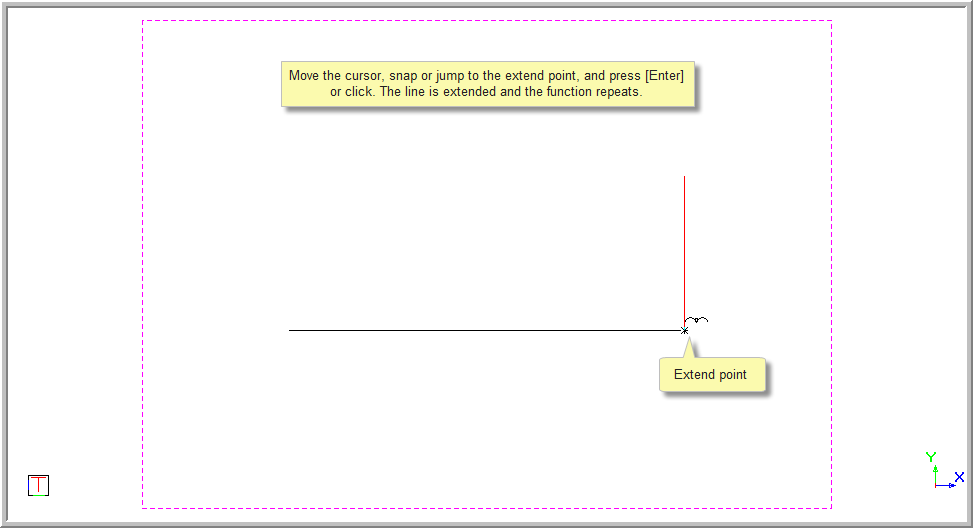
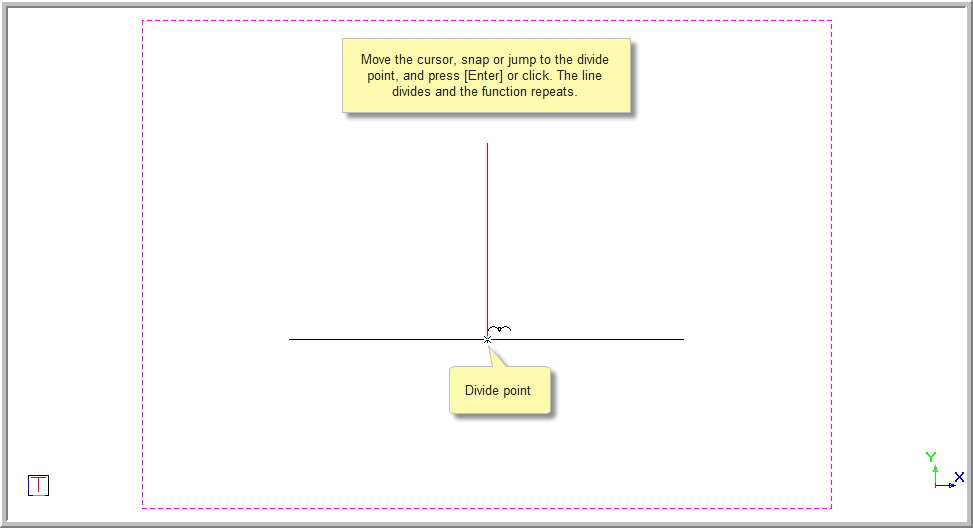
Indicate point to divide or extend the entity to
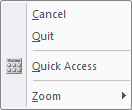
Move the cursor to the divide point, jump to the desired point or use snaps to move to the desired position. Now press [Enter] or click.
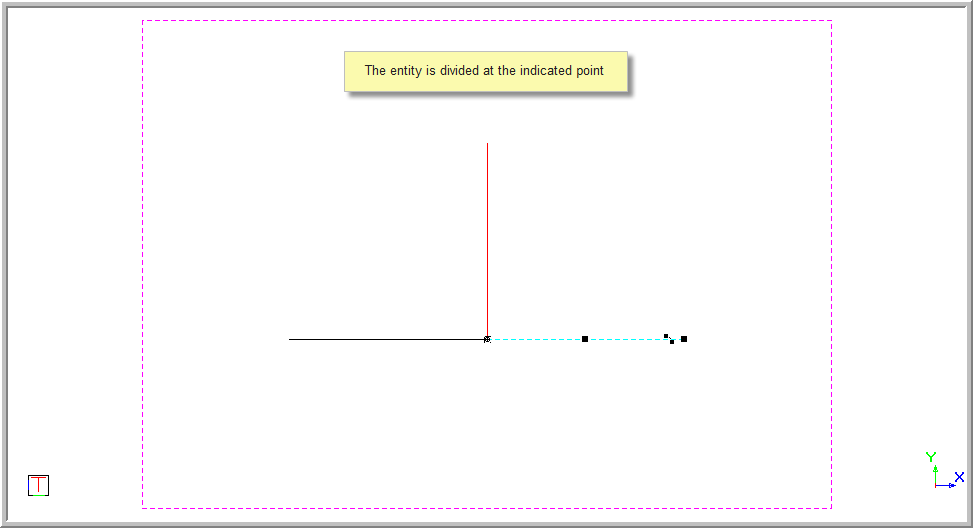
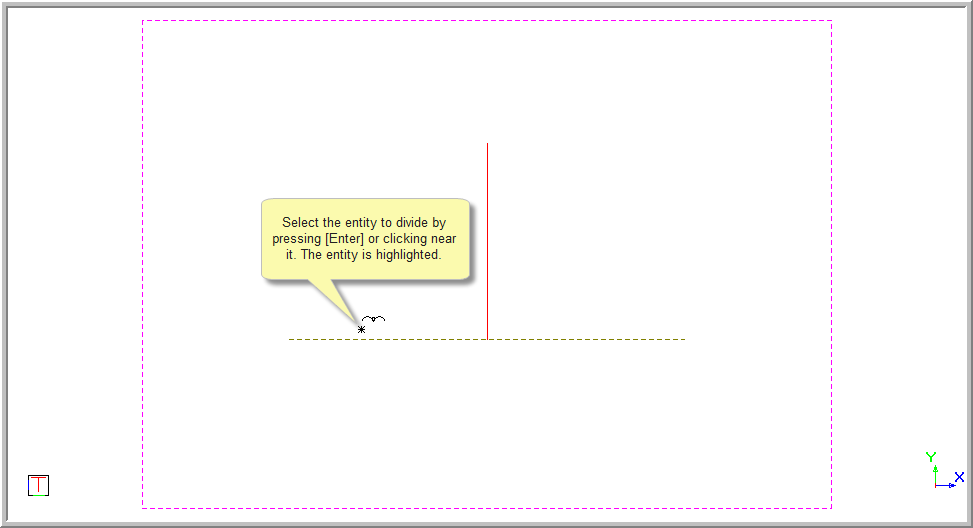
Position the cursor near the entity to be divided and then press [Enter] or click to indicate the entity. The entity is highlighted.
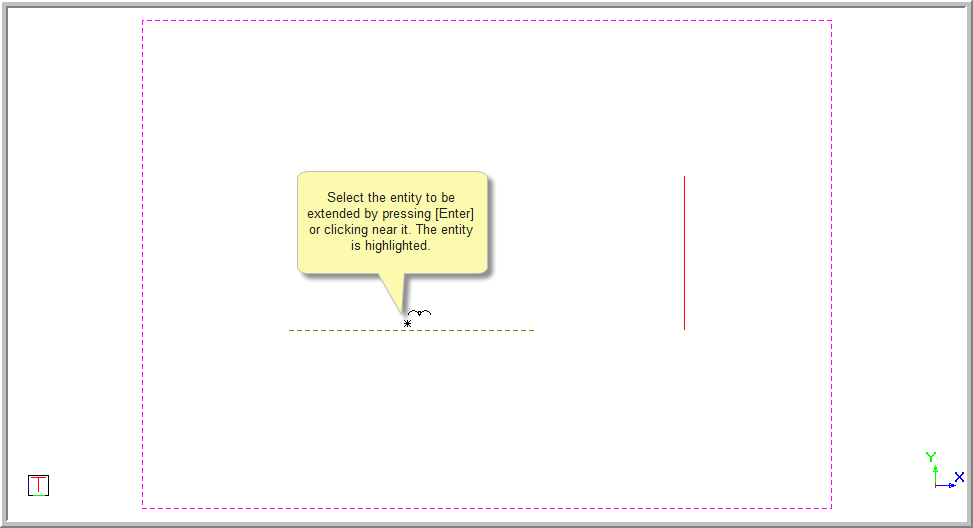
Indicate point to divide or extend the entity to
Move the cursor to the extend point, jump to the desired point or use snaps to move to the desired position. Now press [Enter] or click.