Icon
Command
Shortcut Key
Toolbar

GEOMPBISECT
Geometry
Draw a geometry line as a perpendicular bisector either through a point perpendicular to a selected geometry line or between two specified points.
|
Icon |
Command |
Shortcut Key |
Toolbar |
|
|
GEOMPBISECT |
|
Geometry |
This function allows you to draw a geometry line perpendicular to a geometry line or to bisect two points. You can choose to place the perpendicular geometry line through a specified point perpendicular to an existing geometry line, or to place a perpendicular bisector between two specified points.
 Geometry lines are infinite lines that never print or plot, and are seen in all layers. To change the appearance of all geometry, see Geometry Settings under System Settings.
Procedure
To draw a geometry line perpendicular to a geometry line or to bisect two points:
Select Geometry ► Perp Bisector or click the icon in the Geometry toolbar.


Use the snap or jump functions to indicate the first point accurately.

Press [Enter] or click to select the indicated point.

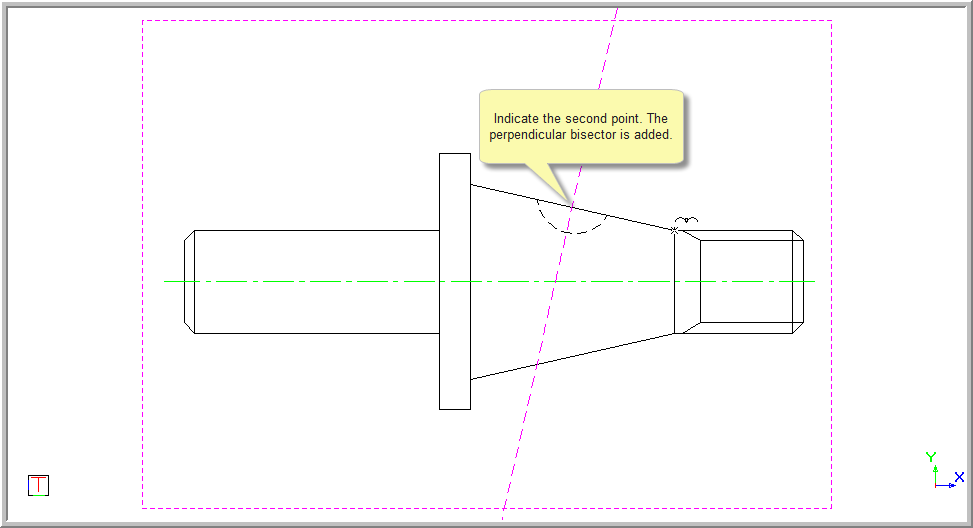
Use the snap or jump functions to indicate the point accurately. Press [Enter] or click to select the indicated point. The perpendicular bisector is inserted and the function repeats.
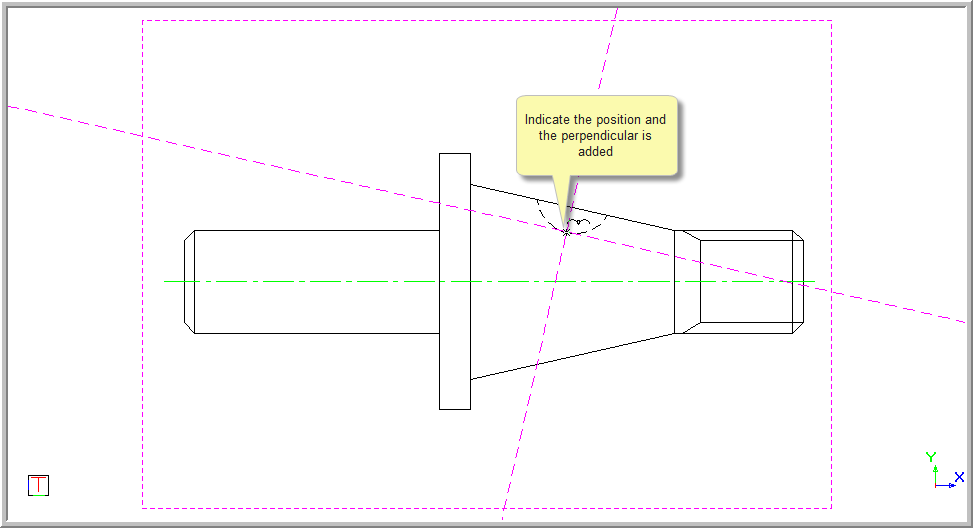
This option is used to add a perpendicular line through a specified point.

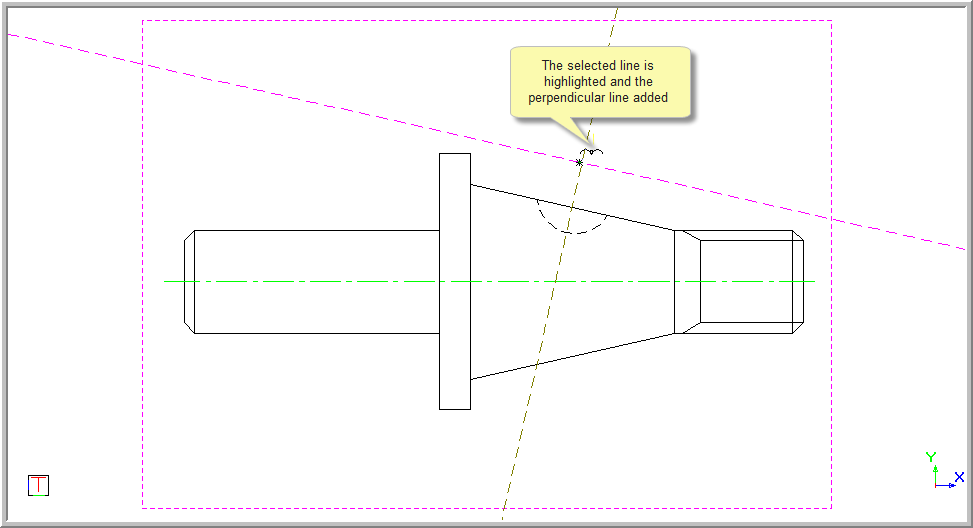

Use the snap or jump functions to position the line accurately. Press [Enter] or click to select the indicated point. The perpendicular bisector is inserted and the function repeats.
If the incorrect entity or point has been selected, right-click and select Cancel to return to the beginning and indicate the entity to be bisected.