Icon
Command
Shortcut Key
Toolbar

GEOMLINETANC
Geometry
Draw a geometry line tangent to a geometry circle, through an indicated point.
|
Icon |
Command |
Shortcut Key |
Toolbar |
|
|
GEOMLINETANC |
|
Geometry |
This function allows you to draw a geometry line tangent to a geometry circle to pass through an indicated point. You need to indicate the geometry circle that the line must be tangent to, and then indicate the through point. Two tangent points are indicated relative to the position of the cursor.
The indicated through point must be outside the indicated geometry circle.
 Geometry lines are infinite lines that never print or plot, and are seen in all layers. To change the appearance of all geometry, see Geometry Settings under System Settings.
Procedure
To draw a geometry line tangent to a geometry circle to pass through an indicated point:
Select Geometry ► Lines ► Tangent to ► Circle or click the icon in the Geometry toolbar.

You can choose to draw a geometry line through a point tangent to the circle, or at a specified angle tangent to the circle.
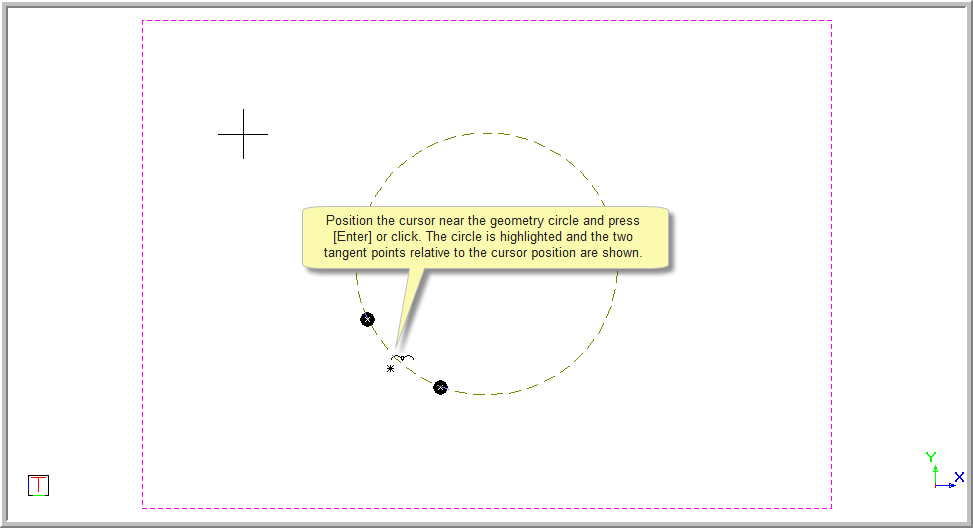
Position the cursor near the geometry circle and press [Enter] or click to indicate the correct geometry circle. The circle is now highlighted and two tangent through points are indicated relative to the position of the cursor.
You are prompted to:

Position the cursor at a point in the drawing and press [Enter] or click to indicate the through point.
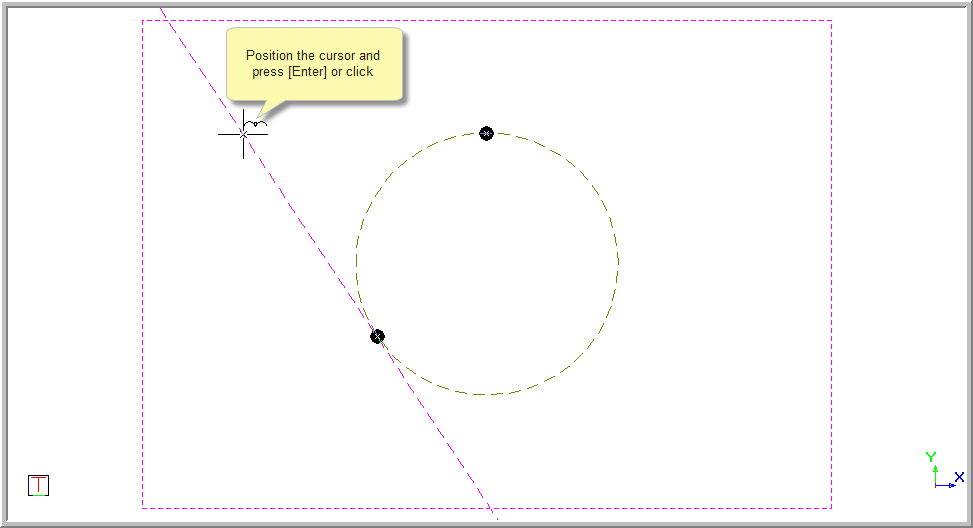
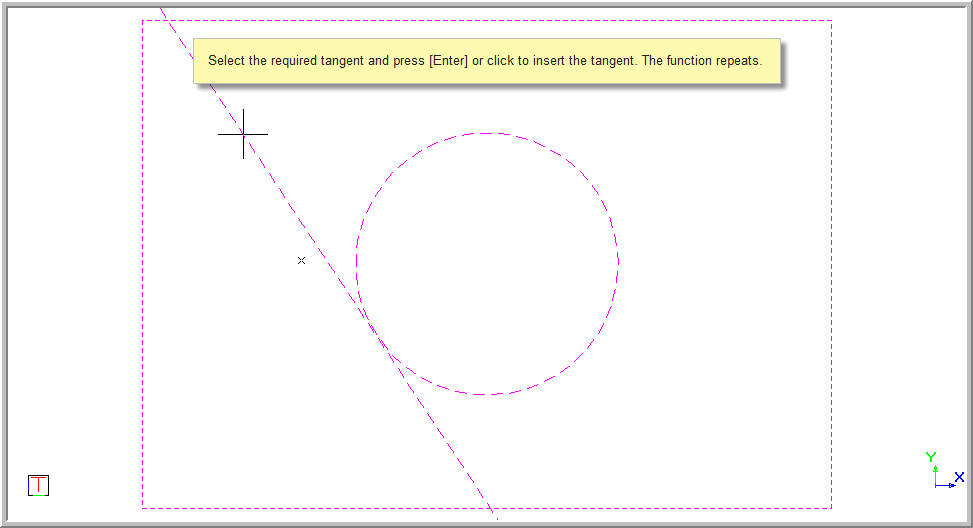
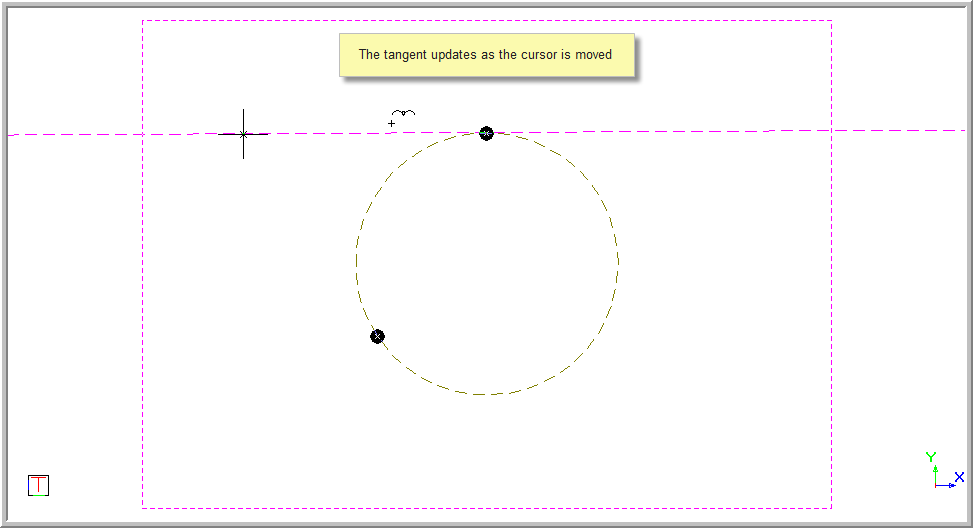
The tangent points update as the cursor is moved.
You are prompted to:

You can now select the correct tangent by positioning the cursor near the tangent point marker.
Press [Enter] or click near the desired tangent point to insert the tangent.