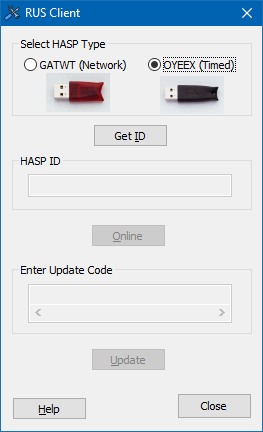
Update a timed dongle online.
Icon |
Command |
Shortcut Key |
Toolbar |
|
|
|
|
Procedure
Select the OYEEX (Timed) option and click Get ID.
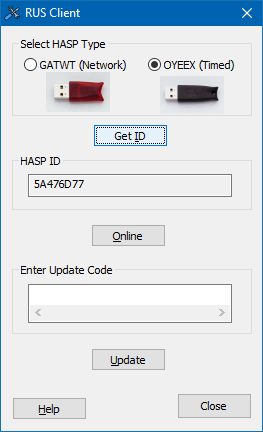
The ID displays in the HASP ID field.
Click Online to open the Knowledge Base On-Line Timed Dongle Update page.
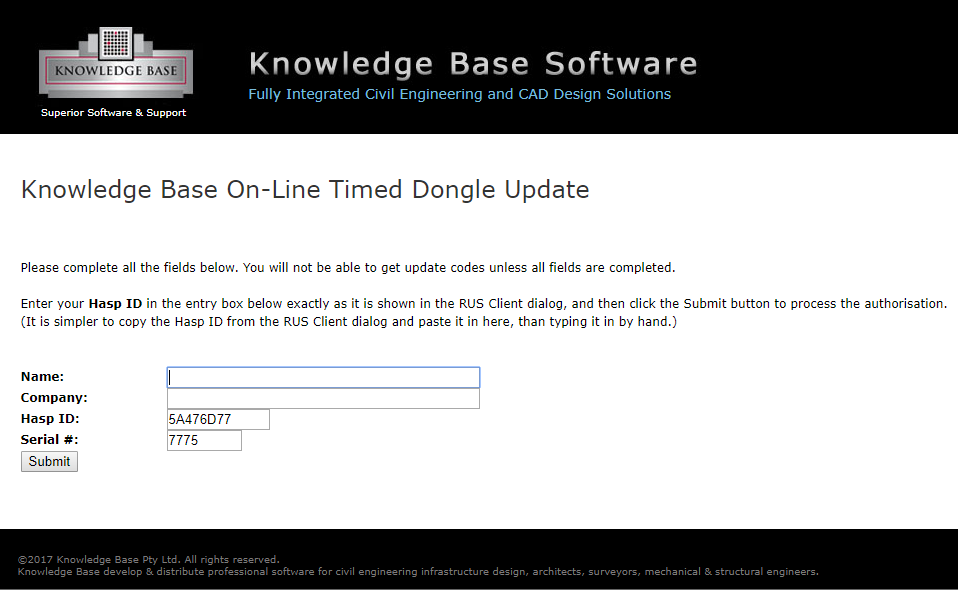
Enter your name and company details before clicking Submit.
Follow the onscreen instructions to update your dongle.