Icon
Command
Shortcut Key
Toolbar

RUNSCRIPT
Scripts
Execute the active script.
|
Icon |
Command |
Shortcut Key |
Toolbar |
|
|
RUNSCRIPT |
|
Scripts |
This function allows you to load and execute the active script.
Procedure
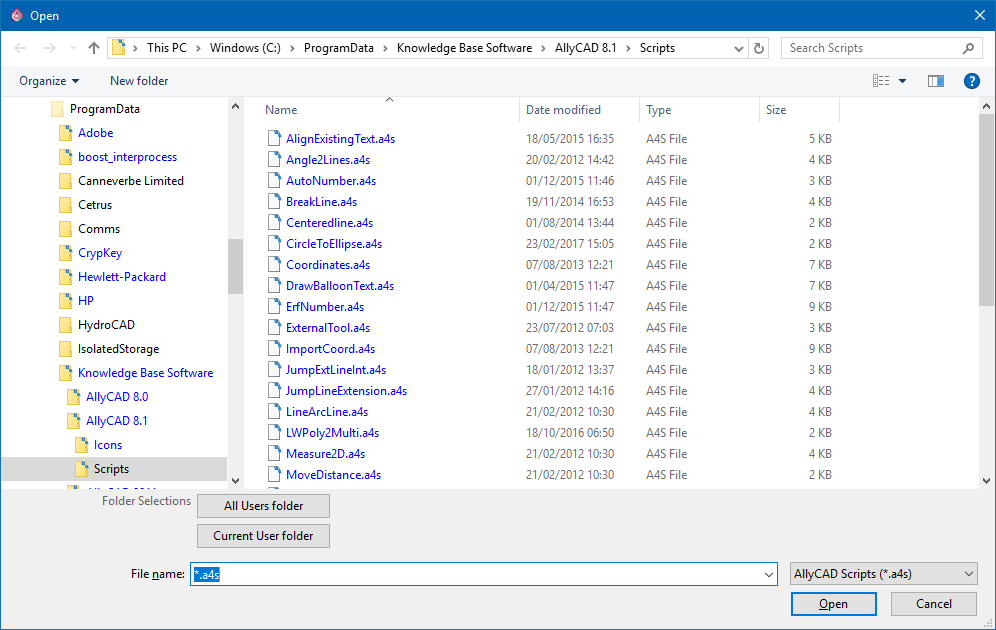
Select the active script to load and execute, and then click Open.
Once the script has run, you are returned to the normal functionality.
 The active script remains loaded until you exit or load another script.