Icon
Command
Shortcut Key
Toolbar

EDITSCRIPT
Scripts
Edit an existing script.
|
Icon |
Command |
Shortcut Key |
Toolbar |
|
|
EDITSCRIPT |
|
Scripts |
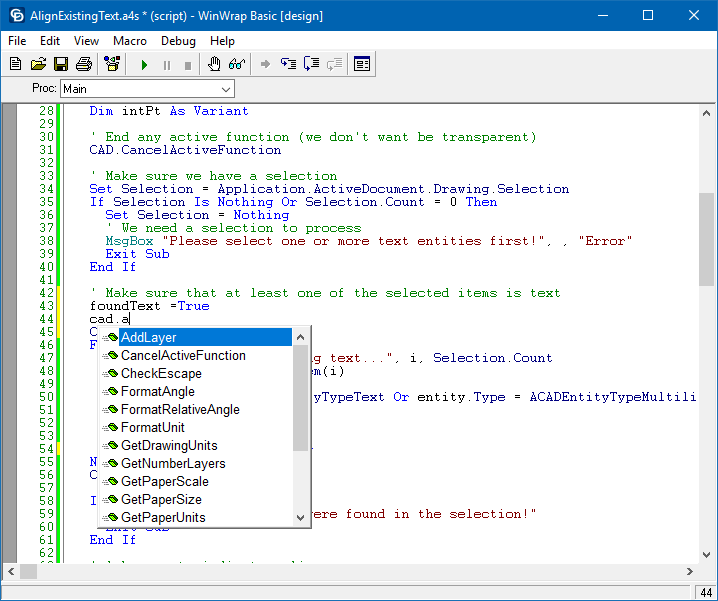
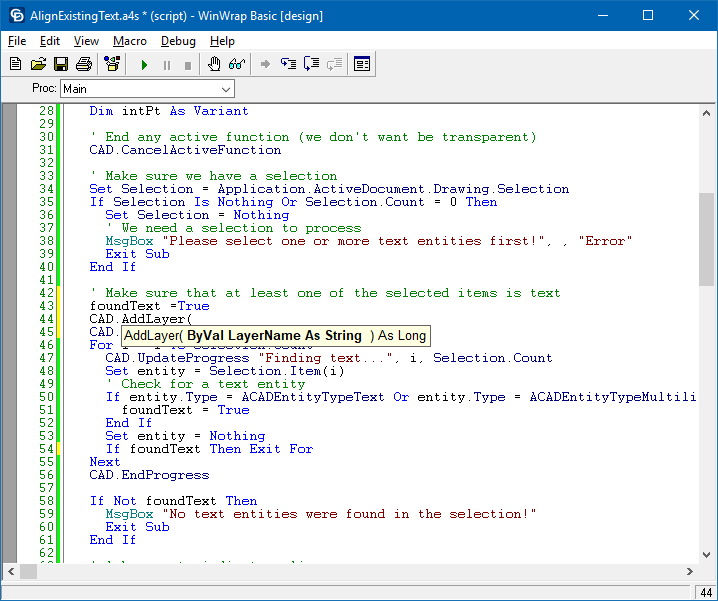
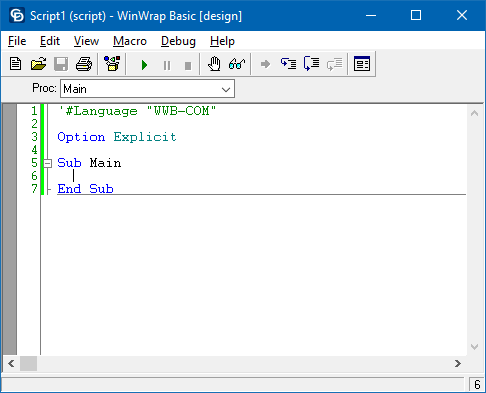
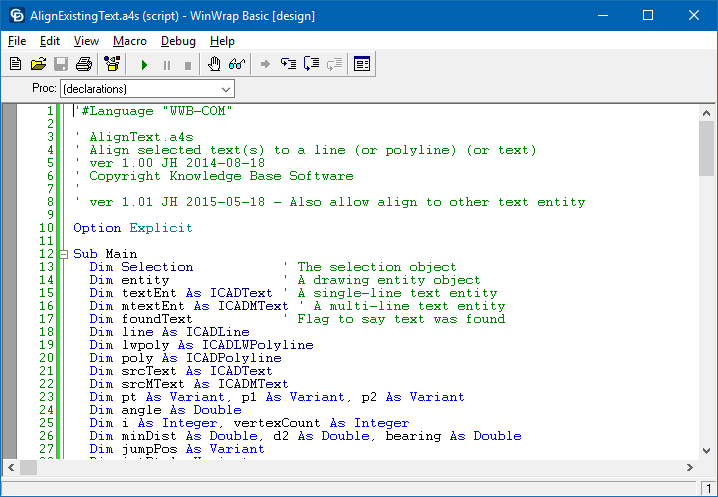
This function allows you to display the current script in memory in the Script Editor.
Procedure
 You can get online help about the VBScript language by selecting Help ► Language.