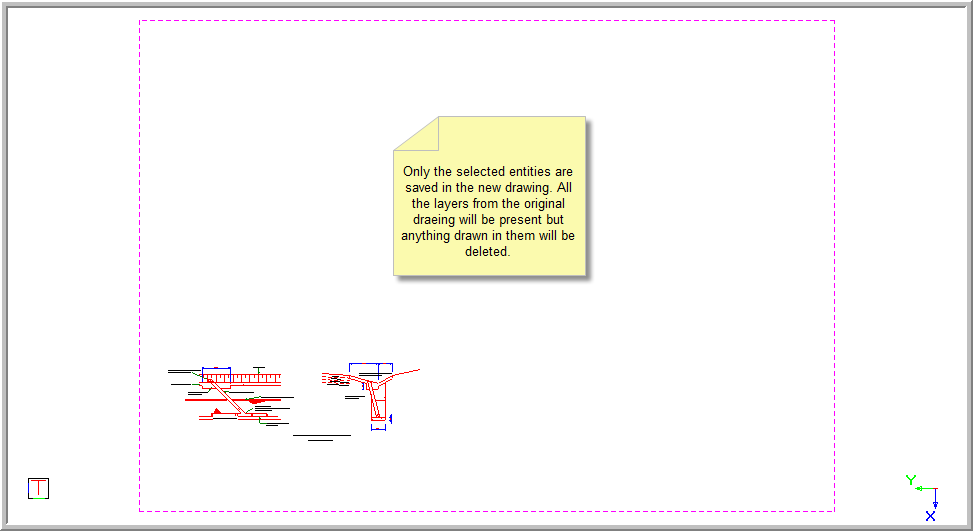
Save Selected
Save only selected drawing entities as a new drawing on disk.
|
Icon
|
Command
|
Shortcut Key
|
Toolbar
|
|

|
SAVESELECTED
|
|
Main
|
This function allows you to save only entities that are currently selected to the new drawing.
Neither this function, nor the Save Visible function, alter the current drawing in any way. The functions simply save the required entities to a new file on disk. You need to open this new file in order to see the results.
Procedure
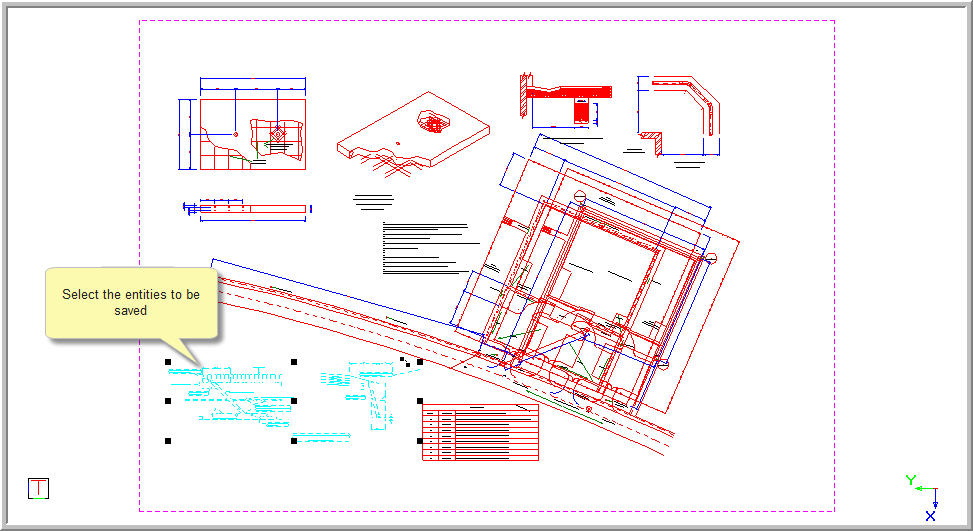
- Select the parts you want to save by clicking on them or dragging a selection box around them. Alternatively, use the standard selection functions (Select All, Select by Polygon, Select by Filter and Invert Selection) to create the required selection of entities you want to save.
- In the Save As window, specify a name and/or file path in which to save the drawing from previously saved material, or create a new name and/or file path.
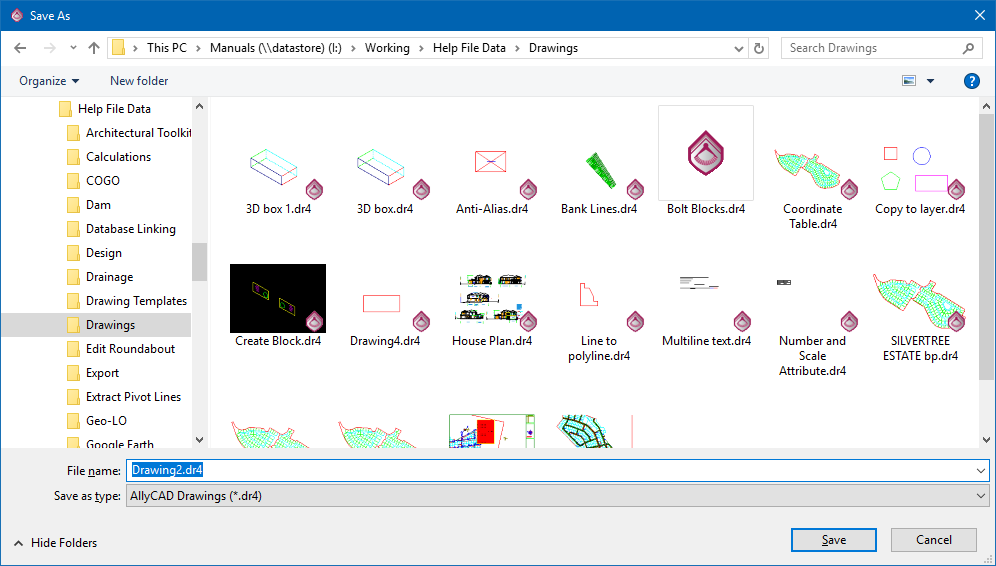
- Click Save. The selected drawing is saved, along with all the layers from the original drawing. The layers with drawing not selected when you save remain empty. The original drawing remains open and you will need to open the newly saved drawing to view it.