Icon
Command
Shortcut Key
Toolbar

SAVEAS
[Shift+F12]
Main
Save the current drawing with a new path and/or filename.
|
Icon |
Command |
Shortcut Key |
Toolbar |
|
|
SAVEAS |
[Shift+F12] |
Main |
This function allows you to save the current drawing to another filename.
AllyCAD utilises the AutoCAD DWG and DXF formats as its drawing exchange format. Most other programs can read DWG and DXF files. For this reason, we do not support saving drawings in formats other than those listed above.
Check with your program suppliers as to what version of DXF can be read. Saving in a higher version than can be read will prevent you transferring drawings between different programs.
Procedure
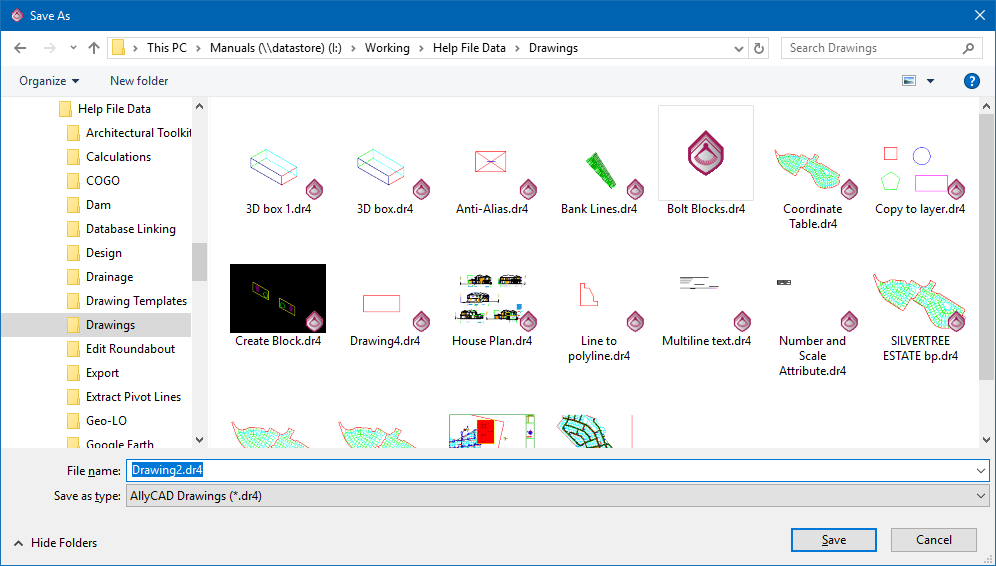
AllyCAD 8.0 (.dr4)
AutoCAD (.dwg and .dxf)
If you are saving as an AutoCAD drawing, you can also select to save in R13, R14, 2000-2002, 2004-2006, 2007 - 2009 or 2010-2012 formats, depending on the program that will be opening the saved drawing at a later stage. The extension of the given filename is automatically updated when you select a different save format from the list.