Icon
Command
Shortcut Key
Toolbar

TEXTIMPORT
MAIN
Import a text file and create text entities.
|
Icon |
Command |
Shortcut Key |
Toolbar |
|
|
TEXTIMPORT |
|
MAIN |
This function allows you to create a multiline text entity from the contents of a text file.
 Text files larger than 32,768 characters are split into multiple multiline text entities.
Procedure
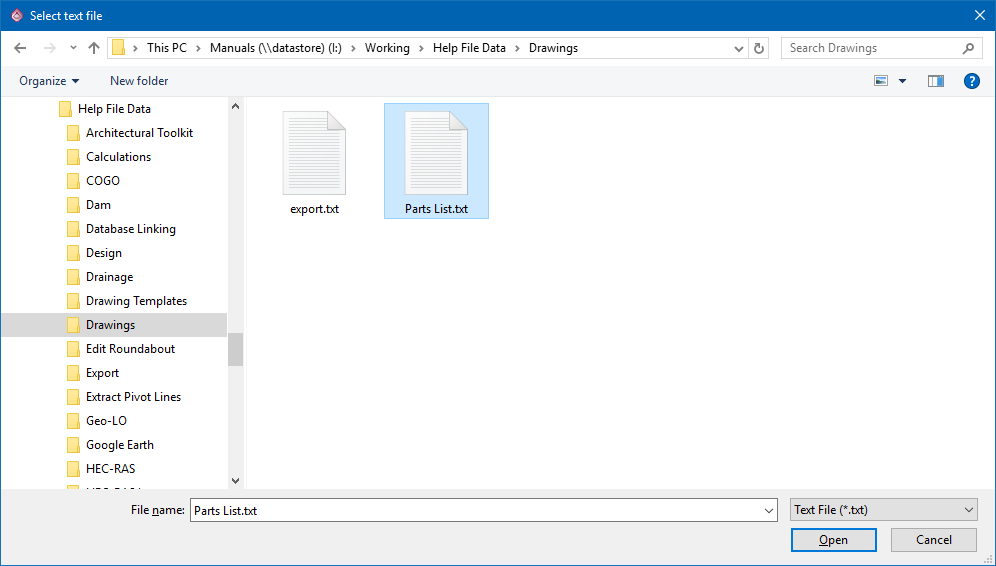
Indicate top left position of text entity
Click to confirm the position where the text must be placed.
The text is imported using the current text style, current pen and layer.
If the current text style uses a proportional font, the text columns may not line up correctly, as below:
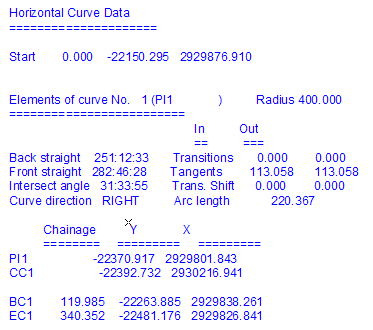
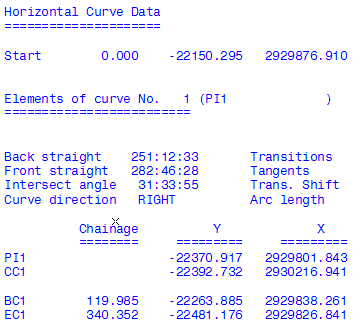
To fix this, change to a monospace font, such as Courier New or Monospac821.