Icon
Command
Shortcut Key
Toolbar

BATCHPRINT
Main
Print all drawings in a folder.
|
Icon |
Command |
Shortcut Key |
Toolbar |
|
|
BATCHPRINT |
|
Main |
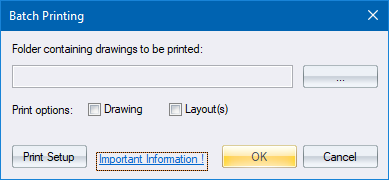
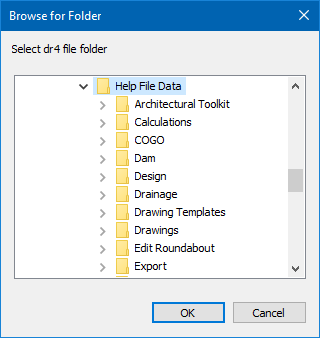
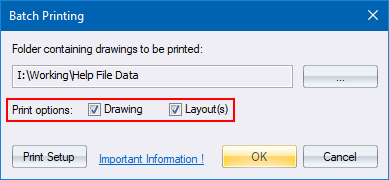
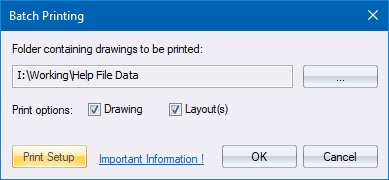
This function allows you to print all the drawing files in a specified folder. You have the option to print the drawing space, or the layout(s), or both.
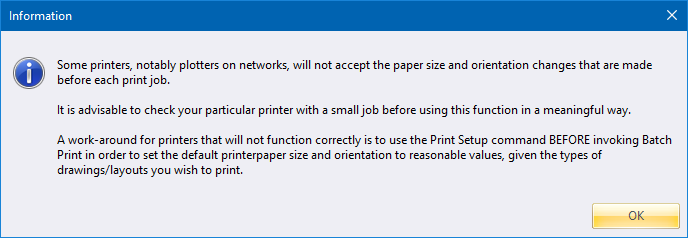
Please note the following information regarding paper sizes.
Procedure