Icon
Command
Shortcut Key
Toolbar

VIEWCOPY
Misc
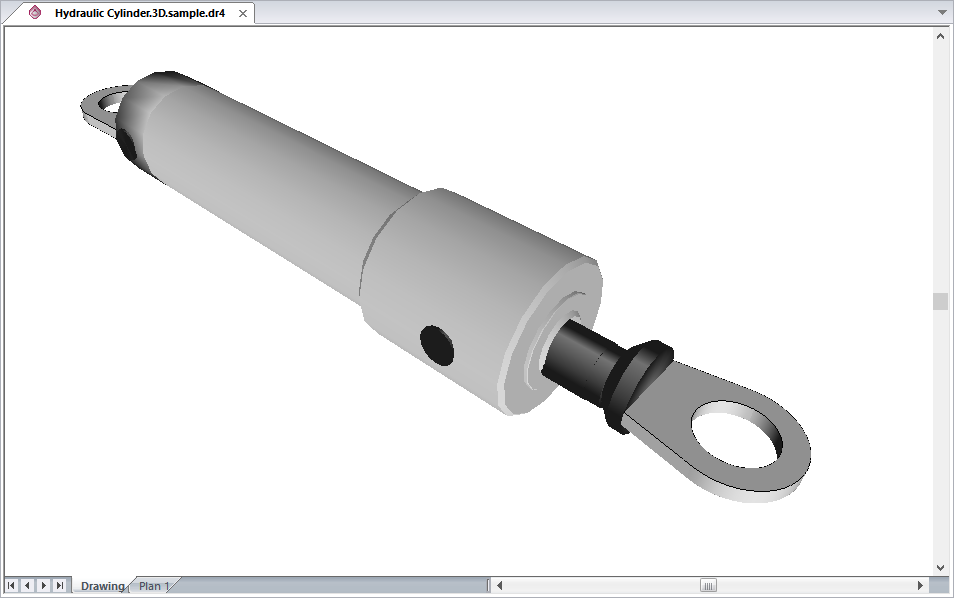
Use this function to copy a screenshot of the current drawing window to the clipboard.
Icon |
Command |
Shortcut Key |
Toolbar |
|
VIEWCOPY |
|
Misc |
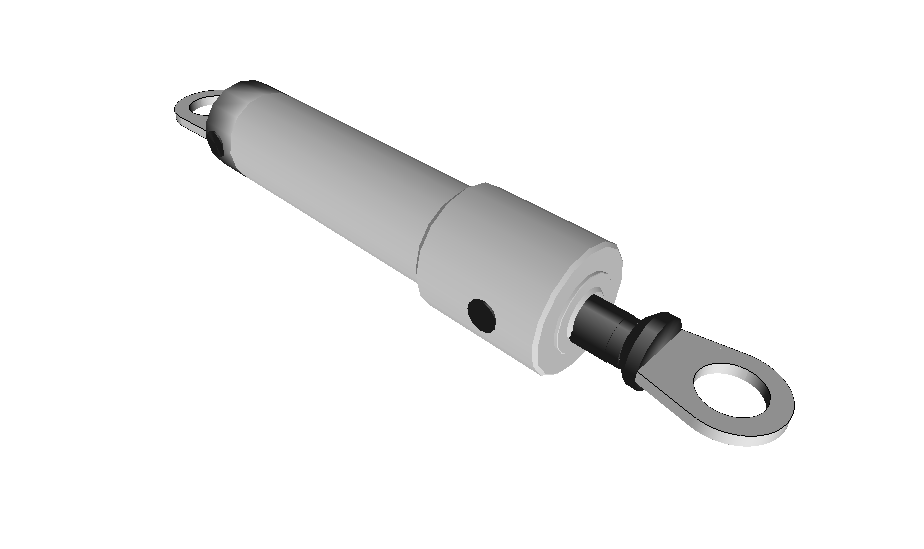
This function allows you to copy a screenshot of the current drawing window to the clipboard. The copied image can be pasted into another Windows application, such as Outlook, Word, Excel, etc., by selecting Edit ► Paste from the menu of that application.
 The size of the
copied image, in pixels, is the same size as the drawing window on the
screen.
The size of the
copied image, in pixels, is the same size as the drawing window on the
screen.
Procedure
To copy a screenshot of the current drawing window to the clipboard: