Icon
Command
Shortcut Key
Toolbar

REDO
[Ctrl+Y]
Main
Restore the drawing to its state before the last Undo.
|
Icon |
Command |
Shortcut Key |
Toolbar |
|
|
REDO |
[Ctrl+Y] |
Main |
This function allows you to redo the last editing action that was undone - move, delete, draw, etc.
 A Redo can only be performed to restore an Undo. AllyCAD can also Redo Geometry.
Procedure
In the example shown below, a square and a geometry cross have been removed using the Undo function.
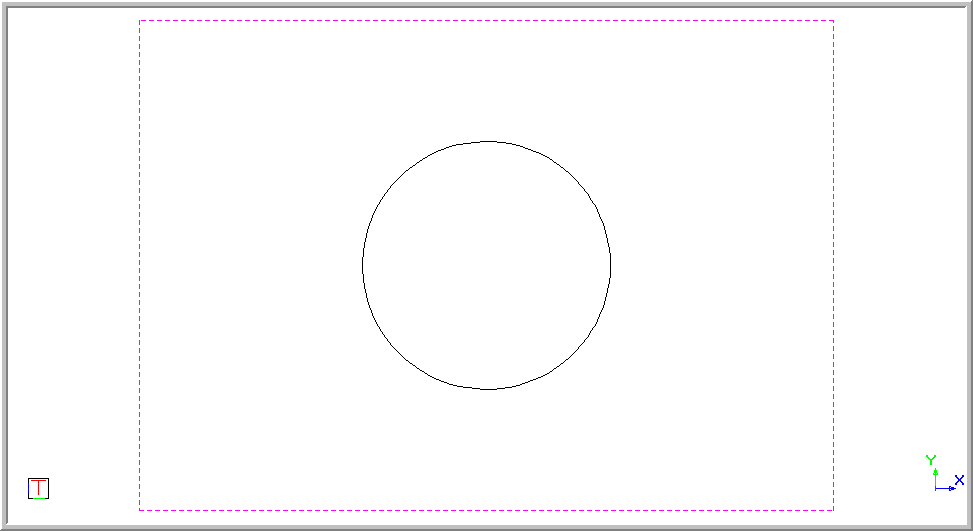
To Redo the last alteration made to a drawing using the Undo option:
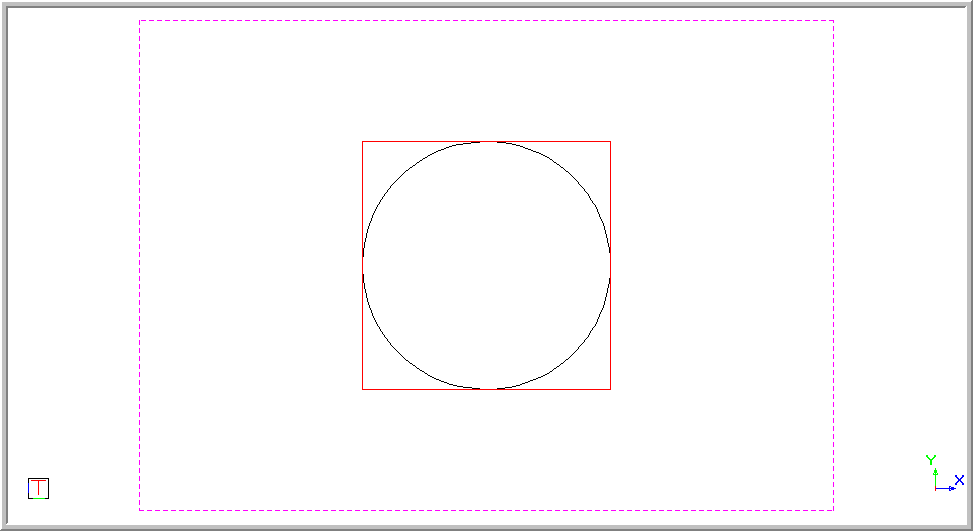
If you select Edit ► Redo, or click the icon in the Main toolbar, the geometry cross is restored to the drawing.
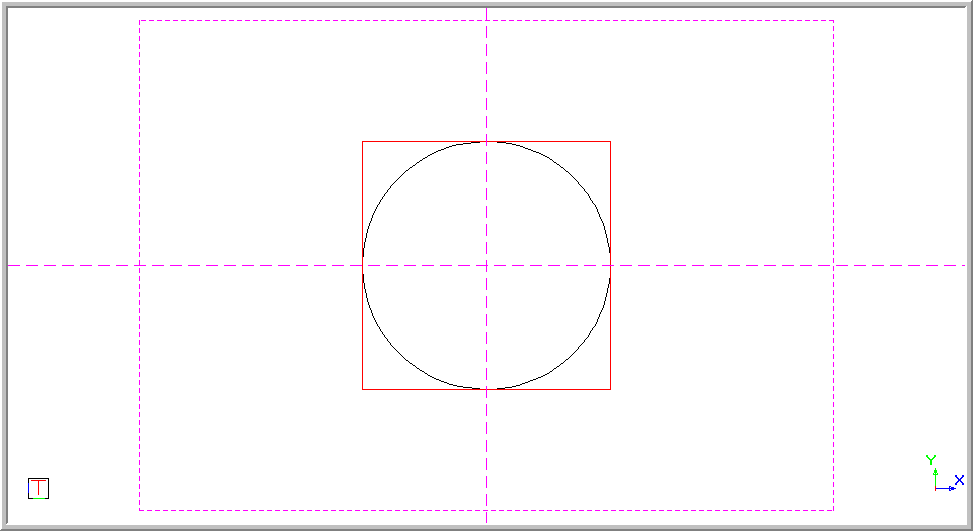
To reverse a Redo, you can use the Undo function or select the item to be removed and delete it.